
There are dozens of AI video generators now, and the technology moves so fast that a new model or major upgrade seems to land every few weeks. That makes picking one genuinely hard, since the leader on quality one month can be leapfrogged the next.
In this guide I compare 11 of the most popular AI video tools, grouped by what each does best, from cinematic 4K output to fast social clips. One entry stands apart because it is not a single model but a platform that gives you access to most of the others in one subscription. Let us get into it.
Key Takeaways
- Google Veo 3.1 leads on cinematic 4K quality with synced audio, making it a strong default for high-end shots.
- ai stands out by bundling most top models, including Veo, Kling, Seedance, Sora and MiniMax, into one subscription from $10 a month.
- Kling, Runway and Pika each excel at a specific job: action scenes, physics-accurate motion and dynamic camera control.
- Most pros use a combination of tools, so easy access to several models matters as much as any single winner. This is especially useful for businesses operating an AI agent platform, where content creation is often just one step in a larger automation workflow.
- Pricing and specs shift constantly, so confirm current details with each provider before you commit.
Comparison Table: Top AI Video Generators 2026
| Tool | Free Trial | Starting Price/mo | Text to Video | Image to Video | Best For |
| Getimg.ai | Yes | $10 | Yes | Yes | Access to most top models in one place |
| Google Veo 3.1 | Yes | $19.99 | Yes | Yes | 4K cinematic quality with audio |
| Kling | Yes | $10 | Yes | Yes | High-action scenes |
| OpenAI Sora | Limited | $20 | Yes | Yes | Multi-shot consistency |
| Runway | Yes | $12 | Yes | Yes | Physics-accurate motion |
| Pika | Yes | $35 | Yes | Yes | Dynamic camera control |
| MiniMax Hailuo | Yes | $14.99 | Yes | Yes | Stylized animations |
| Luma Ray3 | Yes | $9.99 | Yes | Yes | Pro filmmaking and HDR |
| Seedance | Yes | $29 | Yes | Yes | Multi-shot prototyping |
| Vidu | Yes | $10 | Yes | Yes | First and last frame control |
Portable AI Agents In Seconds, Use Everywhere
Prompt, Test, and Deploy AI Agents Across Social Platforms and LLMs. Automate Everything.
How I evaluated these AI video generators
I looked at each tool on the things that actually decide a project: output quality and resolution, whether it supports both text to video and image to video, control over motion and framing, licensing for commercial use, and price relative to what you get.
I also weighed how each fits a real workflow rather than a one-off test clip, since most creators mix several models across a single project. If you are building out a wider creative stack, it also helps to see how these tools fit alongside AI Image Generation platforms and other content creation tools before committing your budget. Because this category moves so fast, treat the specifics below as a snapshot and verify current details before buying.
1. Getimg.ai: Best for accessing most top models in one place
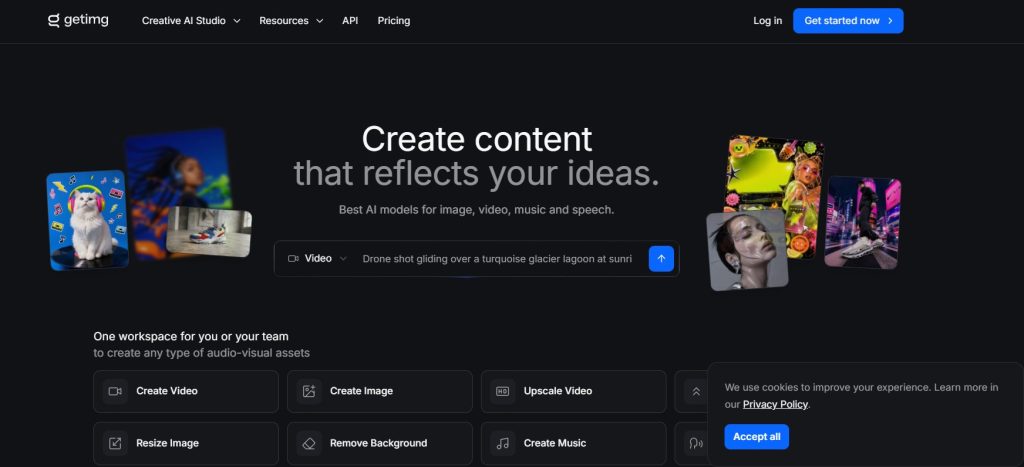
Resolution: Model-dependent, up to each model’s maximum
Inputs: Text to video and image to video
Starting price: From $10/month, with a lower yearly rate
Overview
Most tools on this list are single models, which means chasing the best result often turns into juggling several subscriptions. Getimg.ai takes the opposite approach: it is a multimodal creative platform that puts the leading video models behind one login, with an auto mode that picks the right one for each clip.
Founded in 2022 and now used by more than 10 million people, Getimg.ai offers both text to video and image to video, and gives access to nine video models across its plans, including Google Veo, Kling, ByteDance Seedance, MiniMax, Sora and more. You can generate straight from a prompt, animate a still, or set start and end frames for precise control, all in the browser with no editing skills required.
For marketing work the practical wins add up quickly. They can also support broader AI agent workflows, where automatically generated videos become part of customer onboarding, marketing campaigns, or internal business processes. Every paid plan includes commercial rights, most models accept reference images so a campaign stays on brand across clips, and you can run a batch of videos at once, from two on the entry plan up to ten on higher tiers. That makes it easy to test ad cuts side by side or ship a launch in a day.
The pricing is the clincher for anyone comparing single-model subscriptions. Plans start at $10 per month for 3,000 credits and nine video models, then scale through Core at $30, Plus at $65 and Ultra at $175 per seat as your volume and team size grow. Getting several top models plus image, music and speech generation in one subscription is hard to beat on value.
Strengths
- Access to nine leading video models in one subscription
- Auto mode selects the best model for each clip
- Text to video and image to video, with start and end frame control
- Commercial rights on every paid plan, plus reference-image support
- Batch generation and team workspaces, from $10 a month
Consider
- Credit-based usage means heavy video work consumes credits faster
- As an aggregator, individual model features track what each provider ships
Best for: marketers and creators who want the flexibility of many top models, commercial rights and batch output without paying for several separate tools.
2. Google Veo 3.1: Best for 4K cinematic quality
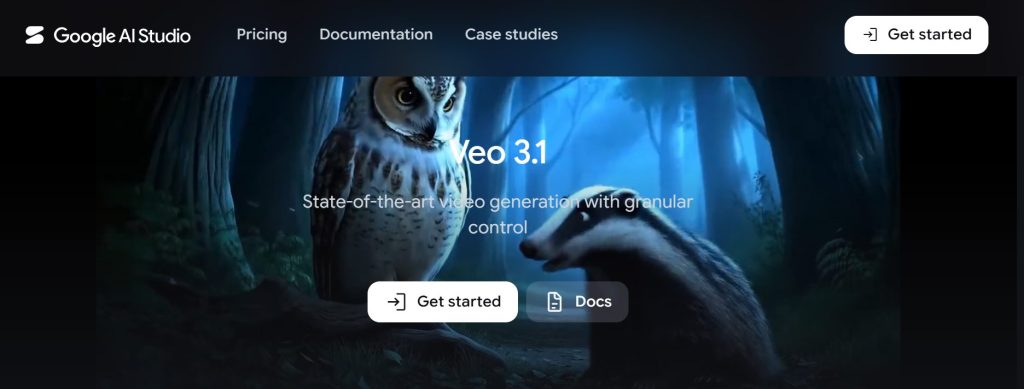
Resolution: Up to 4K
Max shot length: About 8 seconds
Starting price: From around $19.99/month
Overview
Google Veo 3.1 is one of the strongest models for realistic, cinematic shots, and it now generates synced audio including dialogue, music and background sound. Lighting, reflections and camera motion tend to hold together well, which makes it a reliable default for high-end work.
Strengths
- Excellent realism and lighting, with 4K output
- Generates synced audio alongside video
- Available in the Gemini app and Google’s Flow tool
Consider
- Shorter maximum shot length than some rivals
- Water and crowd physics can still look slightly off
Best for: teams that want the most convincing cinematic output and value audio generation built in.
3. Kling: Best for high-action scenes
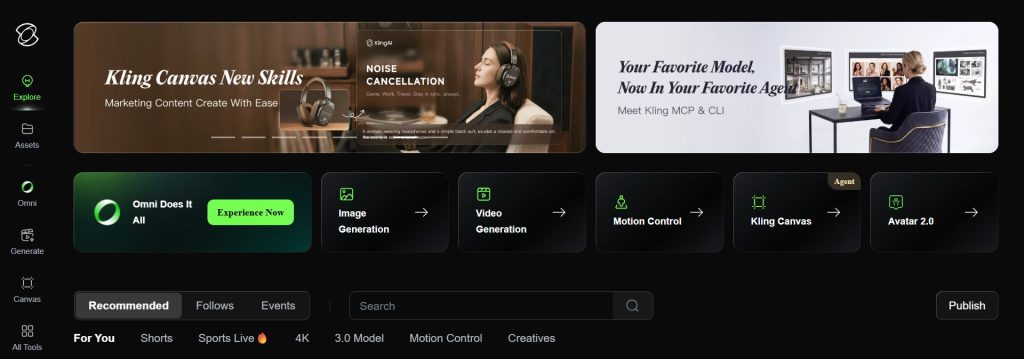
Resolution: 1080p
Max shot length: About 10 seconds
Starting price: From around $10/month
Overview
Kling is one of the most popular video generators and handles dynamic, high-action shots well. Its recent models are strong on prompt adherence and sweeping camera moves, and it offers useful features like transitions between uploaded start and end frames.
Strengths
- Strong motion and camera movement for action shots
- Good prompt adherence and multi-shot consistency
- Start and end frame transitions
Consider
- Some models do not generate synced sound
- Sky and background detail can occasionally glitch
Best for: creators who need believable movement and energy in their shots. Also available inside Getimg.ai.
4. OpenAI Sora: Best for multi-shot consistency
Resolution: Up to 1080p
Max shot length: 15 to 25 seconds by plan
Starting price: From around $20/month
Overview
Sora is known for holding scenes together across multiple shots and creating a real sense of depth. It builds immersive, believable worlds, though output can need prompt iteration and a close eye on compression.
Strengths
- Strong multi-shot consistency and depth
- Longer shot lengths on higher tiers
- Immersive, cohesive scene design
Consider
- Limited free access for video generation
- Watch for compression and tearing in busy shots
Best for: narrative work that needs consistency across several shots. Also available inside Getimg.ai.
5. Runway: Best for physics-accurate motion
Resolution: Up to 1080p
Max shot length: About 10 seconds
Starting price: From around $12/month
Overview
Runway produces stylish, directed-feeling motion and has added multi-shot and audio generation in its latest release. It excels at movement, though fine textures and realism can lag the very top models.
Strengths
- Excellent, directed motion
- Multi-shot and audio in the latest version
- Strong creative editing toolset
Consider
- Textures and realism can be weaker than rivals
- Best results need careful prompting
Best for: creators who prioritize motion quality and editing control.
6. Pika: Best for dynamic camera control
Resolution: Up to 1080p
Max shot length: About 10 seconds
Starting price: From around $35/month
Overview
Pika stands out for creative camera control and preset actions like frame morphs and additions. It produces detailed, realistic elements and lets you set aspect ratios for social platforms, though generation can be slow at peak times.
Strengths
- Creative presets like frame morphs and additions
- Detailed, realistic rendering
- Social-ready aspect ratios
Consider
- Higher entry price than several rivals
- Generation can be slow under load
Best for: social creators who want playful, controllable camera effects.
7. VStudios: Best for AI filmmaking and scene consistency
Resolution: Depends on the selected generation model and export settings
Max shot length: Built for combining multiple generated shots into longer scenes and complete productions
Starting price: Free access available; paid pricing varies by plan
Overview
VStudios is built specifically around AI filmmaking rather than isolated clip generation. It gives creators more control over characters, locations, individual scenes, sound, dubbing, and subtitles while helping maintain visual consistency across a longer production.
Strengths
-
Character and location consistency across scenes
-
Designed for multi-scene AI filmmaking
-
Editing, sound, dubbing, and subtitles in one workflow
-
Suitable for both vertical and horizontal productions
Consider
-
Complex scenes may require several generations
-
Strong results still depend heavily on detailed prompting and creative direction
Best for: filmmakers creating short films, micro-dramas, episodic content, and other multi-scene AI productions.
8. MiniMax Hailuo: Best for stylized animations
Resolution: Up to 1080p
Max shot length: About 5 seconds on entry use
Starting price: From around $14.99/month
Overview
Hailuo is often praised as a serious competitor to larger providers, with excellent lighting, textures and reflections. It also offers low-cost one-off credit packs, which is handy for occasional projects and testing.
Strengths
- Fantastic lighting and textures
- Affordable one-off credit packs
- Strong initial output from a single prompt
Consider
- Shorter shot lengths on cheaper use
- Prompt tweaks may be needed for dynamic reveals
Best for: stylized, budget-conscious animation. Also available inside Getimg.ai.
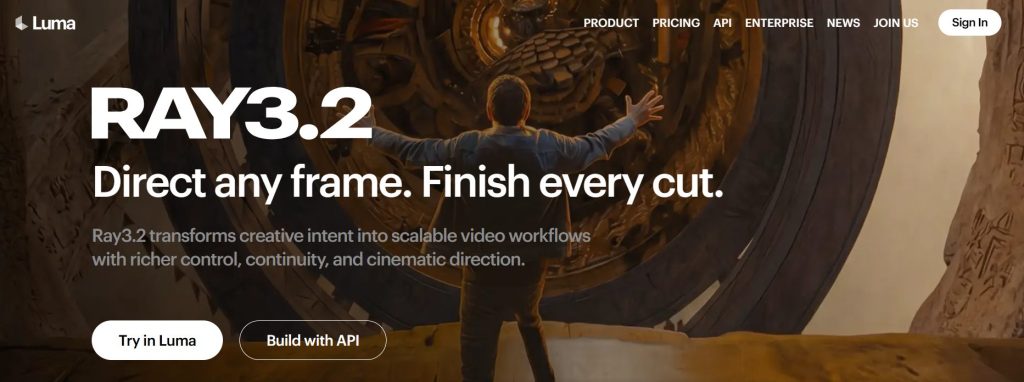
9. Luma Ray 3.2: Best for professional filmmaking
Resolution: Up to 4K, with HDR
Max shot length: About 10 seconds
Starting price: From around $9.99/month
Overview
Luma’s Ray3.2 and Ray3 HDR have made big gains, supporting 16-bit ACES color and 4K HDR output, a real advantage for post-production. HDR shots can look stunning on the right monitor, with excellent bokeh and reflected light.
Strengths
- 4K and HDR output with pro color workflows
- Beautiful light and reflection handling
- Great fit for post-production pipelines
Consider
- HDR must be generated from the start, using more credits
- Fast camera moves can break down
Best for: filmmakers and post teams who need technically superior, HDR-ready output.
10. Seedance: Best for rapid multi-shot prototyping
Resolution: Up to 1080p
Max shot length: About 10 seconds
Starting price: From around $29/month
Overview
Seedance, from ByteDance, is built for quickly prototyping multiple shots. Output can feel more stylized than hyper-real, but it is a fast way to block out ideas before committing to a higher-end render.
Strengths
- Good for fast multi-shot prototyping
- Covers the main prompt elements reliably
- Available across several platforms
Consider
- Less realistic than the top cinematic models
- Shots may lack a strong creative reveal
Best for: quick ideation and storyboarding. Also available inside Getimg.ai.
11. Vidu: Best for precise first and last frame control
Resolution: Up to 1080p
Max shot length: About 8 seconds
Starting price: From around $10/month
Overview
Vidu offers frame control and preset templates that make it easy to spin up viral-style moments. Its cheapest plan allows commercial use, though output quality trails the leading models and it has advanced less than some rivals.
Strengths
- Affordable frame control
- Preset templates for quick results
- Commercial use on the cheapest plan
Consider
- Output can look compressed
- Less advancement than competing models
Best for: budget projects that need first and last frame control.
Which tool fits your workflow?
The stress-test winners are not always the right pick for a specific job. For example, teams using AI agents for workspace productivity may prioritize speed and batch generation over cinematic quality when producing internal training or product updates. Here is how these translate to common real-world tasks.
| If you are making… | Use this… | Because… |
| Cinematic content | Google Veo 3.1, Luma Ray3 HDR | Top realism, 4K and HDR output for high-end shots |
| A mix across a project | Getimg.ai | One subscription unlocks most top models with commercial rights |
| Action and dynamic scenes | Kling, Runway | Strong motion and directed camera movement |
| Social clips | Pika, Vidu | Social aspect ratios, presets and affordable frame control |
| Multi-shot narratives | OpenAI Sora, Seedance | Consistency across shots and fast prototyping |
| Budget projects and testing | MiniMax Hailuo, Luma Ray3 | Low entry cost and one-off credit packs |
The verdict: which is the best AI video generator?
The honest answer is that the best AI video generator depends on your project and your eye, because these models change ranking almost monthly. As more organizations build an AI workforce, video generation is becoming another task that can be automated, making it easier to produce marketing assets, training materials, and product updates at scale. Google Veo 3.1 and Luma Ray3 HDR are the picks for pure cinematic quality, while Kling and Runway shine on motion.
If you would rather not bet on a single model, Getimg.ai is the most practical choice, since it bundles most of these tools into one affordable subscription with commercial rights and batch output. Most professionals end up using a combination of models anyway, so easy access to several in one place is often the smartest way to work.
AI Agentic Platform For Building Portable AI Agents
Say Hello To Agentic AI That Connects With Your CRM And Even Other Agents
Frequently Asked Questions
What is the best AI video generator in 2026?
It depends on the task. For cinematic 4K quality, Google Veo 3.1 and Luma Ray3 HDR lead. For access to many top models in one place, Getimg.ai is the most flexible, since it bundles nine video models into a single subscription with an auto mode that picks the best one per clip.
Can AI video generators do both text to video and image to video?
Most of the leading tools support both. Text to video creates a clip from a written prompt, while image to video animates a still you upload. Getimg.ai, Veo, Kling, Runway, Pika and others all offer both, which is useful because refining a still first is often cheaper than regenerating full clips.
How much do AI video generators cost?
Entry paid plans typically run from about $10 to $35 per month, with enterprise and higher-volume tiers costing more. Getimg.ai starts at $10 a month and includes several models, while single-model tools like Pika or Sora can cost more for one engine. Confirm current pricing before buying, since it changes often.
Are AI-generated videos cleared for commercial use?
Many tools include commercial rights on paid plans, but terms vary, so always check. Getimg.ai includes commercial rights on every paid plan, and Vidu allows commercial use even on its cheapest tier. For client and paid campaign work, verify the license before you publish.
Do I need editing skills to use an AI video generator?
No. These tools are built to turn a prompt or image into a finished clip in minutes, with no timeline editing required. Browser-based platforms like Getimg.ai walk you from prompt to download in a few steps, so beginners and pros can both get usable results quickly.

Pingback: How Visual Storytelling can boost your lead generation
Pingback: 5 ways to use video to boost your social media efforts