
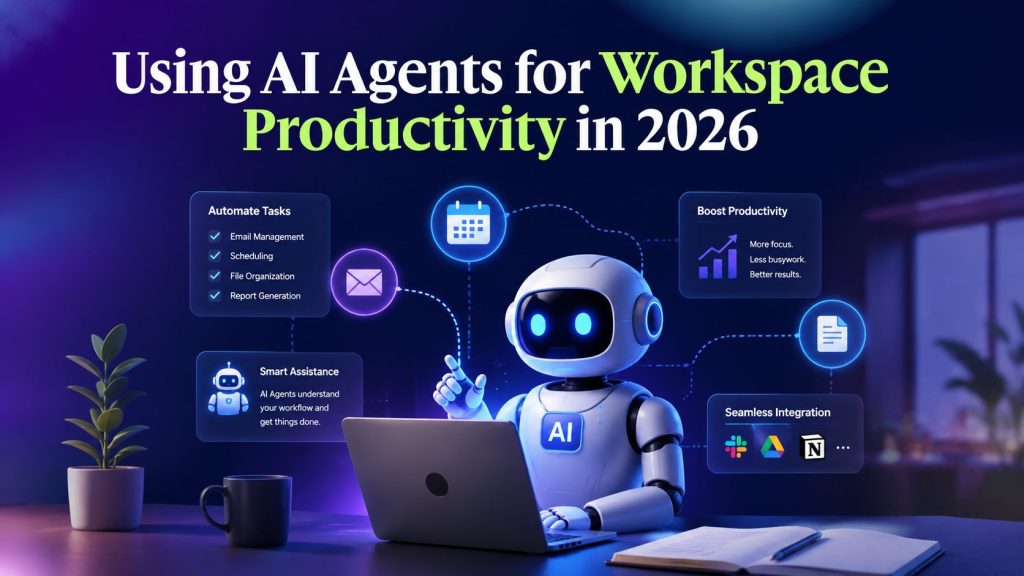
You open your laptop. Forty-seven unread emails. Three Slack channels with urgent tags. A calendar full of meetings that could have been async. And somewhere beneath all of that noise, the actual work you need to do.
This isn’t a time management problem. It’s a delegation problem.
In 2026, the most productive people in any organization aren’t the ones who work longer hours or wake up earlier. They’re the ones who’ve learned to offload repetitive cognitive work to AI agents, specialized digital workers that handle tasks, manage coordination, and keep operations running while humans focus on decisions that actually move the needle.
This guide breaks down how AI agents for workspace productivity are reshaping modern teams in 2026, where they deliver the most value, and how you can start building your own digital workforce today.
Key Takeaways
- AI agents in 2026 have evolved from simple chatbots into autonomous digital workers that execute multi-step workflows across your entire tool stack without handholding.
- The biggest productivity gains come from delegating repetitive, process-heavy work to specialized agents — email triage, ticket resolution, status reporting, meeting follow-ups, not from replacing human judgment.
- Modular, no-code agent platforms make it possible to start small with a single agent handling one task, then expand into a coordinated digital workforce as trust and confidence grow.
- The most effective setups combine AI agents with a central Work OS where tasks, communications, and integrations live in one place.
- Governance and data security remain the top concerns, but modern platforms with permission controls and human-in-the-loop safeguards make adoption manageable.
Portable AI Agents In Seconds, Use Everywhere
Prompt, Test, and Deploy AI Agents Across Social Platforms and LLMs. Automate Everything.
What Are AI Agents for Workspace Productivity?
AI agents for workspace productivity are digital workers designed to handle specific operational tasks on behalf of teams. Unlike traditional automation tools that follow rigid “if-this-then-that” rules, AI agents understand context, adapt to changing inputs, and work across multiple systems autonomously.
Think of them less like software and more like employees. Each aagent has a specific role, managing your inbox, updating your project boards, triaging customer tickets, preparing reports, and it performs that role consistently without requiring constant oversight.
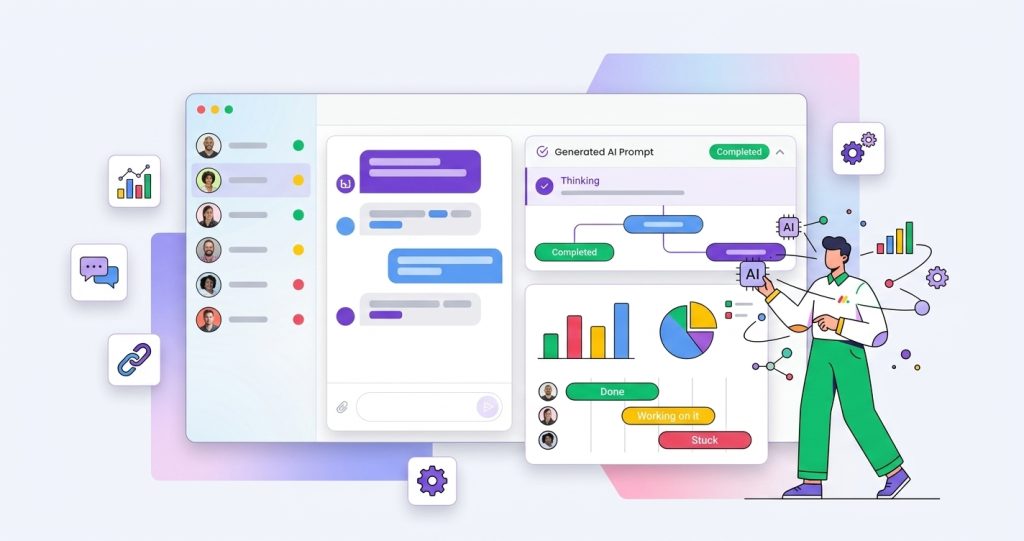
The key difference from the chatbots of previous years is autonomy. A chatbot waits for someone to type a question. An AI agent acts, it monitors systems, detects when work needs doing, and executes without waiting for a prompt.
This shift is part of the broader evolution toward Agentic AI, where systems can reason, make decisions within defined boundaries, and complete multi-step tasks with minimal human intervention. As these capabilities improve, AI agents become practical collaborators rather than simple automation tools.
According to monday.com’s World of Work Report, teams that have integrated AI agents into their daily workflows report up to 40% improvement in employee productivity, with the biggest gains coming from reductions in context-switching and manual admin work.
Why 2026 Is the Year AI Agents Finally Deliver
We’ve heard promises about AI transforming productivity for years. What makes 2026 different? Three things have converged:
-
Agent Autonomy Has Crossed a Threshold
Earlier generations of AI required constant human supervision. You’d prompt, it would respond, you’d correct, it would try again. The cognitive load of managing the tool often exceeded the work it was supposed to save.
That’s changed. Modern AI agents can hold context across long-running tasks, make judgment calls within clearly defined boundaries, and escalate only when they hit something that genuinely needs human input.
“The best AI agent is the one you forget exists, because it quietly handles the background work while you focus on what matters.”
-
Integration Has Become Seamless
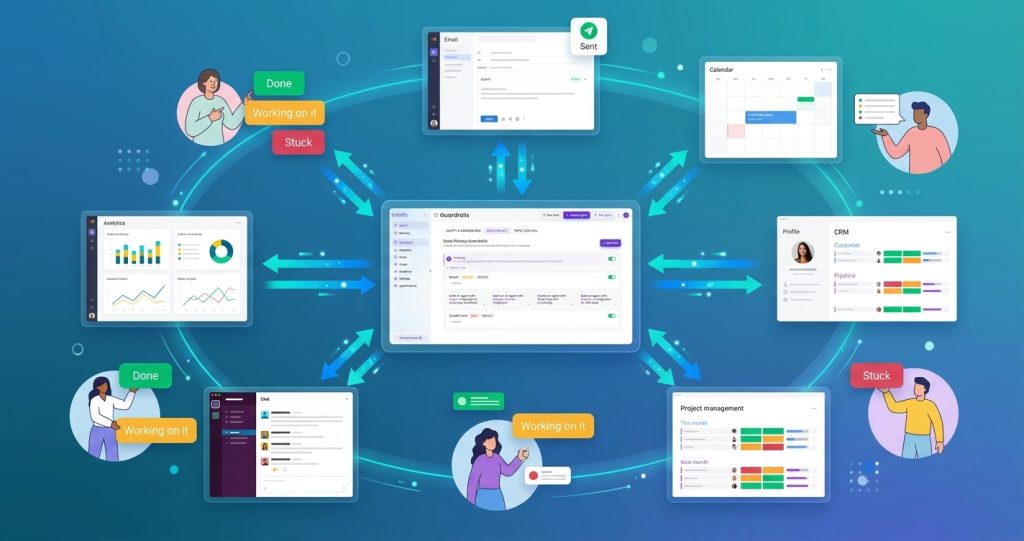
In 2024 and 2025, AI agents were often siloed, they worked well inside a single platform but couldn’t reach across your tool stack. Today’s agents connect to 5,000+ apps through protocols like Model Context Protocol (MCP), pulling data from your CRM, updating your project management tool, sending messages through Slack, and logging activities in your spreadsheet, all within the same workflow.
Behind these capabilities are modern AI Agent frameworks that provide the structure for reasoning, tool integration, and coordinated task execution across multiple systems. Without that foundation, these workflows would be far more difficult to manage at scale.
-
No-Code Agent Building Has Gone Mainstream
You no longer need a team of engineers to build AI agents. Platforms like Botsify use prompt-based creation, you describe what you want the agent to do in plain language, and it’s ready to deploy. No drag-and-drop workflow builders. No complex configuration screens. Just a prompt and a deploy button.
This is one of the reasons the Best AI Agent Platforms now focus on simplifying deployment instead of requiring businesses to build everything from scratch. Faster implementation means teams can start solving operational problems much sooner.
The Top 5 Ways AI Agents for Workspace Productivity Boost Team Performance
The real value of AI agents for workspace productivity isn’t in any single feature. It’s in the cumulative effect of dozens of small tasks handled automatically, the emails drafted, the tickets triaged, the reports generated, the follow-ups sent, freeing your team to do work that actually requires human creativity and judgment.
Here are the five areas where AI agents deliver the most measurable productivity impact.
1. Email and Communication Triage
Your inbox is probably the single biggest productivity drain in your day. Studies consistently show that professionals spend 28% of their workweek reading and responding to email. That’s over 11 hours per week, on email.
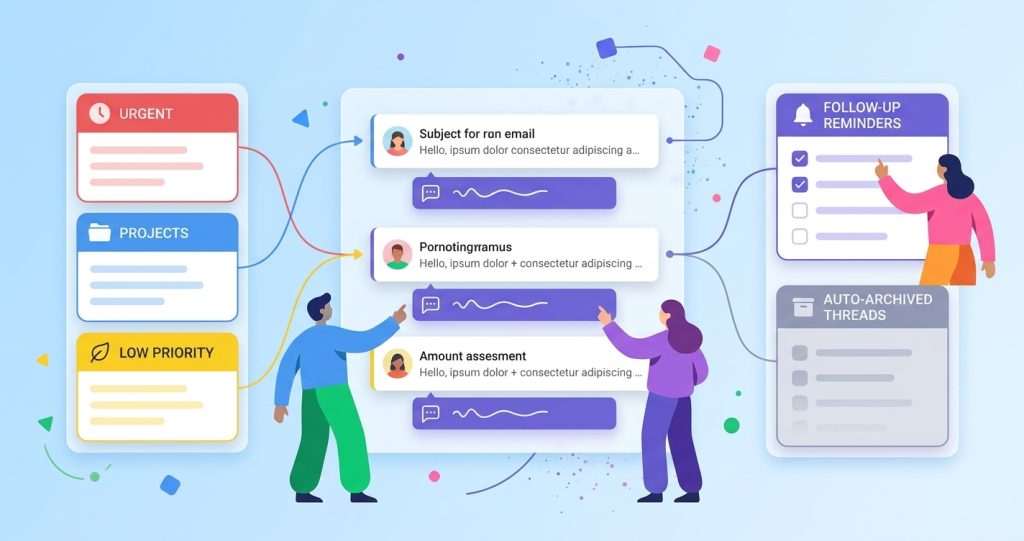
AI agents in 2026 can handle a significant portion of that. Here’s what a well-configured email agent looks like:
- It reads incoming messages, categorizes them by project and priority
- Drafts personalized responses using your writing style and tone
- Flags urgent emails from key stakeholders for your immediate attention
- Archives or defers low-priority messages to designated review times
- Suggests meeting times based on mutual calendar availability and sends invites automatically
The result isn’t an empty inbox. It’s a managed queue that you can process in 15 minutes twice a day instead of drowning in it continuously. For many AI agents for small businesses, this kind of time saving is often the quickest way to see measurable value. Even small teams can respond faster and stay organized without increasing headcount.
2. Project and Task Management Automation
Project management tools are fantastic, until they become a full-time job just to keep them updated. Status reports, task assignments, deadline adjustments, dependency tracking, all of this admin work adds up fast.
Custom AI agents that integrate directly with your project management platform can:
- Auto-assign tasks based on team member workload, skill match, and current availability
- Detect blocked tasks and surface them to the right person with a suggested unblock
- Generate daily or weekly standup summaries from actual board activity, no meetings required
- Monitor timelines and alert stakeholders when scope creep or delays are detected
- Suggest optimal task sequencing based on dependencies and team capacity
Teams that set up project management agents report spending 30-40% less time on status updates and project admin work. That’s time that goes back into actual building.
3. Customer Support and Ticket Resolution
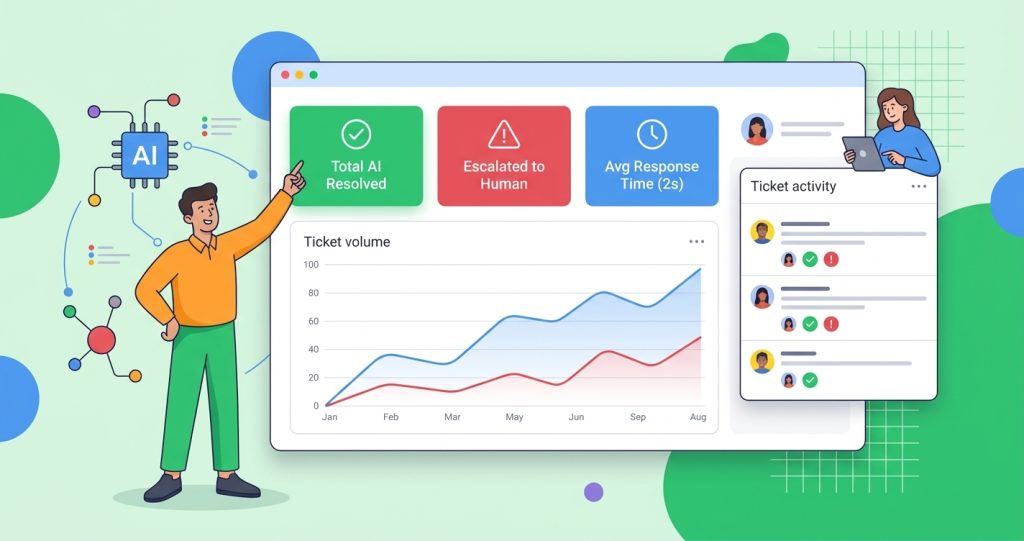
Customer support is where AI agents have made the most dramatic leap in 2026. Modern support agents don’t just answer FAQs with pre-written scripts. They:
- Scan your knowledge base, past ticket history, and product documentation to find relevant solutions
- Draft complete, personalized responses that match your brand voice
- Handle first-line support across email, chat, and voice without human intervention
- Learn from every interaction, successful resolutions improve future responses
- Escalate only complex or sensitive cases to human agents with full context attached
What does this look like in practice? A customer submits a ticket at 2 AM. Within seconds, the AI agent has found the relevant solution, drafted a response, sent it, and updated the ticket status. The customer gets an answer immediately. Your human support team wakes up to a clean queue of only the cases that genuinely need their expertise .
4. Data Analysis and Reporting
Every team needs reports. Nobody enjoys building them.
AI agents in 2026 can pull data from multiple sources, your CRM, project boards, billing systems, analytics platforms, and compile cross-functional reports automatically. They can:
- Detect anomalies in sales pipelines, budget spend, or project velocity before they become problems
- Generate natural-language summaries of complex datasets that stakeholders can actually read
- Send proactive alerts when key metrics deviate from targets
- Answer ad-hoc questions about your data in plain English
The best managers in 2026 don’t spend hours each week building reports. They ask their AI agent for the update and spend the saved time making decisions.
| Task | Without AI Agent | With AI Agent | Time Saved |
| Weekly status report | 2 hours of manual collection + writing | Agent compiles and drafts in minutes | 1.5 hours |
| Email triage
Ticket |
30 min per session, 3x daily | 15 min per session, 2x daily | 1 hour/day |
| Ticket response (L1) | 15 min per ticket | Instant | 15 min/ticket |
| Meeting follow-ups | 20 min per meeting | Agent does it | 20 min/meeting |
| Cross-tool data pulls | 45 min per request | Real-time | 45 min/request |
5. Meeting and Calendar Intelligence
Meetings are necessary. The work around meetings, scheduling, preparing, following up, often isn’t.
AI agents handle the entire meeting lifecycle:
- Before the meeting: pull relevant documents, summarize recent activity on discussed topics, and prepare briefing notes
- During the meeting: transcribe, capture action items, and identify decisions made
- After the meeting: distribute notes, assign action items to the right people, update project boards, and schedule follow-ups
The agent doesn’t attend the meeting. It works alongside it, handling all the administrative overhead so participants can stay present and engaged. That reach now extends into the physical office too, since many hybrid workspace solutions integrate with Slack, Teams, and calendar tools, letting an agent check desk availability or office attendance alongside everything else.
“Every hour your team spends on meeting admin is an hour they’re not spending on the work that actually drives results. AI agents collapse that to zero.”
How to Start Building Your AI Agent Workforce
Building a digital workforce doesn’t require months of planning or a dedicated engineering team. The most effective approach is to start small, prove value, and expand.
Step 1: Identify Your Biggest Time Drains
Look at where your team loses the most hours to repetitive, process-heavy work. Common candidates:
- Email triage and drafting
- Status reporting and project board updates
- Customer ticket routing and first-line support
- Data compilation and analysis
- Meeting scheduling and follow-ups
Pick the single biggest pain point. That’s your first agent.
Step 2: Choose a No-Code Agent Platform
Choosing the right platform is one of the most important decisions when implementing AI agents for workspace productivity. Look for:
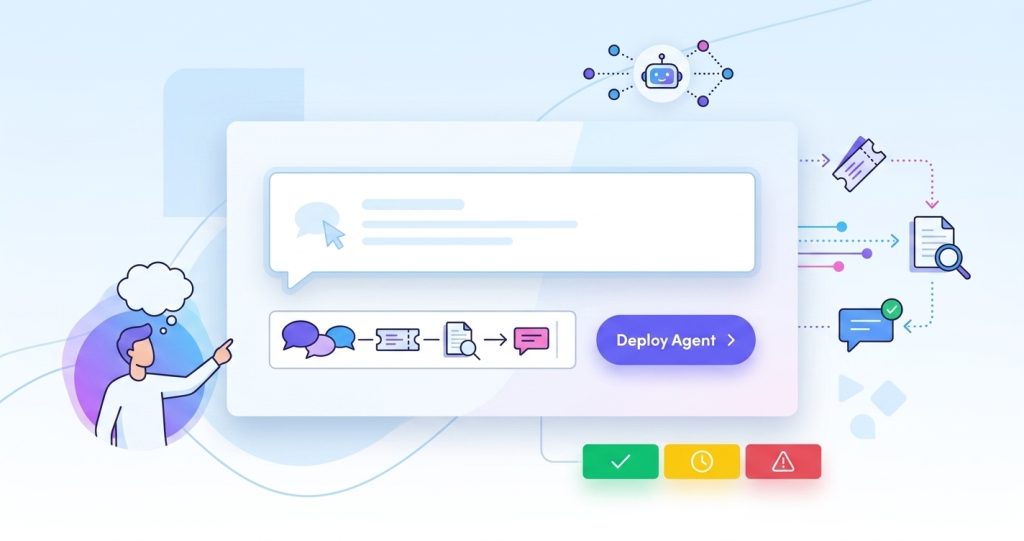
- Prompt-based agent creation (describe what you need in plain language)
- 5,000+ integrations so your agent can reach across your tool stack
- Human-in-the-loop controls for oversight and approval gates
- Multi-platform deployment (web, WhatsApp, Slack, SMS, etc.)
Step 3: Deploy One Focused Agent
Define a single, clear responsibility for your first agent. Keep the scope narrow. Instead of “manage customer support,” try “triage incoming support tickets and suggest responses from our knowledge base.” A focused agent is more reliable, easier to trust, and simpler to adjust.
Step 4: Measure and Expand
After your first agent has been running for a week, measure the impact:
- How much time did it save?
- How often did it need human intervention?
- What feedback does the team have?
If it’s working, add a second agent for another task. Over time, you build a coordinated digital workforce, each agent handling its specialty, passing tasks between them, and freeing your humans for the work that matters.
Common Challenges — and How to Navigate Them
AI agents are powerful, but they’re not magic. Teams that adopt them in 2026 face real challenges that need thoughtful handling.
Data Security and Governance
When your agents have access to sensitive project data, customer information, and internal communications, security isn’t optional. According to industry research, 79% of business leaders rank data protection as their primary concern with AI implementation. This is where AI Agent Governance becomes essential. Clear permission controls, audit trails, and human oversight help organizations ensure that agents remain secure, compliant, and aligned with business policies as they take on more responsibility.
The fix: Use platforms that process data within your existing security framework. Look for SOC 2 compliance, end-to-end encryption, and clear policies on how AI models use your data. Agents should operate within defined permission boundaries, they can see what they need to do their job, nothing more.
Trusting AI Decisions
55% of professionals don’t fully trust AI to make decisions without human oversight. This isn’t skepticism, it’s healthy caution.
The fix: Start with low-risk tasks where failure is inconsequential, email categorization, status updates, ticket routing. Build confidence with consistent wins before graduating to higher-stakes automation. Use human-in-the-loop controls so every meaningful action is reviewed until trust is earned.
Onboarding Your Team
Introducing AI agents creates friction. People worry about job displacement, learning curves, and losing control.
The fix: Frame AI agents as assistants, not replacements. Show the team how agents handle the boring parts of their day, the data entry, the report building, the follow-up reminders. The best adoption stories come from team members who discovered they could focus on creative, strategic work instead of admin. Let those stories sell themselves.
The Future of AI Agents for Workspace Productivity
In 2026, the most productive organizations aren’t the ones with the biggest teams or the best processes. They’re the ones that have learned to blend human judgment with AI agent reliability.
The winning formula is simple:
- Humans handle strategy, creativity, relationship-building, and complex judgment calls
- AI agents handle everything else, the coordination, the admin, the repetitive tasks, the data processing
The best AI agents aren’t designed to replace human expertise. Their role is to eliminate repetitive operational work so people can spend more time on strategy, collaboration, and high-value decision-making.
The companies that figure this out first will have a massive competitive advantage. Not because they work longer hours, but because they’ve eliminated the busywork that slows everyone down.
Your inbox isn’t going to organize itself. Your status reports aren’t going to write themselves. Your tickets aren’t going to triage themselves.
Businesses that invest in AI agents for workspace productivity today will be far better positioned to scale efficiently tomorrow.
Frequently Asked Questions
How much does it cost to implement AI agents for workplace productivity?
Costs vary widely by platform and scale. Many platforms offer free tiers to start. With Botsify, you can create and deploy your first agent with no setup fees.
Do I need technical skills to build AI agents?
No. Modern platforms use prompt-based creation, just describe what you want the agent to do in plain language. No coding required.
How quickly can I see ROI from AI agents?
Most teams notice time savings within the first week. Significant ROI is typically visible within 2-4 weeks as your agents integrate into daily workflows.
Can AI agents work together as a team?
Yes. Each agent handles a specific role, and they can pass tasks between each other. A research agent can feed data to a reporting agent, which can trigger a notification agent, all without human intervention.
Which teams benefit most from AI agents?
Any team with repetitive administrative work will see benefits. Marketing, sales, customer support, operations, and project management teams typically see the most dramatic improvements.
AI Agentic Platform For Building Portable AI Agents
Say Hello To Agentic AI That Connects With Your CRM And Even Other Agents

Pingback: How Chatbots and Document Sharing Platforms Create Smoother Business Workflows - Botsify