
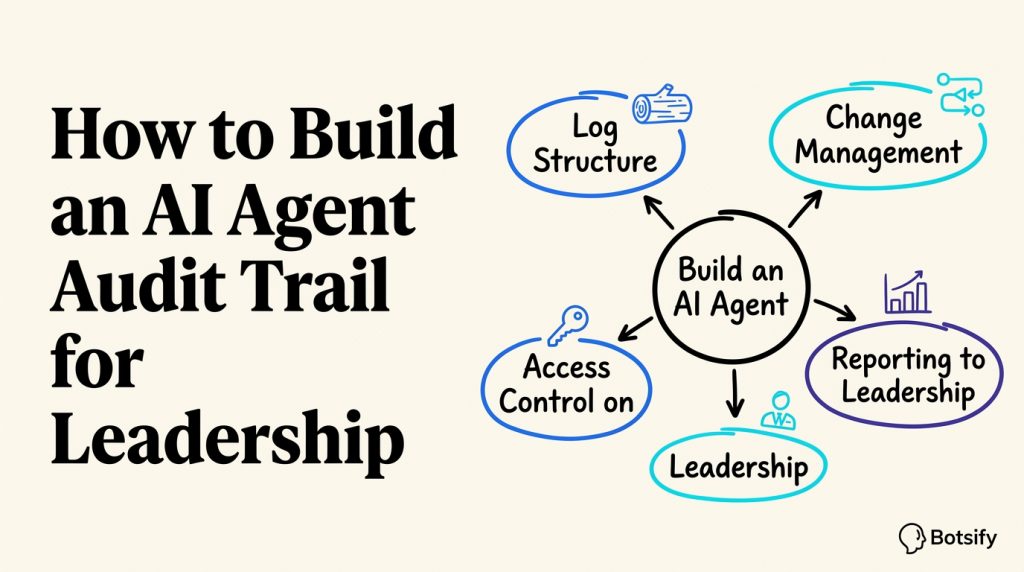
When leadership asks “what is the AI actually doing?” the answer needs to be a document, not a story. An AI agent audit trail is the record that makes AI accountable, every conversation, every action, every approval, reviewable by anyone with permission.
This playbook covers what to log, how to structure it, and how to present it so leadership trusts the system without needing to read every transcript.
Core idea: An audit trail isn’t about surveillance, it’s about being able to answer “what did the AI do and why?” with evidence, at any time, to anyone who asks.
What an AI Agent Audit Trail Should Log
Five categories, no more:
| Log type | What it captures |
|---|---|
| Conversations | Every AI-customer interaction, full transcript |
| Actions | Every tool call: what was read, written, sent |
| Approvals | Every human approve/reject decision |
| Changes | Every prompt, knowledge, or permission update |
| Incidents | Every failure, with root cause and fix |
Each entry needs a timestamp, agent ID, channel, summary, and enough detail to support the deployment-mistake review cadence. The log itself should make the structure immediately clear.
Build an AI Agent Workflow with Botsify
Explore Botsify for practical automation workflows built around your business.
The Log Structure: Copy This
Entry ID: 2026-10-02-001
Type: Conversation / Action / Approval / Change / Incident
Timestamp: 2026-10-02 14:32 UTC
Agent: Lead Qualification Agent v2.1
Channel: WhatsApp
Summary: Qualified lead, offered demo, booked Thursday 3pm
Tool calls: calendar.create(), crm.update()
Outcome: Appointment confirmed
Reviewer note: [if human reviewed]
Every entry should answer three questions in one line: what happened, who or what did it, and what the outcome was. That makes the AI agent governance record easier to review.
Change Management
Every change to the agent should be logged:
| Change type | What’s recorded |
|---|---|
| Prompt update | Version, who made it, what changed, test results |
| Knowledge update | What documents changed and when |
| New integration | What access was granted, who approved |
| Threshold change | Old value, new value, rationale |
| Guardrail change | What it blocks now that it didn’t before |
Without change logs, you can’t explain why the agent behaved differently last week. Record access changes against the requirements that define approved agent behavior so the audit has a clear baseline.
Reporting to Leadership
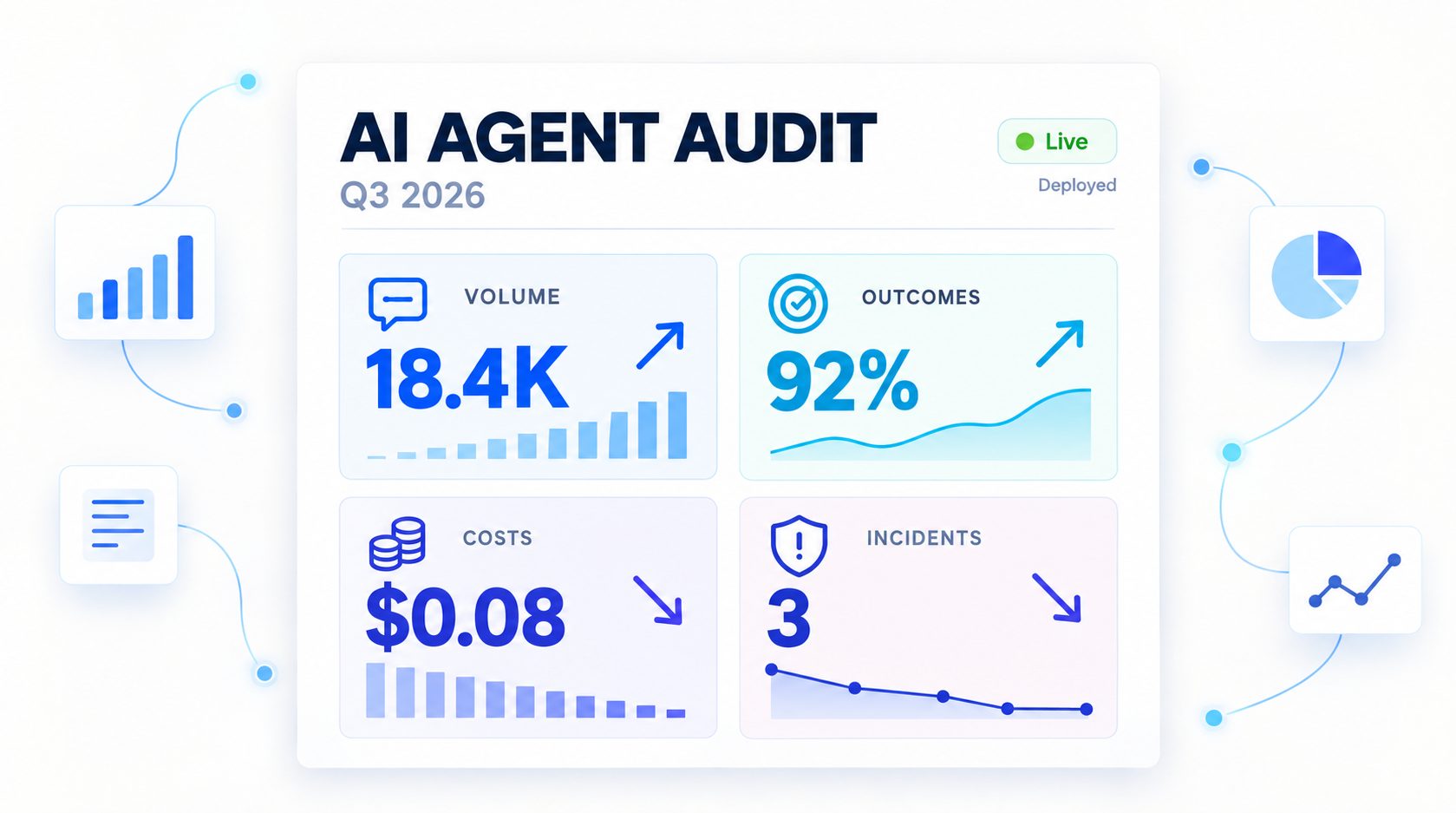
A one-page monthly report:
| Section | Content |
|---|---|
| Volume | Conversations handled, by channel |
| Outcomes | Resolution rate, escalation rate, CSAT |
| Cost | Platform + labor + cost per conversation |
| Incidents | Any guardrail violation or complaint, and the fix |
| Changes | What changed this month and why |
Leadership wants trends, not transcripts. Keep the report to one page, link to the detailed logs, and connect the findings to the AI agent implementation roadmap so decisions lead to action.
Access Control on the Audit Trail Itself
The log is sensitive, treat it like any other system:
- Who can read full conversation content (usually just the agent owner and compliance)
- Who can read summaries, broader leadership access
- Retention, how long logs are kept, where they’re stored
- Export rules, what can leave the system and under what conditions
Access design should follow AI agent integration boundaries, while the AI FAQ agent knowledge base keeps approved data handling standards visible.
What Leadership Should Ask (and How to Answer)
| Leadership question | Where the answer lives |
|---|---|
| “What did the AI do last week?” | Weekly conversation summary |
| “Did it do anything it shouldn’t have?” | Incident log (hopefully empty) |
| “Is it saving money?” | AI agent ROI report |
| “What changed?” | Change log |
| “What if we need to stop it?” | Pause procedure documented |
Having these answers ready makes AI agents feel governed rather than experimental, especially when teams follow an AI agent lifecycle with clear review points.
Explore Botsify for Your Agent Use Case
See how Botsify helps teams build and deploy AI agents.
FAQ
How much logging is too much? If you can’t review your logs in the time you’ve allocated, you’re logging too much. Focus on conversations, actions, approvals, changes, and incidents, not every internal metadata field.
Who should have access to conversation logs? The agent owner and anyone handling escalations. Broader access should follow an AI agent access control policy with explicit permissions.
How long should we keep audit logs? Long enough to investigate incidents, typically 12 to 24 months for customer-facing agents, longer if regulated. Check your jurisdiction’s requirements and document the policy.
Plan Your Next AI Agent with Botsify
Talk with Botsify about a workflow suited to your team.
Final Thought
An AI agent audit trail is what turns “we have an AI agent” from a claim into a system. Log the conversations, the actions, the decisions, and the changes, then report trends, not transcripts. That’s how leadership stays confident, incidents get contained, and the system earns the right to grow.
