


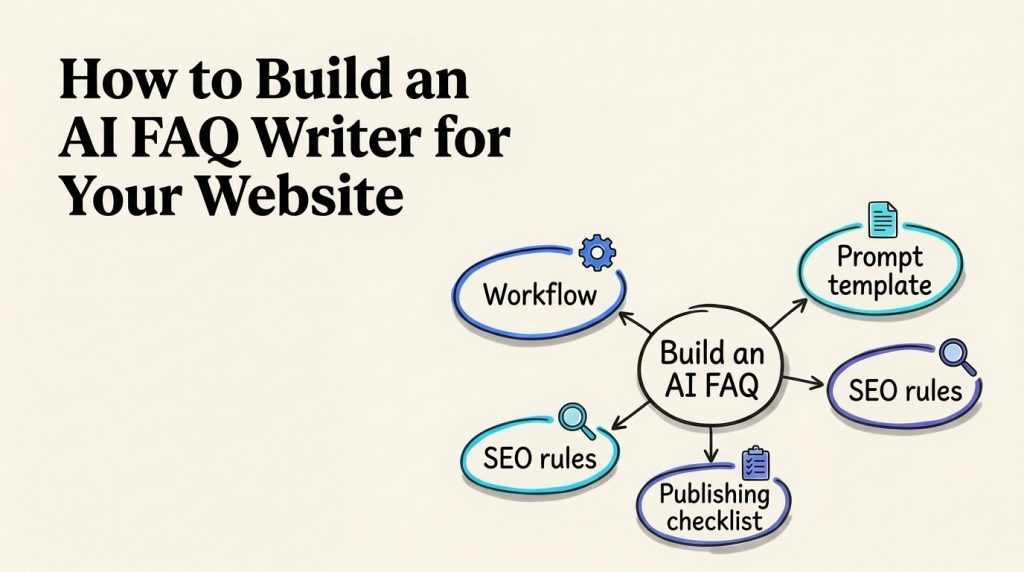
Customers ask the same questions in chat, email, and sales calls, but the answers are often scattered across old pages, ticket replies, and internal notes. An AI FAQ writer can help turn that evidence into clear website content. It should speed up research and drafting, while a person checks the facts, chooses where each answer belongs, and keeps it current.
The goal is not to publish a page for every repeated question. It is to make the next useful answer easier to find, in the place where a customer needs it.
This guide shows how to collect and group questions, ground drafts in approved sources, review them, and measure whether the published content helps. It also separates an FAQ writing workflow from an AI FAQ agent, which answers visitors directly in a conversation.
Decide what an AI FAQ writer should do
An AI FAQ writer is an editorial assistant. It can help identify common questions, combine duplicates, draft answers from approved materials, and suggest useful headings. A human still decides whether the answer is accurate, whether it belongs on a public page, and whether it is ready to publish.
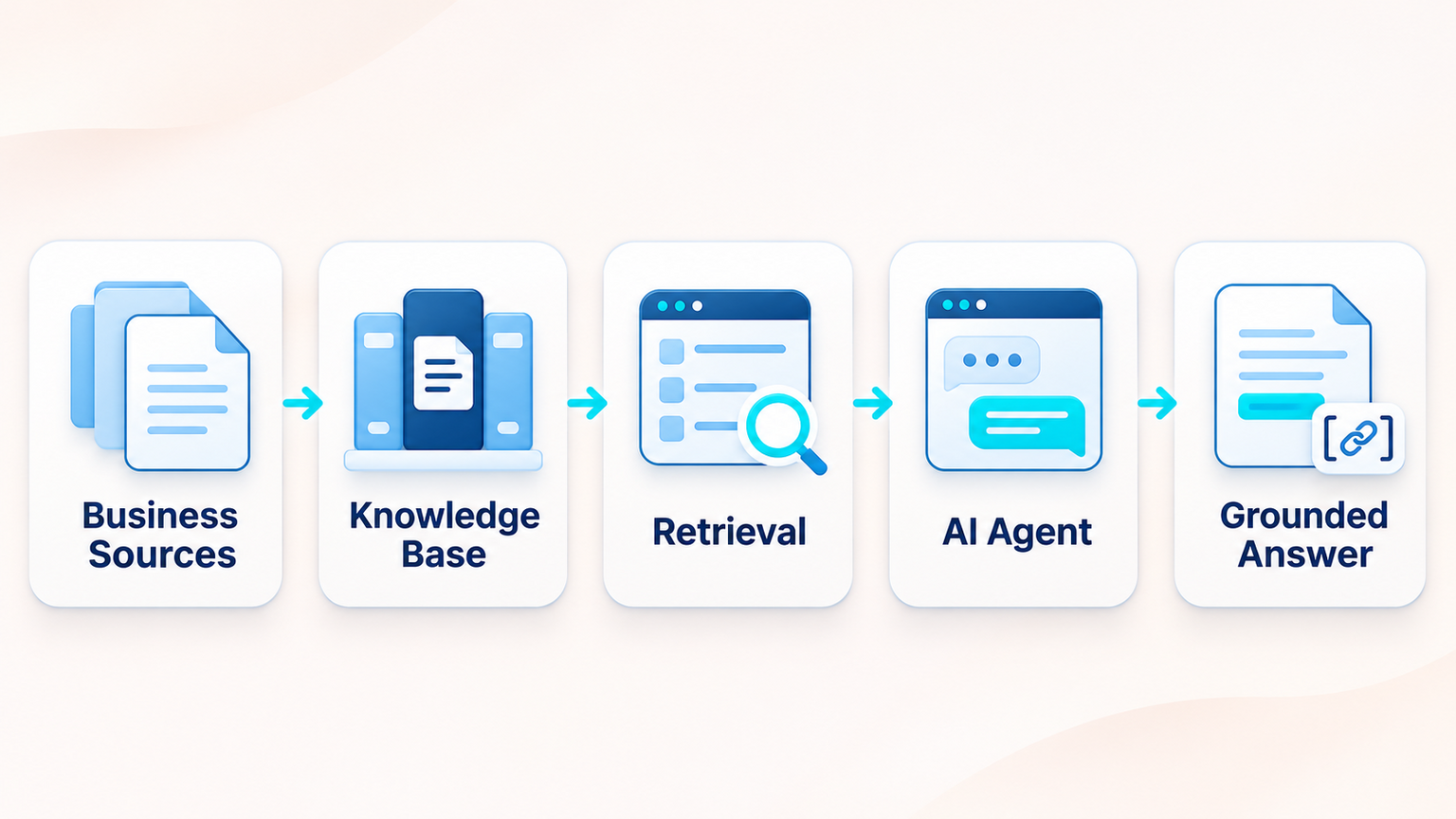
That differs from an FAQ agent. An FAQ agent responds to a visitor’s question at runtime, often using a knowledge base. Website content is a stable answer reviewed and published for many readers. An agent response is generated for a particular conversation and may need citations, confidence limits, or a handoff. Keep these two jobs clear even if they draw on some of the same approved information. A workflow for an AI FAQ agent that cites a knowledge base has different runtime requirements from this publishing process.
Before writing prompts, define the editorial job:
- Inputs: customer questions, approved product and policy sources, target page, and audience.
- Drafting: group near-duplicates, preserve the customer’s language, and produce a concise answer that stays within the sources.
- Review: verify factual details, identify missing evidence, and route sensitive answers to the right owner.
- Publishing: place the answer in the most useful existing page or a new page when the topic warrants one.
- Maintenance: assign an owner and revisit the answer when its source changes.
Do not ask the model to decide policy, infer a missing price, or turn an uncertain answer into a confident promise. If you are building an automated workflow around this task, define the boundaries first using a clear AI agent implementation checklist.
Start with customer questions that have evidence behind them
Repeated questions can reveal a content gap, but repetition alone is not enough reason to publish. A question may be repeated because a page is hard to find, a product flow is confusing, or a policy is unclear. The useful response might be to improve the interface or service process rather than add another article.
Gather questions from sources your team is allowed to use: support tickets, chat transcripts, call notes, sales conversations, search logs, and existing help pages. Remove names, email addresses, order numbers, and other personal details before using customer language in an AI workflow. Follow your organization’s access, retention, and privacy rules for the source material.
Then sort candidate questions by practical value:
- Frequency: Does the issue appear repeatedly over a meaningful period?
- Impact: Does an unclear answer block a purchase, setup, or resolution?
- Answerability: Is there a current approved source that settles the question?
- Placement: Can the answer improve an existing page, onboarding step, or help article?
- Risk: Could a wrong answer affect money, eligibility, safety, privacy, or a contractual commitment?
These are prioritization prompts, not a ranking formula. A rare billing exception may need a carefully reviewed answer even if it is not a high-volume topic. Conversely, ten variations of “Where do I sign in?” may point to one clearer link rather than ten FAQ entries.
When support volume is part of the motivation, track the surrounding service quality too. A customer support measurement framework beyond ticket deflection helps distinguish fewer tickets from better customer outcomes.
Group questions by intent before drafting
Normalize wording without erasing the customer’s vocabulary. “Can I change my plan?”, “How do I upgrade?”, and “Can I switch plans mid-month?” may share a topic, but the timing detail could change the answer. Keep that distinction visible until an approved source confirms whether one answer covers all three.
A simple question inventory can use these fields:
| Field | What to record |
|---|---|
| Customer wording | The original question with identifying details removed |
| Intent | The task the customer is trying to complete |
| Variations | Related phrasings and conditions that may change the answer |
| Evidence | The approved page, policy, or product document that supports the response |
| Risk owner | The person or team who must check sensitive details |
| Destination | The existing page or proposed help page where the answer belongs |
| Review trigger | The product, policy, or process change that could make it stale |
For each group, write one plain-language intent statement. For example: “A new account owner wants to know whether another teammate can be invited and what access that person receives.” This helps an editor see whether two phrasings are true duplicates or hide different conditions.
If the questions reveal that core reference material is inconsistent, fix that source before generating answers. A maintained AI knowledge base for customer support gives writers a clearer evidence base and reduces the risk of copying outdated statements into new pages.
Ground every draft in approved sources
Create a small source pack for the question group instead of giving the writer an unfiltered folder. Include the current public page or policy that controls the answer, its owner or date when known, and any limitations that should be stated. If two sources conflict, flag the conflict for a human rather than asking the model to choose.
An AI FAQ writer prompt can be specific without being complicated:
Draft an answer for this customer question: [question]. Use only the approved source excerpts below. Start with the direct answer, then include any important condition or next step. Keep the answer to two to four short sentences. Do not infer details that are not stated. If the sources do not fully answer the question or conflict, return “Needs review” and name the missing fact. Do not include personal customer information. Sources: [approved excerpts]. Intended page and audience: [context].
The prompt should produce a draft plus a review note, not a publication decision. A writer can also ask the model to list which source statement supports each sentence. The reviewer should verify that relationship against the original source; a model-generated citation is not proof that the source says what the draft claims.
If the proposed article will support a conversational assistant as well, keep source ownership and retrieval testing in view. The requirements for a website answer and an AI customer support agent overlap, but they are not interchangeable: the published page needs editorial structure, while the deployed agent also needs response and escalation tests.
Turn approved knowledge into useful customer answers
Turn approved answers into consistent customer support.

Review the answer for accuracy, usefulness, and risk
Human review should focus on details the draft cannot safely certify by itself. Check names, plan terms, prices, time periods, eligibility, required steps, exceptions, and links. Confirm that the answer responds to the actual customer task and does not add a product promise that was absent from the approved source.
Use a review path based on consequence:
- Routine and stable: an editor checks the source and wording.
- Product-specific: a product or support owner confirms steps, limits, and current labels.
- Commercial or policy-sensitive: the pricing, legal, billing, or policy owner approves the precise language.
- Unresolved or conflicting: do not publish a guessed answer; resolve the source conflict first.
The labels are a practical starting point, not a substitute for your own approval requirements. Reviewers can use a human-in-the-loop review process as a model for assigning responsibility and making corrections traceable to the appropriate owner.
Read the answer as a customer. Does the first sentence address the question? Are the next steps explicit? Are exceptions clear without overwhelming the answer? If a reader needs more detail, link to the relevant product or help page. Avoid padding a short answer with generic introductions or repeating the question in slightly different words.
Choose the page that best serves the task
There is no universal rule that each question needs its own URL. Put related questions together when the reader is completing the same task and a shared page stays easy to scan. Use a separate page when the topic needs enough explanation, has distinct intent, or deserves its own maintenance owner. Update an existing product, policy, or help page when the answer belongs there already.
For example, a pricing page might answer plan availability, billing cadence, and how to compare tiers. A setup article might answer prerequisite, configuration, and troubleshooting questions. A standalone FAQ page can make sense when customers need a central directory, but it should add navigation and context rather than duplicate existing copy.
An FAQ section is a content format, not a search ranking shortcut. Google’s FAQ rich result feature stopped appearing in Search on May 7, 2026, so do not promise FAQ snippets or publish solely to qualify for them. Write the answers because visitors need them, and follow Google’s broader guidance to prioritize accurate, relevant content with user value when using generative AI. (Google Search updates, Google’s generative AI content guidance).
The same reader-first principle applies when an FAQ supports a wider website chatbot experience. A useful answer should fit the visitor’s task, whether they find it in a page, a help center, or a conversation.
Publish with a maintenance owner
Before publishing, check the content in its final destination. Confirm the page title is clear, headings describe the questions or tasks, links work, and the answer appears in the intended context on mobile and desktop. Keep one canonical answer where possible, and have related pages point to it instead of allowing conflicting copies to drift.
Record who owns each answer and what change should trigger a review. A price change, redesigned workflow, new plan, revised policy, or renamed feature may invalidate an answer immediately. Stable answers still benefit from periodic checks, but choose a review cadence that matches how quickly the underlying source changes rather than applying an arbitrary quarterly rule to every topic.
If your workflow publishes to more than one channel or language, include localization and channel checks in the review plan. An AI agent workflow for multilingual customer support shows why translation, language detection, and handoff should be tested as separate parts of customer communication.
Publishing checklist
- [ ] The question reflects a real customer task.
- [ ] Similar questions were grouped without hiding meaningful conditions.
- [ ] Each factual statement maps to a current approved source.
- [ ] Missing details and source conflicts were escalated.
- [ ] Personal information was removed from examples and source excerpts.
- [ ] The answer is placed on the page that best serves the task.
- [ ] A named owner and meaningful update trigger are recorded.
- [ ] Links, layout, and the final published page were checked.
For readers choosing an automation path alongside content improvements, consider the full range of AI customer service use cases before assuming an FAQ writer alone addresses the underlying support issue. Teams planning broader customer support AI agent workflows should also decide which questions need a direct answer and which need human help.
Measure whether the content helps
Start with a baseline that matches the original problem. If customers could not find a setup step, look at related support contacts and the page’s search or navigation paths. If buyers repeatedly ask a plan question, review the destination page and conversations that follow it. Include a quality measure such as answer accuracy, successful task completion, or customer feedback so a lower ticket count is not mistaken for a better experience on its own.
Use a defined comparison window and note other changes that may affect results, such as a product release, support staffing change, or redesigned page. Avoid promising a specific reduction in support volume or a search ranking after a fixed period. A published answer may help, but the result depends on discovery, relevance, accuracy, and the underlying service experience.
If an FAQ agent also uses the new content, test it against the question set before and after the update. Check that it finds the intended answer, handles variants, states limitations, and hands off cases the source does not resolve. A practical AI agent testing guide can help structure those checks.
Keep the editorial and support metrics distinct. Page visits show exposure, search queries can reveal vocabulary gaps, and support outcomes show whether customers completed their task. No single metric proves that the AI writer caused an improvement. Review them together and use the evidence to update the next content batch.
Frequently asked questions
Will Google penalize a website for using an AI FAQ writer?
Using AI to help draft an answer is not, by itself, the issue. Google’s current guidance emphasizes accuracy, quality, relevance, and user value, and warns that generating many pages without added value may violate its scaled content abuse policy. Review the work and publish only content that serves readers.
Should every frequently asked question have its own page?
No. Group related questions when that makes the task easier to complete, and use a separate page when the topic has distinct intent or needs fuller explanation. Choose the structure for readers and maintainability rather than a one-question-per-page SEO rule.
Does FAQ schema guarantee a Google rich result?
No. Google says the FAQ rich result feature no longer appears in Search, starting May 7, 2026. Do not promise that structured data will produce the retired result. (Google Search documentation updates).
How long should an FAQ answer be?
Long enough to answer the question and state important conditions or next steps, but no longer. A simple answer may need only a few sentences; a complex policy question may need a link to fuller documentation.
Can an AI writer create the answer without source documents?
It can produce wording, but it should not be trusted to establish company facts from memory. Provide approved sources and require the tool to flag missing or conflicting information for review.
How often should website FAQs be checked?
Review an answer when its underlying product, process, price, or policy changes. Also schedule checks that fit the stability and risk of the topic; a rapidly changing product page needs closer attention than a stable definition.
Build a grounded customer support workflow
Plan a reviewed agent workflow around accurate, useful answers.
Final thought
An AI FAQ writer works best as part of an editorial system: collect real questions, group them by intent, draft only from approved sources, review the details, and assign someone to maintain the answer. That process can make useful information easier to find without multiplying thin pages or making unsupported search promises.