


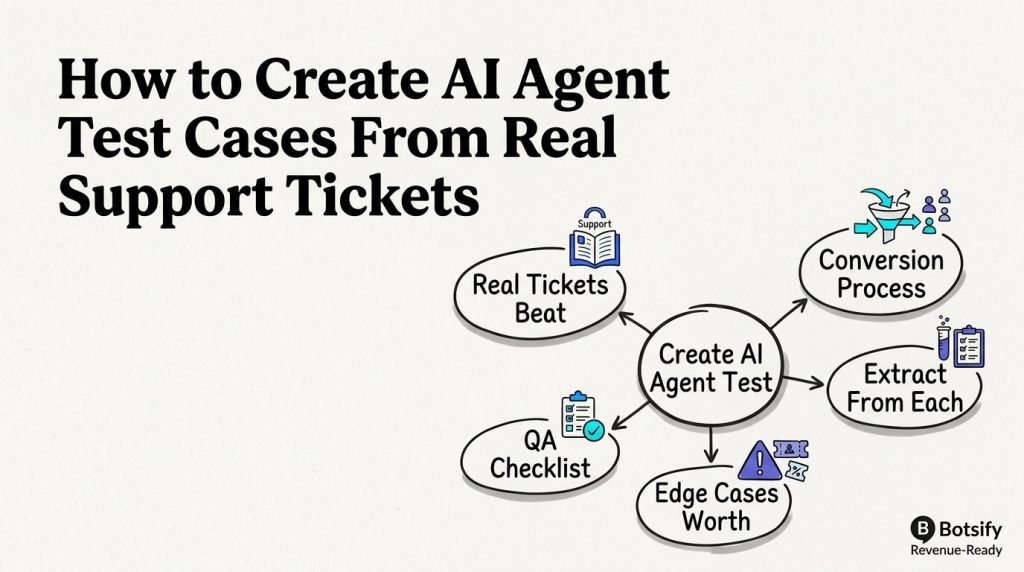
The best test cases for your AI agent aren’t invented in a meeting, they already exist in your support inbox. Every ticket, every confused customer, every edge case someone on your team handled badly is a test case waiting to be written.
This playbook shows you how to convert real support tickets into a pre-launch QA suite that catches the failure modes your customers will actually hit.
Core idea: Your past support tickets are a free, high-fidelity test suite. Convert them once, rerun them after every change, and your agent ships tested instead of hopeful.
Convert the findings into an AI agent implementation checklist.
Why Real Tickets Beat Imagined Ones
Synthetic test questions (“What are your hours?”) miss the mess real customers bring:
| Real ticket pattern | What it tests |
|---|---|
| Typos and vague phrasing | Does the agent handle imperfect input? |
| Multi-intent messages | “Where’s my order, also can I change my address?” |
| Context from earlier conversations | Does it use account history? |
| Emotional tone | Does it escalate appropriately? |
| Product confusion | Does it clarify or guess? |
Start with an AI agent QA checklist, then turn what customers actually say into test cases.
Use AI customer support prompts as the source material for repeatable cases.
The Conversion Process (Copy This)
Step 1: Pull the last 100 support tickets (any channel)
Step 2: Categorize them:
        - Answered by knowledge base
        - Needed a human (why?)
        - Multi-step (booking + question + follow-up)
        - Angry/frustrated
        - Off-topic or spam
Step 3: For each category, write test prompts matching real phrasing
Step 4: Write expected behavior for each test
Step 5: Run all tests through the agent, log results
Step 6: Fix failures, re-test, add passing tests to the regression suite
Aim for 50-100 test cases covering the whole range, not 500, just the ones that represent real volume.
Use the AI agent implementation checklist to define the launch gate.
Test the AI customer support prompts that shape each response.
A production-ready AI agent needs repeatable cases and clear escalation behavior.
Record the expected behavior and escalation boundary in AI agent requirements.
What to Extract From Each Ticket
| Ticket element | Test case |
|---|---|
| Exact question phrasing | Test prompt (with typos and all) |
| Customer’s real follow-up | Multi-turn test case |
| Human’s answer | Golden answer for comparison |
| Escalation reason | Expected escalation behavior |
| Resolution outcome | What “success” looks like |
The AI customer support prompts library gives you prompt structures; this is where the test cases come from.


Include human handoff rules in cases where the agent lacks enough context.
Edge Cases Worth Testing
Real tickets reveal edge cases synthetic tests miss:
- Questions about a product you discontinued
- Customers asking about a competitor by name
- Multi-language or mixed-language messages
- Refund requests with unusual circumstances
- Questions that reference earlier conversation context
- Legitimate-sounding but false premises (“I read that you offer X, I want that”)
Each case should produce a defined behavior: clarify, correct, or escalate. Use AI guardrails examples to make those boundaries explicit.
Test Your Support Agent with Botsify
Turn real customer conversations into a reliable launch checklist.
A AI agent governance review makes test ownership explicit.
The QA Checklist Before Launch
This is the pre-launch gate. Compare the result with the AI agent implementation checklist and production-ready AI agent criteria.
Keep test cases aligned with the AI agent lifecycle as the workflow changes.
Test Case Template (Copy This)
Test #001
Category: Order status
Source ticket: #4521
Prompt: "Hey I ordered last week and it hasn't arrived, what's up?"
Expected: Agent asks for order number or email, looks up status,
          provides tracking, offers help if delayed
Pass criteria: Correct info, no hallucinated order details,
               appropriate tone
Run the full suite before every launch and after every prompt or knowledge change. Failing cases become permanent regression tests alongside AI hallucination testing.
Block quote to steal: “Every ticket in your inbox is a free test case. The ones that stumped your team are the ones your agent needs to pass most.”
After launch, compare results with support metrics beyond deflection.
FAQ
How many test cases do I need before launch? 50-100 covering your most common intents plus edge cases. That’s usually 2-4 hours of work and catches 80% of first-month failures.
Where do I get the real tickets? Your support inbox, CRM notes, or chat logs from the last 3 months. The most valuable ones are the tickets where a human had to intervene, those are exactly what your agent needs to handle.
Should I test on real customer data? Use real phrasing but anonymize personal details. You are testing behavior, not exposing customer data, so follow secure AI knowledge base practices.
Build Better Support Automation
See how Botsify can help structure tested customer workflows.
Review AI agent deployment mistakes after every meaningful change.
Final Thought
Your support history is a free, high-quality QA dataset, use it. Converting real tickets into test prompts takes an afternoon and catches the failure modes that synthetic testing never finds. Build the test suite before launch, rerun it after every change, and your agent’s reliability stops being a hope and becomes a measurement.
Keep the suite focused on the behaviors that matter in production: human handoff rules, AI agent governance, and the AI agent lifecycle.
After launch, compare test results with support metrics beyond deflection, review common deployment mistakes, and update the AI agent requirements when behavior changes.