

The digital marketing realm is evolving by leaps and bounds, creating a highly competitive business environment. Therefore, incorporating robust SEO tools is crucial to stand out from the crowd.
Whether you want to boost rankings, analyze industry rivals, or streamline strategies, the right tool will successfully handle it. A well-informed choice of the best SEO software directly equals better efficacy, smoother workflow, and heightened investment returns, especially when it’s part of a structured strategy where SEO supports long-term revenue growth.
What Makes the Best SEO Software?
The best software for SEO effectively bridges advanced capabilities with ease of use to help business owners, agencies, and freelancers optimize their online presence. The key aspects to take into account during the tool selection:
- Comprehensive Feature Set – The capabilities of keyword research, competitor analysis, rank tracking, backlink monitoring, and site audits for a holistic SEO approach.
- User-Friendliness – Involves a simple-to-navigate interface where various-skill users can operate without hassle.
- Data Accuracy and Real-Time Updates – Ensures the hottest search trends and performance metrics for optimal decisions and profitable strategies.
- Scalability – Fits the needs of freelancers, small companies, and great enterprises.
- Integration with Other Marketing Tools – Effortlessly connects with Google Analytics, social media channels, and CMS to reinforce workflow.
Behind many high-performing SEO platforms are strong engineering teams capable of building scalable crawling systems, processing massive datasets, and maintaining real-time analytics infrastructure. Many SaaS companies turn to experienced polish software developers to design and optimize these complex SEO tools, as Poland has become a recognized hub for advanced backend development, AI integration, and data engineering expertise. Skilled development teams ensure that SEO software remains fast, accurate, and adaptable to constantly changing search engine algorithms.
Software covering these features guarantees thorough SEO processes, impactful insights, and niche dominance. When combined with a strategy focused on earning high quality backlinks, businesses can secure sustainable rankings and long-term search growth.
Portable AI Agents In Seconds, Use Everywhere
Prompt, Test, and Deploy AI Agents Across Social Platforms and LLMs. Automate Everything.
How to Choose the Right SEO Software for Your Needs
Selecting the best SEO software tools is about carefully evaluating your requirements and financial possibilities.
- Budget Considerations. Settle how much you are ready to invest. Some tools provide free versions or affordable plans for small businesses, while premium solutions with advanced features cater to agencies and enterprises, , and even a whitelabel ai agency model.
- Business Goals and Industry-Specific Needs. Reflect on your focal point. It might be optimizing for local searches, enterprise analytics, or increasing conversions, especially if your priority is SEO for small businesses and building steady local visibility. Different tools specialize in distinct areas, so ensure the chosen software matches your goals. Similarly, running SEO tools and websites on a reliable VPS hosting environment ensures the processing power and uptime needed to handle crawls, audits, and real-time analytics without interruption.
- Trial Periods and Money-Back Guarantees. Most current SEO platforms allow users to test their features free of charge or have some sort of refund policy. This adds to finding a tool that resonates with your workflow and marketing expectations.
Top 15 Best SEO Software Tools for 2026
Google Search Console – Free and Essential for All Websites
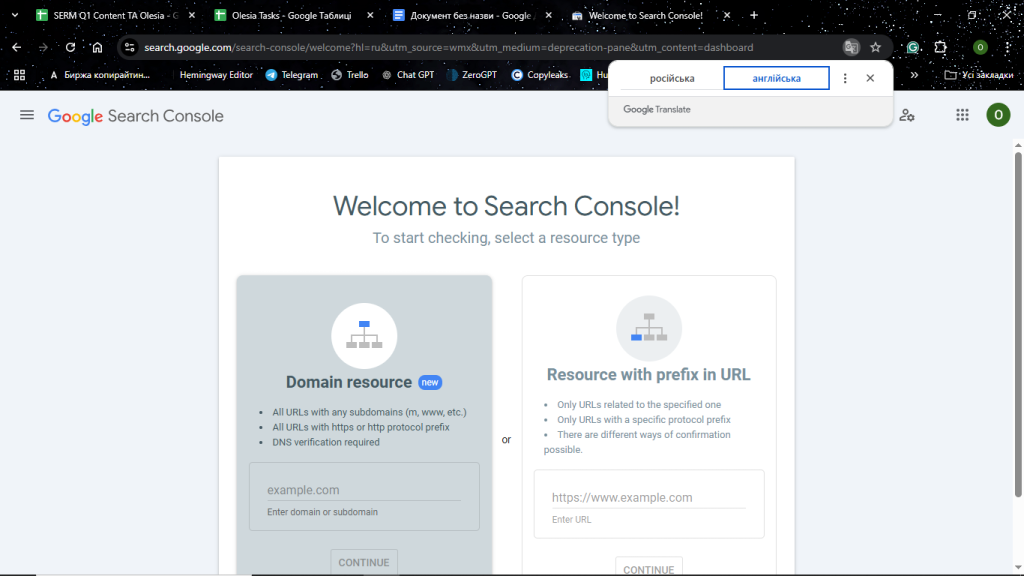
Every website owner will find Google Search Console as the best SEO tool where industry-leading quality comes at no cost. The platform provides detailed stats on search performance, indexing, and the associated issues. With its help, marketers, developers, and eCommerce businesses can enhance their online presence and seamlessly address SEO inefficiencies.
Key Features
- Performance Reports – Presents an overview of clicks, impressions, and average ranking position for keywords.
- Index Coverage – Determines the scope of pages indexed by Google, underlining those with errors.
- URL Inspection Tool – Estimates the indexing status of specific URLs and any issues related.
- Mobile Usability – Discovers what can impede mobile friendliness, affecting rankings.
- Backlink Data – Gives insights into external links that refer to your site.
- Security & Manual Actions – Notifies users regarding penalties or other security challenges such as malware.
- Sitemap Submission – Enables Google to crawl and index content in a more amplified manner.
- Core Web Vitals Reports – Gauges critical on-page experience metrics such as speed, interactivity, and responsiveness, shaping comprehensive reports.
Pros & Cons
Pros
- Completely free without any charges
- Flawless accuracy with data fetched directly from Google
- Stunning for spotting SEO issues and indexing errors
- Simple integration with Google Analytics
- Assists in recognizing slow-loading pages and user experience gaps
Cons
- Limited functionality in keyword and competitor research
- No rank tracking outside of Google
- SEO knowledge is necessary to make the most of the data
Best Use Cases
- Website owners seeking to track SEO performance
- Marketers working on improving page indexing
- Developers troubleshooting crawl and mobile usability problems
- Companies monitoring backlinks and security notifications
- Bloggers checking the content indexing to rank properly
Pricing
Google Search Console is a free service with no hidden costs. This means users can benefit from impactful SEO practices while saving their budget.
GSC is the best SEO software to bolster search performance, fix technical issues, and maintain site health. The straightforward Google integration coupled with in-depth insights creates a nifty solution to elevate SERPs for specialists of different levels.
Google Analytics – SEO Insights through Traffic Analysis
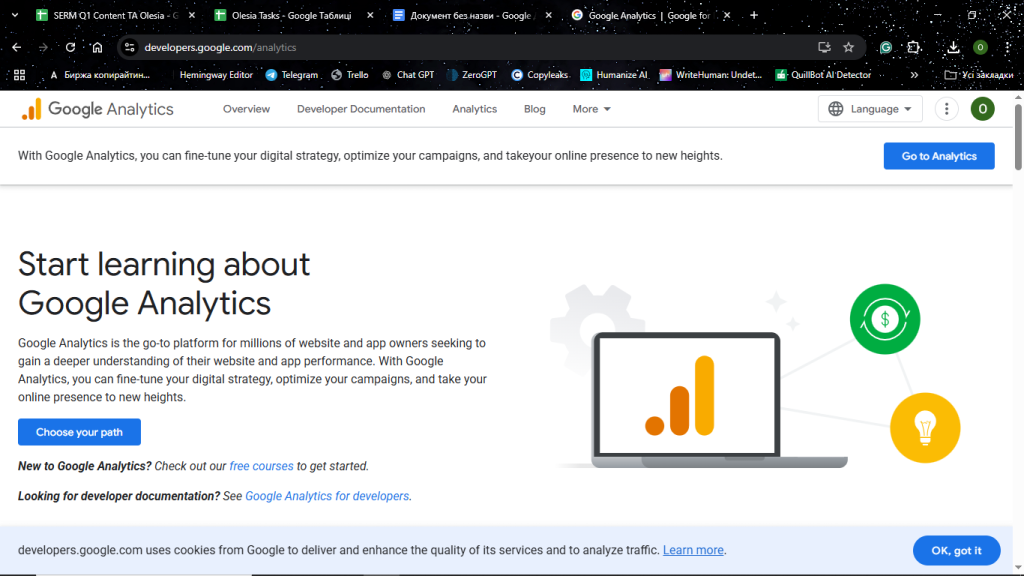
Those who need a solid analysis of website traffic and user interaction will undisputedly appreciate Google Analytics. The tool empowers SEO strategies through the most accurate real-time data, making it a valuable asset for digital marketers, webmasters, and businesses.
Key Features
- Traffic Analysis – Examines the user sessions, the viewed pages, and bounce rates.
- Audience Insights – Provides information on demographics, interests, and geographical position.
- Acquisition Reports – Explains the sources of incoming visitors (whether they move from organic search, social media platforms, referrals, etc.).
- Behavior Flow – Maps the user actions and defines engagement tendencies.
- Goal and Conversion Tracking – Evaluates key performance indicators such as sign-up and sales.
- Real-time Reporting – Keeps track of live user activity on the website.
- Site Speed Insights – Helps locate slow pages that affect rankings.
- E-commerce Tracking – Explores product performance, highlighting sales metrics.
Pros & Cons
Pros
- Powerful analytics toolkit at no cost
- Excellent integration with Google Search Console and Google Ads
- Stellar at detecting the top content and traffic sources
- Customizable reports for comprehensive analysis
- Offers useful intent and user engagement insights
Cons
- Lacks simplicity in navigation for novices
- Free versions often feature data sampling which might impact precision
- Requires careful setup to track conversions in a meaningful way
Best Use Cases
- SEO experts exploring organic traffic tendencies
- Businesses monitoring conversions and rate of user engagement
- Marketers studying content performance and the sources of referral
- Web developers with a need to enhance site speed and usability
- E-commerce companies requesting granular checks of product performance
Pricing
Google Analytics supports a version free, which caters to basic and mid-level SEO analytics needs. For enterprise-focused purposes, users can purchase premium GA 360 where the price is dependent on hit volume.
As Google Analytics ensures immense detail into website traffic, user behavior, and conversions, it is the best software for SEO strategies’ refining as well as amplifying digital marketing success. Whether you are a beginner or a professional, GA contributes to data-powered decisions for staying ahead.
SE Ranking – Best for All-in-One SEO and Best for Agencies & In-Depth Data
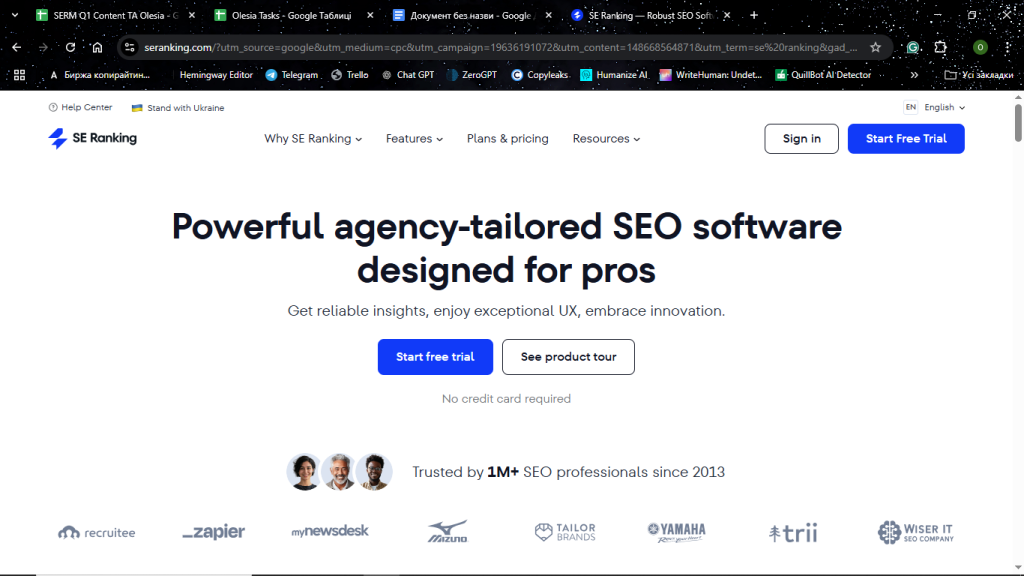
Boasting an accomplished toolkit, SE Ranking deservedly heads the list of the best SEO tools. Due to the impressively extensive keyword and backlink databases, the platform serves as a decent solution for solo marketers and agencies alike, which is rare among its alternatives. In addition, its flexible and affordable pricing model is a bargain for full-packed functionality provided under one roof.
Key Features
- Rank Tracker – Delivers 100% sharp ranking insights for specific target queries across search engines and locations on various device types.
- Keyword Research – Deeply analyzes keywords against search volume and difficulty metrics to find traffic-engaging gems.
- Backlink Checker – Scans backlink profiles for referring domains, landing pages, anchor texts, and target URLs, while unveiling sources of powerful competitor backlinks.
- Backlink Monitor – Allows tracking new/lost backlinks, dofollow/nofollow links, and backlink target ratio as well as disavowing lost links.
- Site Audit – Detects technical SEO issues preventing the site from hot ranking spots and offers practical fixing guidelines.
- Competitor Analysis – Informs users on competitor paid and organic campaigns, highlighting keyword rankings and backlinks.
- On-Page SEO Checker – Examines how well pages are streamlined for particular queries and pinpoints the gaps to bridge.
- White-Label Reporting – Helps agencies create branded SEO reports to present vital data to their clients in a visually appealing manner.
Pros & Cons
Pros
- Incorporates a comprehensive toolset with vast keyword and backlink datasets
- Intuitive interface with tons of helpful tutorials and support materials
- Meets the needs of different-sized businesses at the most affordable market pricing
- Unique Local and Content Marketing capabilities for heightened online local presence
- Outstanding agency-oriented functions, including SEO Reporting tools, Lead Generator, and API
- Improved backlink analysis with proprietary Backlink Gap Analyzer
Cons
- Some advanced features require being tech-savvy
- The data volume can sometimes be overwhelming
Best Use Cases
- Agencies that oversee several clients’ SEO projects at a time
- Companies monitoring their keyword positions and analyzing competitor efforts
- SEO specialists who target technical audits and backlink analysis
- Digital marketers leveraging SEO within social media campaigns
Pricing
Many consider SE Ranking the best SEO software for a generous pricing policy. Keeping various SEO and marketing needs as well as investment opportunities in mind, the platform is flexibly tailored to any user. Depending on the needed number of keywords to track and the frequency timeline to check rankings, they offer 3 plans:
- Essential – $65 monthly
- Pro – $119 monthly
- Business – $259 monthly
The great news is that you can enjoy a 14-day free trial before committing.
With its all-in-one capabilities, competitive pricing, and agency-friendly tools, SE Ranking is the unmatched SEO ally for professionals pursuing profound insights and efficient project management.
Majestic – Best for Link-Building and Trust Metrics
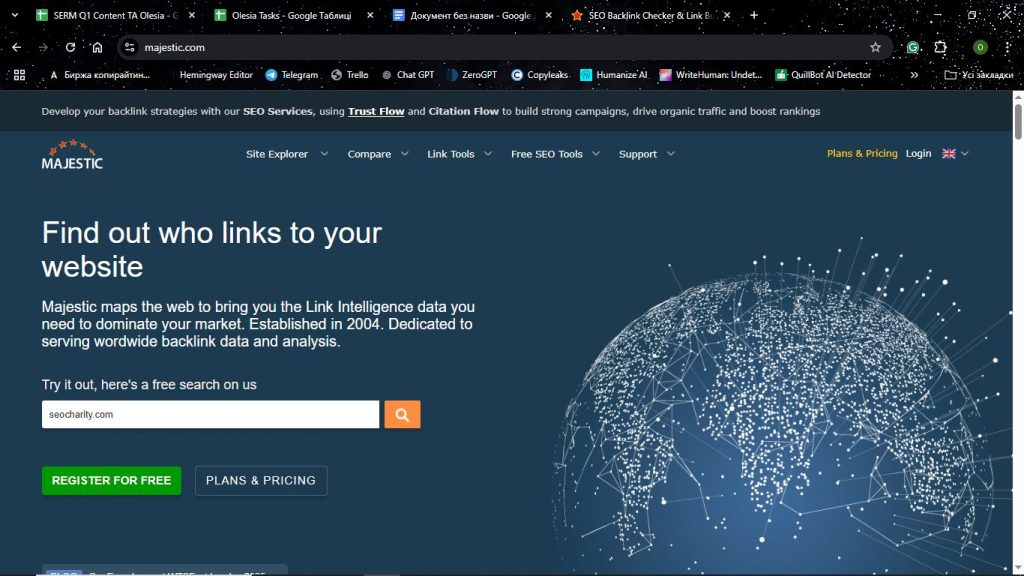
Among the best SEO software tools, Majestic excels at measuring the site’s credibility and uncovering link-building opportunities. Due to reliable estimates of backlink quality, businesses can strengthen off-page SEO campaigns and grow their search presence.
Key Features
- Trust Flow and Citation Flow – These are unique metrics for real-time, accurate insights into link quality and influence of sites.
- Backlink Explorer – Studies the incoming links on aspects of sources and authority.
- Site Explorer – Provides a 360-degree view of a backlink profile, involving referring domains, anchor text, and competitor link dynamics.
- Historical Index – Monitors backlink evolution and changes over time.
- Bulk Backlink Checker – Checks numerous domains simultaneously for detailed comparison.
- Topical Trust Flow – Classifies backlinks based on their relevance to various industries.
Pros & Cons
Pros
- Amazing backlink analysis with cutting-edge Trust Flow and Citation Flow metrics
- Backlink trends tracked over time
- Performs matchless link audits and competitor investigations
- The agency bulk analysis feature is available
Cons
- No options for tracking keywords and on-page SEO.
- Lacks content optimization
- The interface is not as user-friendly as at alternative tools
Best Use Cases
- SEO professionals who gauge trustworthiness and backlink quality
- Link-building specialists focusing on finding valuable linking opportunities
- Agencies inspecting the backlink strategies of their competitors
- Businesses that aim at improving off-page SEO and domain authority
Pricing
The platform supports a free version with quite limited functionalities. Paid subscriptions that allow advanced reporting and bulk analysis will cost $49.99/month for Lite and $99.99/month for Pro.
Backlink analysis is what Majestic shines bright with. So, those looking for high domain authority and top-performing linking can find it a perfect fit.
Ahrefs – Best for Backlink Analysis and Competitive Research

Being in the hottest SEO tools list, Ahrefs stands out with its vast backlink database and excellent competitive analytics. The platform assists business owners and marketers in executing promising link-building, enhancing SEO campaigns, and establishing brand authority.
Key Features
- Backlink Checker – Granularly scans link profiles via the largest backlink datasets on the web.
- Site Explorer – Offers traffic estimates and backlink sources of competitors.
- Keyword Explorer – Discovers high-ranking keywords with data on search volume, difficulty, and cost per click.
- Content Explorer – Reveals influential content by social shares and backlinks.
- Rank Tracker – Ensurs an in-depth understanding of ranking dynamics by tracking keywords across different search engines.
- Site Audit – Unleashes on-page SEO problems and technical mistakes.
Pros & Cons
Pros
- The most massive backlink database for conducting precise link analysis
- Sophisticated research tools to monitor competitors
- All-in-one SEO tool with actionable keyword and rank-tracking features
- Robust site audit option to detect technical SEO problems in minutes
Cons
- Pricey compared to alternative tools
- Its feature-rich nature can be overwhelming for entry-level users
- White-label reporting for agencies is missing
Best Use Cases
- SEO experts seeking to analyze backlink quality and acquisition possibilities
- Digital marketers who work for competition benchmarking
- Organizations tracking keyword popularity along with website visitor patterns
- Agencies that need detailed SEO audits for their clients
Pricing
Ahrefs pricing plans begin as low as $129 monthly for the Lite plan of basic functionality. Additional data and features are accessible within higher tiers such as Standard, Advanced, and Enterprise at $249, $449, and $1499/month respectively.
Ahrefs is a great choice for top-notch backlink analysis, competition insights, and a versatile SEO toolbox. It brings immense value to professionals who want to reframe their linking strategies and maximize search rank.
Ubersuggest – Best for Budget-Friendly SEO Insights
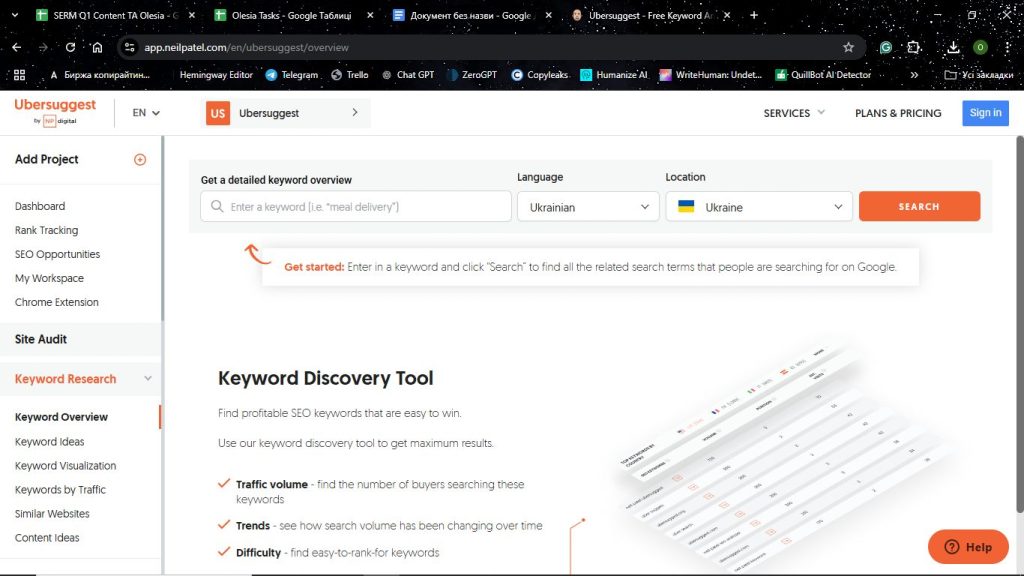
Ubersuggest is the simplest-to-use tool among the best software for SEO. It incorporates all the essentials to boost visibility, catering to small business owners and startup marketers who desire a formidable solution at a low price.
Key Features
- Keyword Research – Generates keyword suggestions, stressing search volume and competition data.
- SEO Site Audit – Explores the site’s health on inefficiencies, suggesting necessary improvement measures.
- Backlink Analysis – Tracks backlink performance and discloses new and lost links.
- Competitor Analysis – Scrutinizes the competitors on keywords and content that drive great traffic.
- Content Ideas – Pitches relevant topics backed by search trends.
- Rank Tracking – Tracks keyword positions over a specified period of time.
Pros & Cons
Pros
- More budget-friendly unlike other premium SEO tools
- Easy-to-navigate interface suitable for beginners
- Gives practical SEO tips for small businesses
- Lifetime pricing for one-time purchases
Cons
- Missing comprehensive data compared to renowned tools used in SEO like Ahrefs or SE Ranking
- Limited backlink database
- The free version offers only basic-level features
Best Use Cases
- Startups and small businesses in need of cost-effective SEO tools
- Bloggers and content creators looking to optimize their articles for a better online presence
- Digital marketers doing general competitor research
- Website owners monitoring keyword rankings and backlinks
Pricing
Ubersuggest enables a free, feature-limited version and lifetime deals, making it highly budget-saving. Paid plans start from $12/month for the Individual package, gradually unlocking capabilities within Business ($20/month) and Enterprise ($40/month) subscriptions.
Ubersuggest is a brilliant solution for solo marketers and evolving businesses to top SERPs without spending much.
SEO PowerSuite – Best for Desktop-Based SEO Analysis
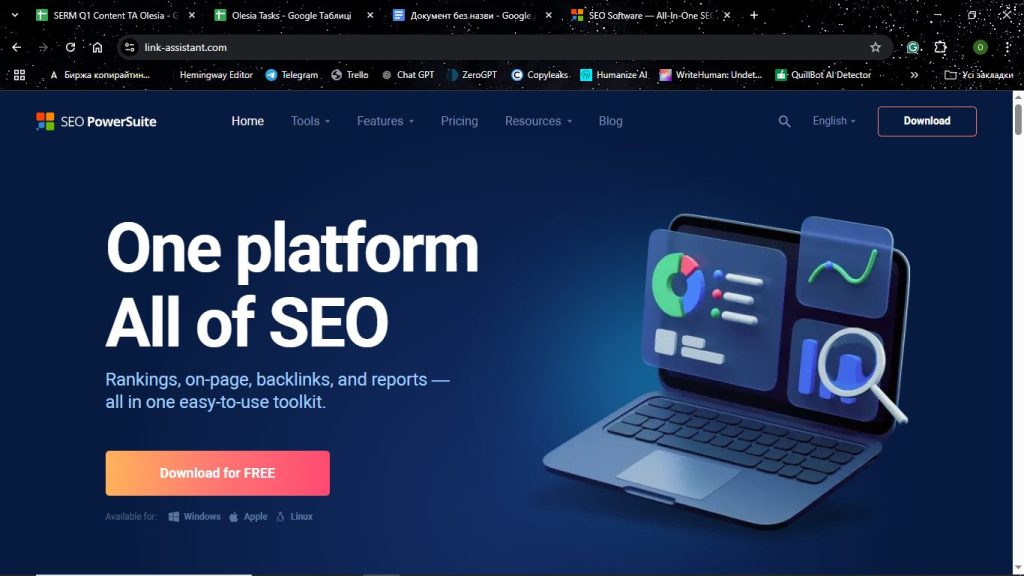
SEO PowerSuite is a complete desktop-based platform furnished with tools for holistic website analysis. Unlike other cloud-based alternatives, it offers unlimited data processing at no extra cost verifying its reputation as the best SEO software for long-term investors.
Key Features
- Rank Tracker – Oversees keyword positions in a range of search engines.
- SEO SpyGlass – Inspects backlink profiles and finds harmful links.
- Website Auditor – Performs on-page SEO audit, recommending the areas to optimize.
- LinkAssistant – Streamlines outreach and link-building efforts.
- White-Label Reporting – Crafts tailored reports for agencies and clients.
Pros & Cons
Pros
- Avoids expensive subscription services with a one-time buy option
- Keyword tracking, audits, and backlink checks with no limits
- Provides local data access for privacy and faster search
- Perfect for agencies that require automated white-label report generation
Cons
- Desktop installation is a must as well as local storage space
- No access from the cloud makes it impossible for remote teamwork
- Advanced features take a learning curve
Best Use Cases
- Professionals who operate many sites, deeply monitoring SEO aspects
- Agencies targeting extensive SEO checks and white-label report creation
- Companies that prefer desktop software without any data restriction
- Specialists in charge of link-building and refining outreach campaigns
Pricing
The platform offers fair-priced plans such as Professional at $349 a year and Enterprise at $599 per year. Users can also try a free option with the limited toolkit.
Those who are drawn to desktop usability and thorough SEO analysis without limits can seize SEO PowerSuite. Both marketing experts and agencies report on the platform’s nifty value for money among other popular SEO tools.
SEMRush – Best for Keyword Research and PPC Data
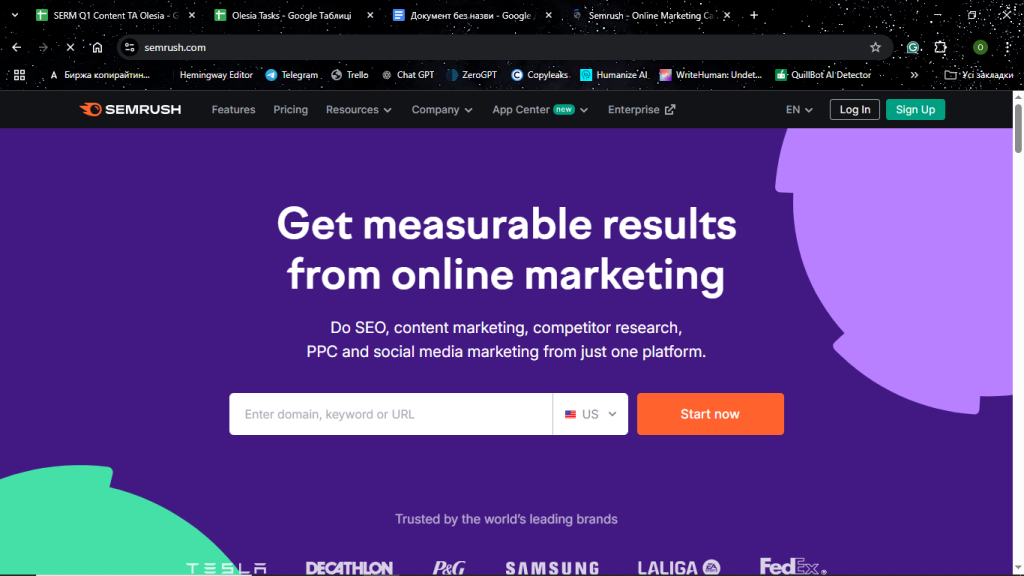
Many businesses today shift toward SEMRush due to its powerful keyword research and PPC advertising analysis features. The platform delves into the subtlest details of paid and organic searches, becoming an invaluable solution for strategic planning and uplifting brand recognition.
Key Features
- Keyword Magic Tool – Creates a myriad of keyword ideas, giving information on their search volume, difficulty level, and CPC.
- Keyword Gap Analysis – Takes competitive research on missed keyword opportunities.
- PPC Keyword Research – Scans and flags the most efficient paid search keywords and winning ad campaigns.
- Ad Tracking and Competitor PPC Analysis – Tracks competitor Google Ads campaigns.
- Position Tracking – Checks keyword positions over different geo-locations.
- SEO and Content Optimization – Fuels ranking and advertising activities by automating content improvement suggestions.
Pros & Cons
Pros
- Vast collection of keywords with insightful details
- Presents sophisticated PPC information for adjusting advertising campaigns
- Impactful competitor research for both organic and paid searches
- Elaborate reporting with an easy-to-use interface
Cons
- More expensive than budget-friendly competitors
- Newbies can be perplexed by rich functionality
- The free version entails many limitations
Best Use Cases
- Companies fine-tuning their PPC campaigns to increase click rates
- SEO specialists who study keywords with high rankings
- Digital marketers observing competing paid search tactics
- Content creators strategizing their content marketing campaigns
Pricing
In contrast to other best SEO software tools, SEMRush is somewhat overpriced. The Pro plan, suitable startup businesses, will cost $139.95 monthly, while enterprise-level Guru and Business rate at $249.95 and $499.95. There is also a limited free version.
SEMRush perfectly aligns with marketers who yearn for strong keyword research or PPC data. Its capacity will help improve the search strategy, taking advertising returns to new heights.
WebCEO – Best for Agencies Managing Multiple Projects

If you are a marketing team or agency purposed at simultaneous multiple project management, WebCEO supplies meaningful tools for SEO. From competitor analysis to reporting, it effectively services workflows and produces outcomes for clients at scale.
Key Features
- Rank Tracking – Keeps track of keywords for specific locations and search engines.
- SEO Audit – Finds technical issues that hinder a website’s performance.
- Backlink Analysis – Monitors backlink profile, unearthing toxic links.
- Competitor Research – Evaluates rival SEO and PPC endeavors.
- Automated & White-Label Reporting – Gives detailed reports in a client’s brand name.
- Task Manager & Collaboration Tools – Allows team members to control and delegate tasks.
- Social Media Monitoring – Measures interactions and brand mentions.
Pros & Cons
Pros
- Contributes to agencies who service several SEO clients
- Seamless reporting automation boosts efficiency while saving time
- Stellar usability with team collaboration features on the dashboard
- White-label options enable branded reports for agencies
Cons
- Some features are excessive for smaller companies
- More expensive than other single-user tools
- Complicated to master advanced settings
Best Use Cases
- Digital marketing agencies doing SEO for multiple clients
- Companies with large websites that demand complex SEO analysis
- SEO teams seeking automated workflow management and reporting
- Freelancers who need scalable tools and flexibility to handle projects
Pricing
WebCEO supports 3 plans varying in the number of projects, teammates, and keywords. Startup priced at $119 monthly suit beginner users, while customers requiring more tailored capabilities can choose from Agency Unlimited and Corporate at $99 and $299 monthly correspondingly.
Ground-breaking automation and reporting functionalities make WebCEO the unrivaled SEO solution to thrive in different projects at a time.
Sitechecker – Best for Website Audits and On-Page SEO
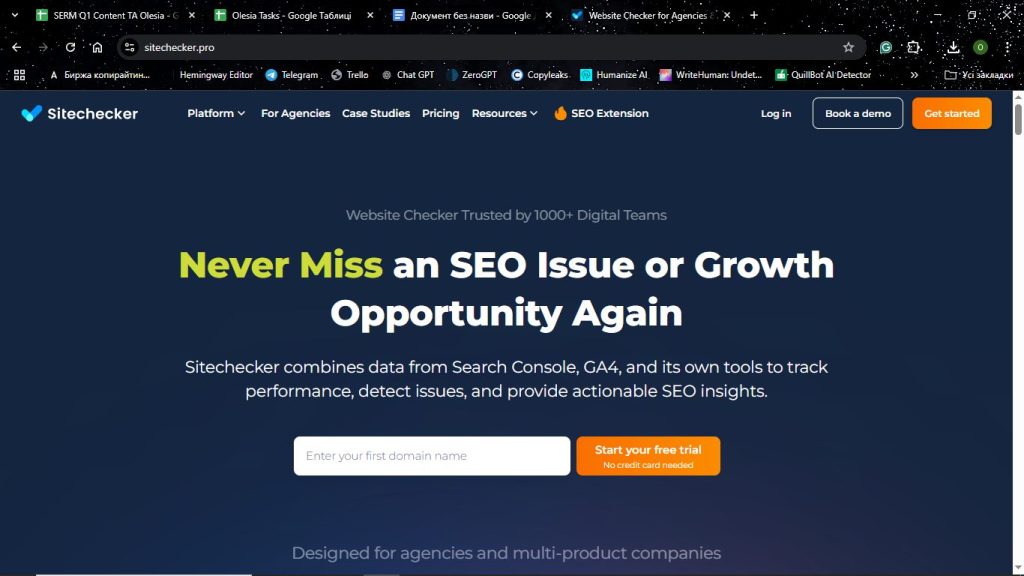
Sitechecker claims itself as the best SEO software due to the complete suite of services in website audits and on-page SEO optimization. It assists marketers, businesspersons, and webmasters in identifying underlying technical problems, refining site performance, and upgrading search visibility.
Key Features
- Website Audit – Checks the website for critical SEO malfunctions such as broken links, missing meta tags, and page loading speed.
- On-Page SEO Checker – Gives useful tips on how to optimize single pages.
- Rank Tracking – Overviews the position of the keywords in search engines.
- Backlink Tracker – Monitors gained and lost backlinks for developing beneficial link-building strategies.
- Site Monitoring – Notifies users of essential website changes potentially harmful to SEO.
- Integration with Google Analytics & Search Console – Helps ensure the precision of real-time data from an SEO perspective.
Pros & Cons
Pros
- Provides actionable insights with a straightforward interface
- All-around site audit and on-page optimization features
- Careful tracking of site modifications and SEO health in real-time
- More attractive price tags compared to enterprise-grade SEO tools
Cons
- Misses premium keyword research capabilities that premium platforms support
- Minimal competition analysis options
- Some functionalities are only available with higher plans
Best Use Cases
- Website owners desiring to sustain good on-page SEO while timely correcting technical issues
- Small businesses and startups looking for a budget-friendly solution to capture quality SEO audits
- Digital marketers tracking site health and performance
- SEO practitioners who prioritize streamlining site structure to elevate rankings
Pricing
Sitechecker comes with 3 cost-effective plans on a monthly payment basis: Basic ($59), Standard ($149), and Premium ($349). If you decide on an annual subscription, the platform generously gives 2 months of free usage as a gift.
For users in search of a user-friendly and low-cost tool, Sitechecker is a go-to choice. The capacity to improve site health while stressing on-page optimization sets the platform apart from the rest of the best software for SEO.
Moz Pro – Best for Domain Authority and Keyword Tracking
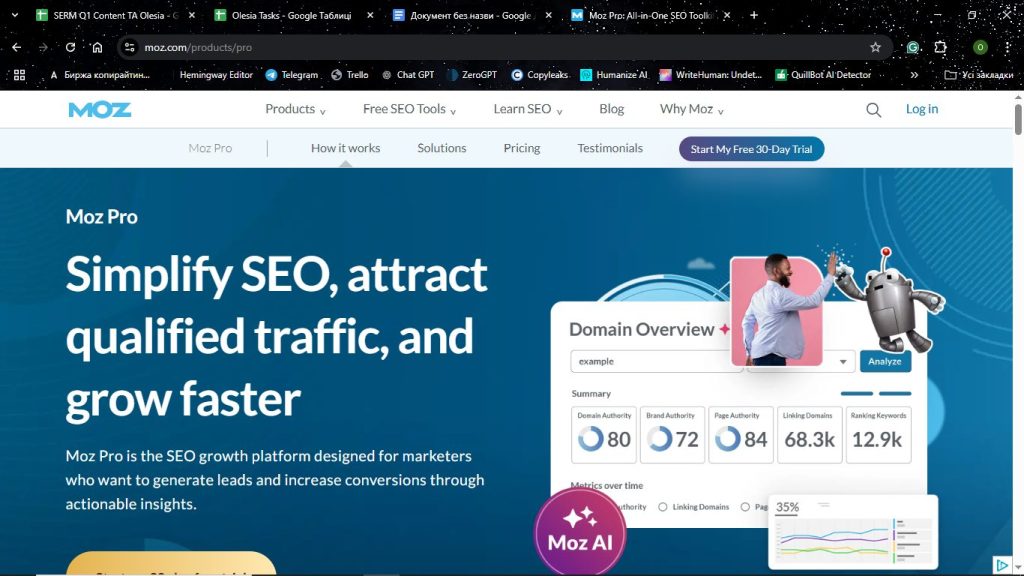
Due to its perfect blend of intuitive interface and ground-breaking capabilities, Moz Pro is among the established SEO optimization tools. The potent keyword tracking toolkit and outstanding Domain Authority metric equally cater to businesses, marketers, and SEO experts alike.
Key Features
- Domain Authority (DA) and Page Authority (PA) – Evaluate website credibility level and ranking potential.
- Keyword Explorer – Finds high-performing keywords by SERP analysis, search volume, and difficulty.
- Rank Tracking – Ensures powerful keyword monitoring with visibility data over time.
- Site Crawl – Scan on critical technical SEO problems, while educating users on resolutions.
- Link Explorer – Overviews the backlink profile and discovers new link-building opportunities.
- Page Optimization Tool – Delivers content alignment by on-page streamlining recommendations.
Pros & Cons
Pros
- Website strength evaluation with the prime Domain Authority metric
- Granular SERP analysis and keyword tracking
- A simple user interface with the ability to generate insightful reports
- Strong backlink analysis with spam score detection
Cons
- Missing PPC and in-depth competitor research options
- Lesser amount of data than offered by Ahrefs or Semrush
- Expensive pricing for lower-budget businesses
Best Use Cases
- SEO specialists who gear toward tracking keyword positions and domain authority checks
- Businesses growing website credibility and link-building funnels
- Content creators targeting to optimize for high-ranking keywords
- Marketers who study the backlink quality and competitor strategies
Pricing
With various investment possibilities in mind, Moz Pro offers 4 diversified plans. Starter and Standard at $49/month and $99/month will match entry marketers and small businesses. In contrast, more extensive data and tracking features are accessible for mid-sized companies and big agencies within Medium and Large plans charged at $179 and $299 monthly.
If your primary focus is keyword research and refining site trustworthiness, Moz Pro remains a leading solution among the best tools for SEO.
Surfer SEO – Best for Сontent Optimization and NLP
Propelled by amazing Natural Language Processing (NLP) technology, Surfer SEO helps content creators and marketers produce SEO-polished content to win high SERPs. It offers practical suggestions on enhancing content structure, keyword placement, and overall readability backed by in-depth analysis.
Key Features
- Content Editor – Carries out NLP analysis, presenting real-time SEO tips.
- SERP Analyzer – Explores content lengths, keyword difficulty, and the overall layout of the top-ranking pages.
- Keyword Research – Does competitor investigation to find high-traffic keywords to incorporate.
- Audit Tool – Easily unveils SEO shortcomings within content pieces.
- Internal Linking Suggestions – Proposes links with the potential to enhance the site’s structure and ranking.
- Google NLP Integration – Assists in optimizing content relevance on a semantic level.
Pros & Cons
Pros
- Effective data-driven content recommendations to uplift rankings
- User-friendly navigation for marketers and content writers
- Boosted relevance and readability with NLP integration
- Great for agencies and content teams
Cons
- Fails to provide profound backlink analysis and rank-tracking
- Smaller-sized businesses can’t afford subscription
- Calls for complementation with other SEO tools for a complete SEO strategy
Best Use Cases
- Content writers targeting article optimization for better search visibility
- Digital marketers seeking to reinforce content efforts through data-driven analytics
- SEO professionals who accomplish on-page SEO using NLP recommendations
- Agencies that require structured guidelines to furnish content for various clients
Pricing
The starting rate for Surfer SEO is $89 per month for Essential, offering the basics. Scale ($175 per month) and Custom (at tailored cost) plans are ideal for marketing teams and agencies with scalability needs.
Businesses concentrating on raising brand recognition with the power of words claim Surfer SEO is the best SEO software.
BrightLocal – Best for Local SEO and Citations
Hesitating between the best SEO software tools for shining bright in local searches? BrightLocal can be a totally game-changer. The platform allows businesses to manage and update their listings across specific locations to sustain reputation and ranking positions locally. It works especially well for small businesses, multi-location brands, and agencies overseeing local campaigns. For accurate rank tracking across different locations, many SEO professionals pair their tools with residential proxies like MarsProxies to avoid geo-restricted results.
Key Features
- Local Rank Tracking – Keeps track of keyword ranking in set areas.
- Citation Builder – Scans various directories for business listings and corrects them as necessary.
- Google Business Profile (GBP) Management – Controls and enhances GBP performance.
- Reputation Management – Looks after customer reviews, responding to them.
- Local SEO Audit – Detects possibilities of optimization to improve local visibility.
- Competitor Analysis – Measures local ranking against niche competitors.
Pros & Cons
Pros
- All-inclusive citation management with updating options
- Local rank tracking and GBP insights are exceptionally accurate
- Superior pricing compared to other enterprise-level local SEO tools
- Report generation is automated for agencies and business owners
Cons
- Limited capabilities in non-local SEO strategy
- Lacks advanced keyword research and backlink analysis
- Some directory listings are partially automated, demanding manual verification
Best Use Cases
- Businesses tracking online reputation and customer reviews
- Agencies that provide services for local SEO and citation building
- Multi-location brands dealing with numerous business listings
- Small businesses enhancing their local search presence
Pricing
BrightLocal has a free 14-day trial before subscribing. Then, users can choose from Track ($29/month), Manage ($36/month), and Grow ($44/month) plans depending on their tracking goals.
Those who pursue strengthening their online reputation with flawless citation accuracy will discover BrightLocal as the best software for SEO. It is truly a must-have assistant to boost local search ranking and establish the branding, two in one.
Linkee.ai – Best for Automated Internal Linking & Scalable On-Page SEO
Focused on one of the most overlooked yet powerful SEO tactics, Linkee.ai specializes in automated internal linking. By using AI to analyze content contextually, the platform helps websites build smart, relevant internal links at scale—saving hours of manual work while strengthening site architecture and topical authority. It’s especially valuable for content-heavy websites and SEO teams aiming to maximize on-page performance efficiently.
Key Features
AI-Powered Internal Linking – Automatically suggests and creates contextual internal links based on page relevance, anchor text opportunities, and SEO value.
Content Analysis – Scans existing content to understand topics, entities, and relationships between pages, ensuring links are semantically meaningful rather than generic.
Anchor Text Optimization – Generates natural, SEO-friendly anchor texts instead of over-optimized or repetitive keywords.
Bulk Link Automation – Enables large-scale internal linking across hundreds or thousands of pages with minimal manual input.
Link Monitoring & Control – Allows users to review, approve, edit, or exclude links to maintain full editorial control.
CMS Integration – Designed to work smoothly with popular content management systems, making deployment fast and practical for live sites.
Performance Insights – Helps track internal linking coverage and identify orphaned or under-linked pages.
Pros & Cons
Pros
- Highly specialized tool for internal linking automation
- Significant time savings compared to manual internal link building
- Context-aware AI ensures relevant and natural links
- Ideal for scaling SEO on large content sites
- Simple, focused interface with a low learning curve
Cons
- Limited scope compared to all-in-one SEO platforms
- Best results require a solid existing content base
- Advanced customization may be less flexible than manual linking
Best Use Cases
- Content-heavy websites (blogs, publishers, SaaS knowledge bases)
- SEO specialists optimizing internal link structures
- Agencies managing large volumes of content across multiple sites
- Teams aiming to improve crawlability and topical authority
- Marketers scaling on-page SEO without increasing workload
Pricing
Linkee.ai follows a flexible pricing model designed to accommodate different site sizes and content volumes. Plans typically vary based on the number of pages analyzed and links generated. A trial or demo option is available, allowing users to evaluate the platform before committing.
AgencyAnalytics – Best for SEO Reporting and Dashboards
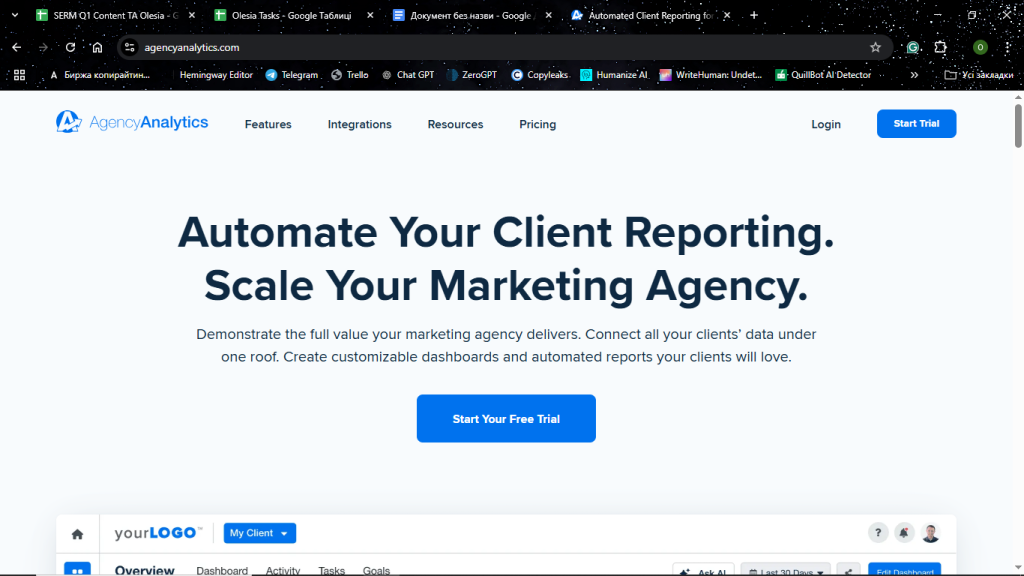
AgencyAnalytics is a robust reporting tool that assists digital marketing agencies in catering to clients. Unlike alternative tools for SEO analysis, it amazes with impeccably converging SEO insights into a single eye-catching dashboard.
Key Features
- Customizable Dashboards – Merge analytics, social media, PPC, and SEO data under one roof.
- Automated Branded Reports – Schedules and auto-sends reports for clients.
- Keyword Tracking – Traces performance of selected keywords on various search engines.
- Backlink Monitoring – Checks backlink quality as well as assesses their dynamics.
- Google Analytics & Search Console Integration – Offers comprehensive info on website traffic and performance.
- Account Management – Includes white-label client portal for real-time online reporting.
Pros & Cons
Pros
- Time-saving due to automated, white-label reporting options
- Integrates with over 75 marketing tools users, from Google Ads to social media applications
- A simple drag-and-drop interface for effortless personalization
- Agencies get an edge in catering to many clients
Cons
- Misses advanced keyword research and content optimization features
- Higher pricing tiers than other SEO tools of basic functionality
- Does not perform well for solo marketers and small companies
Best Use Cases
- Digital marketers in need of impactful client SEO reports for close-deadline submission
- Multi-channel advertising businesses that utilize one dashboard to monitor promotion performance
- SEO experts looking to handle several campaigns with a breeze
- Agencies that want branded white-label reports
Pricing
AgencyAnalytics is available in 3 subscriptions, gradually unlocking more features and integrations. These are Freelancer at $59 monthly, Agency at $179 monthly, and Agency Pro at $349 monthly.
If you are dubious about the best SEO software for custom dashboards and professional-grade SEO reporting, be confident that AgencyAnalytics would be the perfect fit.
DashThis – Best for Automating SEO Reports

Believe me, DashThis is one of the best software for SEO reporting with a strong focus on automating workflow. Its ability to collect data net-wide into aesthetically pleasing customizable dashboards makes it a premium option for anyone who wants to streamline reporting processes.
Key Features
- Automated Reporting – Automatically creates reports based on real-time data and distributes them to the scheduled clients.
- Customizable Dashboards – Adds to tailored insights with a straightforward drag-and-drop interface.
- Integration with 30+ Tools – Compatible with Google Analytics, Google Search Console, Ahrefs, SEMRush, and many more for in-depth exploration.
- Pre-Built Report Templates – Saves time by providing ready-to-use SEO and marketing report formats.
- White-Label Options – Enables branding by agencies for client-facing reports.
- Collaboration and Sharing – Allows clients to easily access reports via email or direct link.
Pros & Cons
Pros
- Avoids tedious manual report generation due to total automation
- An easy-to-use interface offering stunning customization
- Connects with leading SEO and marketing platforms
- Actionable for agencies that deliver to different clients simultaneously
Cons
- Poor in-depth SEO cometitor analysis features compared to premium SEO software tools
- More effective at generating reports than actively doing SEO work
- Overpriced unlike other basic reporting platforms
Best Use Cases
- Digital marketing requesting automated SEO report generation
- Businesses that need prompt, profound insights for decision-making
- SEO experts handling numerous projects that entail client reporting
- Teams optimizing their analytics workflow
Pricing
With DashThis, users invest as little as $42/month for the Individual package, trying a 15-day free trial before. They can also choose from Professional ($135/month), Business ($264/month), and Standard ($409/month) subscriptions that increasingly offer more features and integrations.
Agencies and marketing teams who search for the harmonious blend of simplistic design and unparalleled SEO reporting automation will find DashThis the best SEO software choice.
Conclusions
Selecting the best software for SEO is critical to climbing up the marketing ladder in 2026. The choice primarily depends on business goals and optimization expectations.
If you seek an all-in-one toolkit with industry-leading datasets at generous pricing, SE Ranking and SEMRush are unrivaled. Ahrefs is a dedicated solution for backlinks, while Surfer SEO will help meet content optimization needs. Automation-centered tools such as Google Search Console, AgencyAnalytics, and DashThis promise to simplify reporting.
At the end of the day, understanding your requirements, budget, and scaling purposes will make it much easier to determine the best tool for SEO. As a result, boosted rankings, increased traffic, and heightened ROl will help you beat the competition in the fast-changing digital world.
AI Agentic Platform For Building Portable AI Agents
Say Hello To Agentic AI That Connects With Your CRM And Even Other Agents