
If you search for “best AI automation tools” right now, you will find hundreds of articles. Most of them list the same products with roughly the same feature breakdowns. But the problem is not finding a tool. The problem is understanding which category of AI automation tool actually fits the work you need done.
Some platforms are built for AI agents that handle customer conversations. Some connect backend applications in deterministic workflows. Some add AI decision-making to those workflows. Some automate browser and web-data tasks. Some give you a team of specialist AI agents. Some are designed for technical teams who need to control every step. Others are built for business teams who want to describe what they need in plain language.
If you’re still defining where individual tasks, workflows, business processes, and AI agents fit together, our guide to AI Automation explains the broader automation landscape. This article evaluates eight AI automation tools based on what they are actually designed to do, not how many features they list on a pricing page. The goal is to help you match your automation requirement to the right platform approach.
Key Takeaways
- AI automation tools solve different problems, from app-connected workflows and browser automation to AI assistants and autonomous agents.
- The best platform depends on what you need to automate, not which product has the longest feature list.
- Workflow depth, integrations, technical control, human oversight, and governance are as important as AI features.
- AI agents are useful when work requires context and flexible decision-making, while predictable processes may be better suited to deterministic automation.
- Businesses should test shortlisted tools against a real workflow before committing to a platform.
- Botsify is best evaluated as an AI agent platform for conversational and business automation rather than as a direct replacement for backend workflow tools like n8n or Make.
Portable AI Agents In Seconds, Use Everywhere
Prompt, Test, and Deploy AI Agents Across Social Platforms and LLMs. Automate Everything.
Best AI Automation Tools at a Glance
| Tool | Best For | Automation Approach | Technical Level | Key Differentiator |
| Botsify | AI agents for customer conversations and business operations | Prompt-based AI agent builder | Low | White-label options, multi-channel deployment, MCP integrations |
| n8n | Technical teams needing deep workflow control | Code-friendly visual workflow automation with AI nodes | Medium-High | Open-source, on-prem deployment, full DevOps governance |
| Make | Visual AI workflow automation | Visual scenario builder with AI agent nodes | Low-Medium | Natural language builder (Maia), hybrid agents + automation |
| Zaplane | WordPress-native workflow automation without performance overhead | WordPress-native visual workflow automation | Low | No per-execution cost, runs inside WordPress, AES-encrypted credentials, 70+ integrations |
| Zapier | Broad app-connected business automation | Trigger-action workflows with AI agents | Low | Broad app ecosystem, AI agents, enterprise controls |
| Gumloop | AI-native workflows and agents | No-code visual builder with hybrid agent/workflow orchestration | Low-Medium | Self-improving agents, built-in evals, SOC 2/HIPAA |
| Lindy | AI assistants and agent-driven business workflows | AI teammate with skills and scheduled routines | Low | Works across Slack, Gmail, iMessage; learns from team behavior |
| Bardeen | GTM, research, browser, and web-data automation | Browser-based automation with AI agents | Low | Purpose-built for sales prospecting, lead research, and web scraping |
| Relevance AI | Custom AI agents and multi-agent workforces | Multi-agent orchestration platform | Medium | Enterprise agent workforce, multi-agent orchestration, deployment support |
How We Evaluated AI Automation Tools
We evaluated each tool across several dimensions, none of which are based on arbitrary numerical scores. The evaluation is qualitative and based on current product information from each platform’s official website, documentation, and product materials.
Automation approach: What type of automation is this platform built around? Is it workflow-first, AI agent-first, or a hybrid? Does it use visual flows, prompt-based configuration, or code?
AI and agent capabilities: Where does AI fit in the platform? Can it power entire automations, augment deterministic workflows, or run autonomous agents? Does it support multiple AI models, custom instructions, and tool use?
Integrations: How many applications can the platform connect to, and how deep are those connections? Does it support MCP for custom integrations?
Workflow depth: Can the platform handle multi-step logic, error handling, branching, conditional paths, and parallel execution? Or is it designed for simpler trigger-action patterns?
Customization and technical requirements: How much technical skill is needed to build and maintain automations? Can non-technical teams use it? Does it offer code access for developers?
Human oversight: Does the platform support human approvals, review steps, guardrails, and audit logging? How much control do teams have over what runs automatically?
Best-fit business use case: What kind of business problem is this tool most naturally suited to solve? This is the most important question and the one most generic comparisons fail to answer.
Best AI Automation Tools for Businesses in 2026
1. Botsify — Best for AI Agents That Handle Customer Conversations and Business Operations
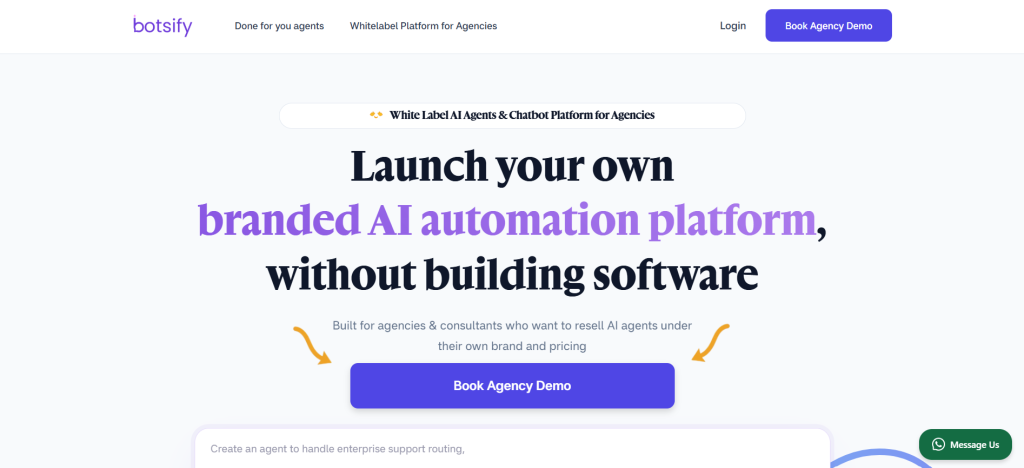
Botsify is an AI Agent Platform built around prompt-based agent creation. Instead of connecting triggers, conditions, and actions in a visual workflow, you describe what you want the agent to do in natural language. The agent then acts across multiple channels and tools. For teams that want to build from scratch, the AI Agent Builder provides a straightforward starting point.
This approach makes Botsify distinctly different from traditional workflow automation platforms. It is not a tool for connecting API A to API B in a deterministic sequence. It is a platform for building conversational and operational AI agents that handle customer-facing and internal business tasks.
What sets Botsify apart is its deployment model. Agents can be deployed across website chat, WhatsApp, Instagram, Messenger, SMS, Telegram, Slack, and other channels from a single build. The platform supports AI Agent Integration with over 5,000 applications through the Model Context Protocol, giving agents access to CRMs, calendars, spreadsheets, and business tools without custom code.
Botsify is particularly well-suited for agencies and businesses that need to deploy multiple AI agents under their own brand. The platform supports white-label reselling, which means agencies can package and price AI agents as their own product. This is not a common feature among general automation platforms.
Where Botsify fits best: Businesses that need AI agents to handle customer conversations, lead qualification, support tickets, scheduling, and operational tasks across multiple channels. Particularly useful for agencies building Custom AI Agents services for their clients.
Considerations: Botsify is designed for agent-driven automation rather than technical backend workflow automation. If your primary need is connecting databases, running ETL processes, or orchestrating complex application-to-application workflows, a workflow-first platform may be more suitable.
2. n8n—Best for Technical Teams Needing Deep Workflow Control
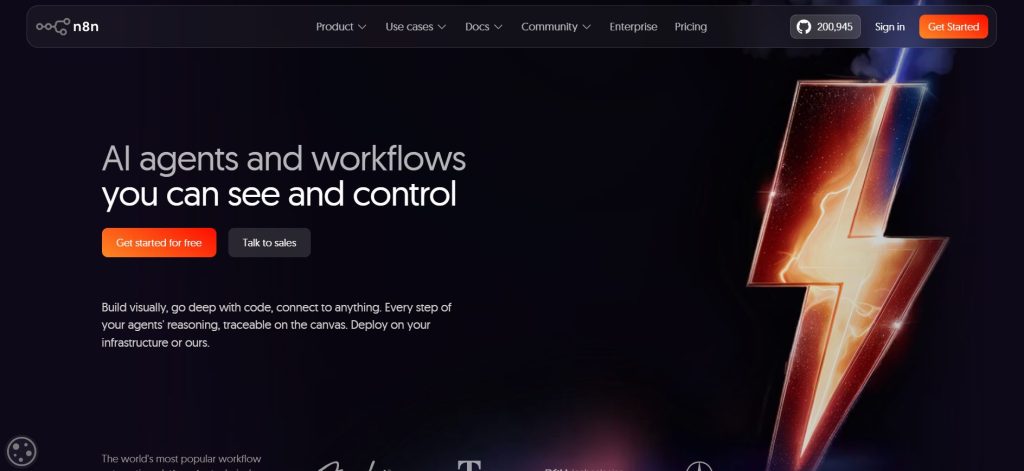
n8n is an open-source workflow automation platform designed for teams that want visual automation without giving up developer-level control. Its combination of workflow nodes, code support, API access, and self-hosting makes it one of the more technically configurable options in this comparison.
The platform uses a visual node-based workflow builder, but unlike purely no-code tools, n8n gives developers full access to code nodes, custom functions, and API integration. You can write JavaScript, make HTTP requests, use Webhooks, and integrate with any service that has an API. This makes it suitable for complex automation that extends beyond the capabilities of trigger-action platforms.
n8n has added AI capabilities including AI agent nodes that connect to major language models, support for building custom AI agents within workflows, and human-in-the-loop approval steps. The platform’s AI governance features include guardrails, evaluations, along with human-in-the-loop approval options and visibility into workflow and agent execution.
A key differentiator is deployment flexibility. n8n can be self-hosted on your own infrastructure, which gives teams full control over data residency, security, and compliance. The enterprise plan includes SSO, SAML, LDAP, RBAC, audit logs, and version control with Git-based workflows.
Where n8n fits best: Technical teams and organizations that need customizable, code-friendly workflow automation with AI agent capabilities. Particularly strong for teams that need self-hosted deployment, deep governance, and the ability to connect to any API.
Considerations: n8n requires more technical skill to set up and maintain compared to purely no-code platforms. Non-technical business teams may find the learning curve steep.
3. Make—Best for Visual AI Workflow Automation
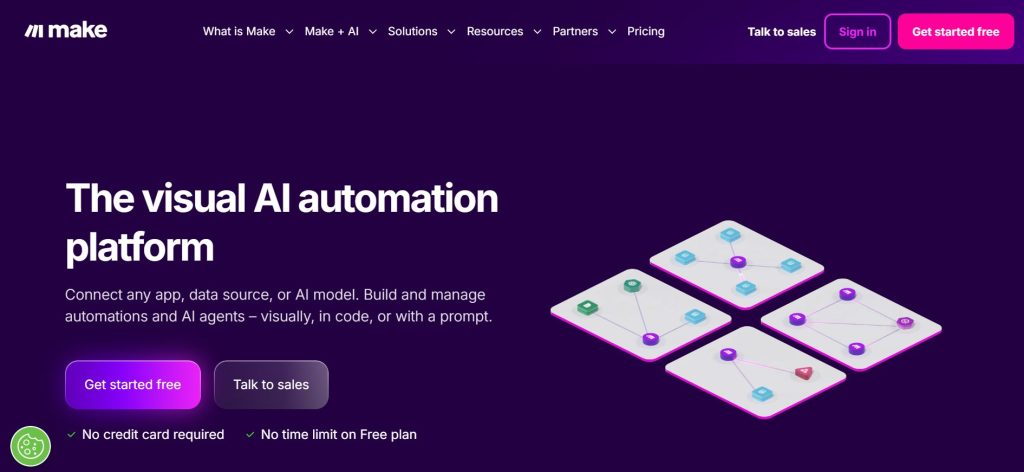
Make (formerly Integromat) is a visual workflow automation platform that has evolved significantly with AI capabilities. Its core offering is the Scenario Builder, a visual canvas where you can design multi-step automations by connecting modules, conditions, and data transformations. This visual approach is particularly useful for AI workflow automation, where AI-powered decisions need to operate alongside structured actions, conditions, and data movement.
Make has introduced AI agents as first-class citizens within its visual builder. These agents can be embedded into scenarios for real-time decision-making, and users can choose which language model powers each agent. The company has also introduced Maia, a natural language interface that lets users describe automations in plain language and have them built automatically. Some of Make’s newer AI capabilities are still evolving: Make AI Agent (New) is currently in open beta, while Maia is being rolled out through beta/early-access availability.
The platform positions itself as the “glue” that connects AI tools with business applications. This is a useful framing because it acknowledges that most businesses already use several AI tools, and the challenge is coordinating them with the rest of their tech stack. Make’s strength is providing that coordination layer in a visual format that non-technical teams can work with.
Make connects to a large library of applications and services, and its visual approach makes it practical for teams that need to build, modify, and audit multi-step workflows without writing code.
Where Make fits best: Teams that want to build AI-enhanced automations visually without writing code. Particularly useful for marketing, operations, and content teams that need to coordinate AI tools with their existing business applications.
Considerations: Teams expecting high-volume workflows should model expected usage against Make’s current pricing structure before committing. Some of its newer AI capabilities are also still maturing alongside the established workflow engine.
4. Zaplane — Best for WordPress-Native Workflow Automation Without Performance Overhead

Zaplane is a WordPress-native automation plugin built around one core principle: integrations should cost nothing when they are not running. Unlike cloud-based automation platforms that load every integration on every page request, Zaplane only loads an integration when a live workflow calls for it, idle integrations load zero files, zero hooks, and add zero overhead.
This architectural approach makes Zaplane fundamentally different from tools like Zapier, Make, or n8n. Those platforms operate outside WordPress, relying on external servers, third-party data storage, and API delays. Zaplane runs entirely inside your WordPress dashboard, fires on native hooks, and keeps all data on your own server. There is no external cloud account required, no monthly execution counter, and no SaaS pricing model based on how many times a workflow runs.
Zaplane includes a visual drag-and-drop workflow builder, trigger-based automation, workflow versioning, full run history and execution logs, a test mode for safe validation, and dashboard analytics, all in a single plugin install. For flow control, it offers condition/if nodes, filter nodes, delay nodes, iterator and loop processing, set variable steps, HTTP request support for any external API, and dynamic expression mapping.
The platform supports 70+ integrations across eCommerce, CRM, email marketing, LMS, forms, messaging, and WordPress core, covering tools like Academy LMS, aBlocks, Storeengine, WooCommerce, FluentCRM, HubSpot, Mailchimp, ActiveCampaign, Slack, WhatsApp, Telegram, LearnDash, MemberPress, Gravity Forms, WPForms, and more. All app credentials are AES-encrypted at rest, and OAuth 2.0 with auto token refresh is fully supported.
Zaplane also supports incoming webhooks to trigger workflows from any external service, JSON import/export for moving workflows across WordPress sites, a reusable recipe library, and a connection manager for handling all saved app credentials from one place.
Where Zaplane fits best: WordPress site owners, store operators, course creators, and agencies who need n8n-level workflow power without running a separate server or paying per execution. Particularly useful for WooCommerce stores, LMS platforms, and membership sites that require high-volume automation without a growing monthly task bill.
Considerations: Zaplane is purpose-built for the WordPress ecosystem. If your automation requirements live entirely outside WordPress, connecting SaaS tools to each other with no WordPress involvement, a cloud-based platform may be a better fit. But for teams already running their business on WordPress, Zaplane removes the performance cost and the per-task pricing that every other automation platform quietly imposes.
5. Zapier — Best for Broad App-Connected Business Automation
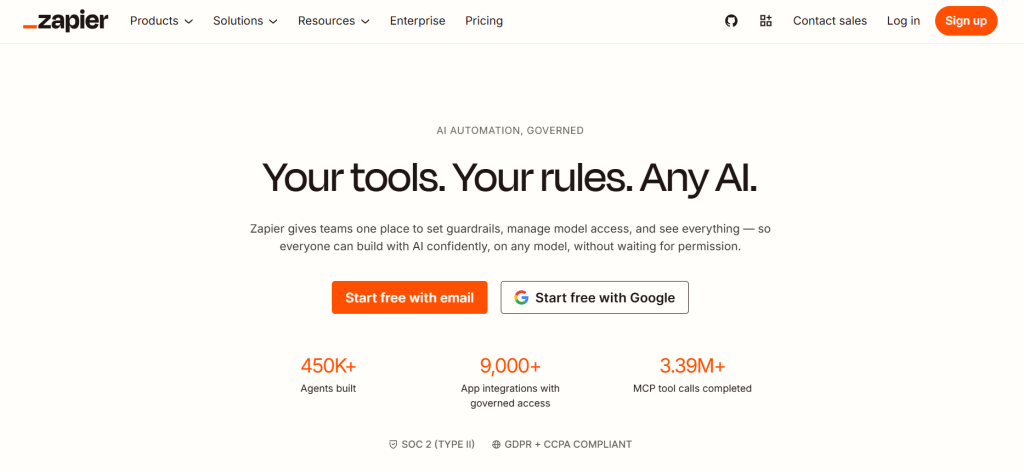
Zapier is an established automation platform built around connecting applications through trigger-and-action workflows. It has since expanded that foundation into AI-powered workflow steps, AI agents, and broader automation governance.
Zapier’s current positioning is as a “control plane” for AI. The platform lets businesses connect any AI model to any of its 9,000+ apps, with governance controls that span across models. Zapier provides a unified layer for credential management, action-level controls, and workflow logic regardless of which AI model a team is using.
The platform includes AI agents that can take action across connected apps, support for bringing your own model through Amazon Bedrock, and enterprise features like SCIM provisioning, log streaming to SIEM tools, and AI guardrails that block sensitive data.
Zapier’s extensive app ecosystem is one of its clearest advantages for businesses that need to connect a broad SaaS stack. If your business uses a less common SaaS tool, Zapier likely connects to it. The platform also offers guided templates, workspaces for team management, and role-based access.
Where Zapier fits best: Businesses that need to connect a large number of applications and want AI governance across their entire automation stack. Particularly useful for organizations that need enterprise controls, SSO, and audit capabilities.
Considerations: Teams expecting high automation volumes should compare projected usage with Zapier’s current pricing model. Businesses building heavily branched or highly customized workflows should also compare its workflow structure with more developer-oriented or canvas-based alternatives.
6. Gumloop—Best for AI-Native Workflows and Agents
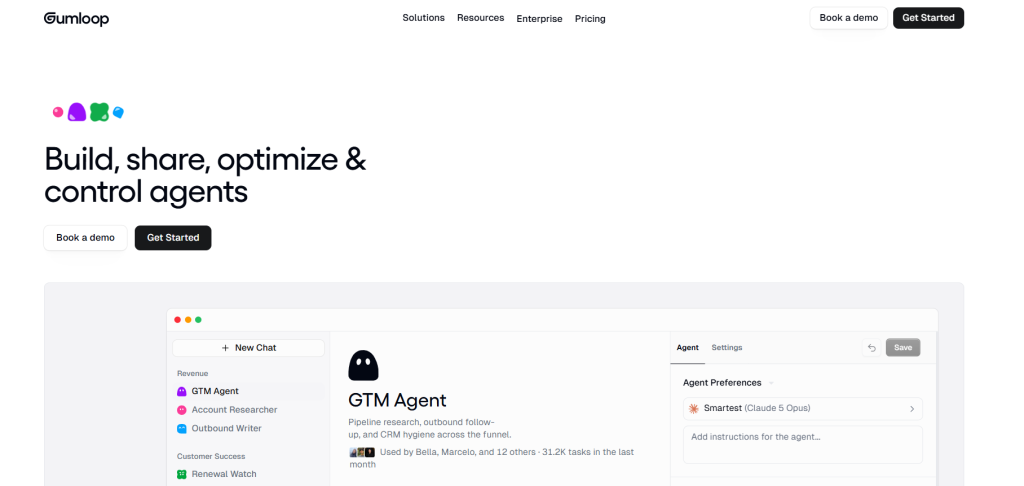
Gumloop is built around AI-native workflows and agents, combining a visual automation canvas with agent-oriented capabilities rather than treating AI only as an isolated workflow step. The platform uses a no-code visual builder, but its core design assumption is that AI should be the primary driver of automation logic, not just a node in a deterministic flow.
Gumloop’s AI agents can conduct web research, make decisions based on context, generate files, and act across connected applications. A feature called Gummie acts as a meta-agent that helps users build new automations from natural language prompts. The platform also offers self-improving agents that reflect on their own runs and tune their behavior over time.
The platform connects AI agents with internal and external business data and applications while also providing enterprise controls around how those agents operate.
Gumloop includes built-in evaluation tools for measuring agent quality, role-based access, spend caps and approvals, and credential management. The platform is designed for organizations that want to let business teams build AI automations while maintaining IT control.
Where Gumloop fits best: Businesses that want AI-native automation with strong compliance and security requirements. Particularly useful for teams that need self-improving agents and built-in evaluation workflows.
Considerations: Teams whose primary needs are simple, deterministic automations should compare whether Gumloop’s AI-native capabilities provide enough additional value to justify using an agent-oriented platform.
7. Lindy — Best for AI Assistants and Agent-Driven Business Workflows
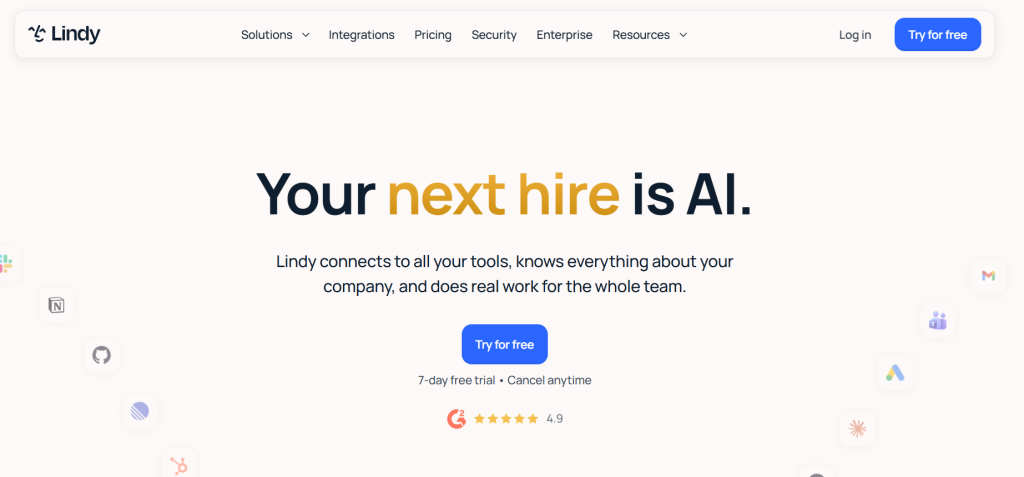
Lindy is positioned as an “AI teammate” that works across a team’s existing tools. It connects to Gmail, Slack, Notion, HubSpot, and over 1,000 other applications through direct integrations and MCP support. It also works through iMessage, giving team members access to AI assistance on mobile.
What makes Lindy distinct is how it attaches to a team’s workflow rather than requiring users to build automations through a separate interface. Lindy can be mentioned in Slack channels, respond in threads, draft and schedule emails, record and summarize meetings, and run on scheduled routines such as daily briefs or weekly reports.
Lindy combines workflows, triggers, actions, integrations, agent steps, and persistent memory so teams can configure repeatable processes as well as more adaptive agent behavior. Teams can also create custom skills by showing Lindy how to do something once. Lindy’s memory is stored in editable plain files, giving teams transparency into what the AI knows about their work.
Lindy supports approval workflows and human-in-the-loop steps where teams want actions reviewed before execution. The platform is SOC 2 and GDPR compliant, with enterprise plans adding HIPAA compliance and SSO.
Where Lindy fits best: Teams that want an AI assistant embedded in their existing communication tools rather than a separate automation dashboard. Particularly useful for teams that want scheduled AI workflows, meeting intelligence, and email management.
Considerations: Lindy’s AI-teammate model is particularly suited to work that interacts with people, communication tools, and business workflows. Teams focused primarily on backend server-to-server automation should compare it with workflow-first platforms designed for that purpose.
8. Bardeen—Best for GTM, Research, Browser, and Web-Data Automation
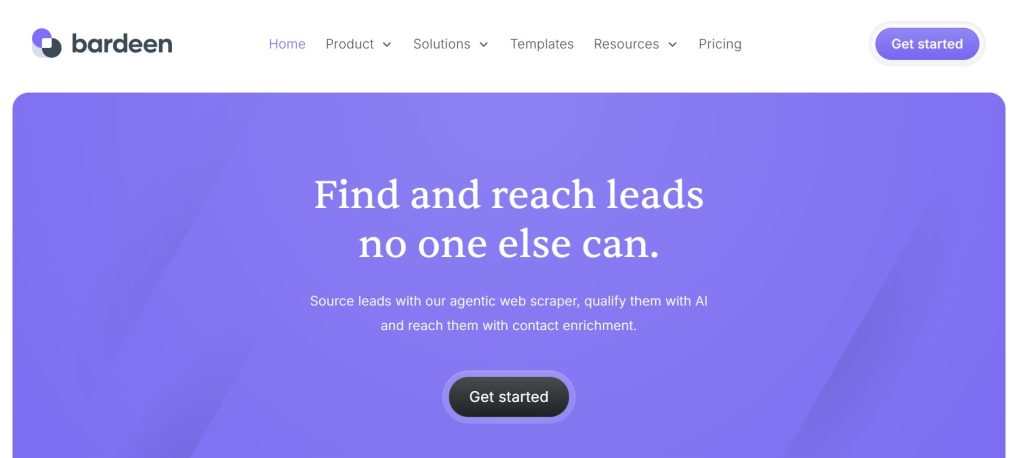
Bardeen combines browser automation with a strong focus on go-to-market workflows, including lead research, web-data extraction, prospecting, and AI-powered sales automation.
This GTM focus is what differentiates Bardeen from general workflow automation platforms. While Make, Zapier, and n8n are designed to connect any application to any other application, Bardeen is built with a specific use case in mind. It automates the browser-based research, data extraction, and prospecting workflows that sales and marketing teams perform daily.
Bardeen’s AI capabilities are integrated into this context. The platform can search for prospects, enrich lead data, find contact information, perform competitive research, and trigger outreach sequences. Much of this happens through browser-based automation that performs actions on web pages, which is a capability that traditional workflow platforms handle differently.
Where Bardeen fits best: Sales and marketing teams that need to automate lead research, prospect enrichment, competitive intelligence, and web-data extraction. Particularly useful for go-to-market teams that want AI-powered browser automation.
Considerations: Bardeen’s browser-automation approach is less suited for backend server-to-server workflow automation. If your primary need is connecting databases, CRMs, and internal systems in deterministic workflows, Bardeen may not be the right fit. Its focused positioning means it covers a narrower range of use cases than general-purpose platforms.
9. Relevance AI—Best for Custom AI Agents and Multi-Agent Workforces
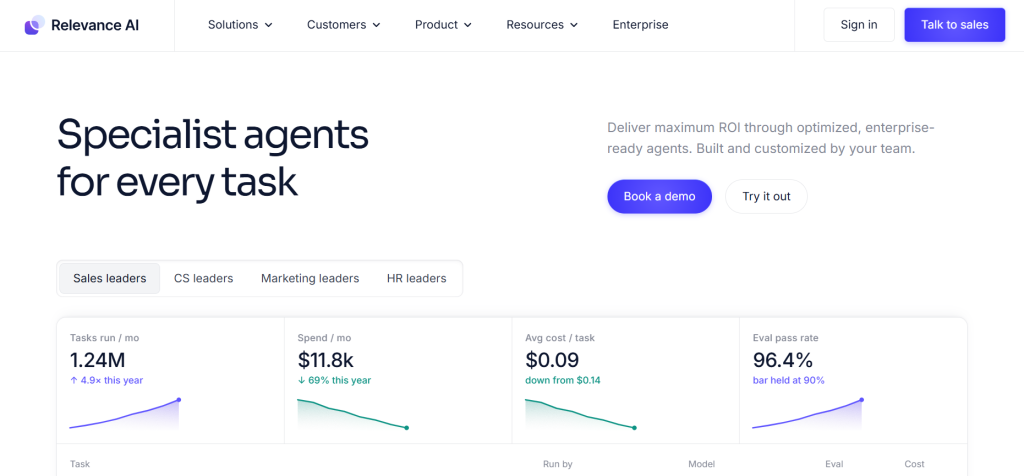
Relevance AI has positioned itself as an enterprise AI agent platform for building and managing multi-agent workforces. Its tagline, “Specialist AI Agents for Every Task,” reflects a design philosophy where businesses deploy specialized agents for specific functions rather than building one general-purpose agent.
The platform provides a visual canvas for composing agents and workflows, with drag-and-drop support for agents, tools, and approval steps. Agents can be described in plain language, and the platform handles building the prompt, selecting the tools, and creating evaluations. Relevance AI also supports MCP, allowing engineers to build agents from Claude Code, Codex, or Cursor.
Relevance AI’s enterprise focus is evident in its deployment model. The company provides an embedded deployment team that helps organizations map their initial use cases and build their first team of agents, then trains internal teams to build and manage agents independently.
The platform supports a broad integration ecosystem alongside built-in evaluations, production monitoring, pre-deployment scenario testing, and role-based access.
Where Relevance AI fits best: Enterprise organizations that need to deploy a workforce of specialized AI agents across multiple departments. Particularly useful for organizations that want structured onboarding, embedded deployment support, and multi-agent orchestration.
Considerations: Relevance AI is enterprise-focused, which means it may not be the right fit for smaller teams or businesses that want a simple, self-serve automation tool. Its agent workforce approach works best when organizations have multiple use cases that can be handled by specialized agents working together.
10. Velocity — Best for AI-led social media content workflows
Velocity is an AI social media agent designed for marketing teams and agencies that need to turn campaign briefs into on-brand social content. Rather than using separate tools for ideation, content creation, approvals, scheduling, and publishing, teams can manage the full social-media workflow in one place.
The platform helps teams research content ideas, generate platform-ready posts and visuals, and keep output aligned with each brand’s guidelines. It also supports review and approval workflows, so marketing teams can retain editorial oversight before content is scheduled or published.
Velocity is built around social-media execution rather than general-purpose business automation. Its focus is helping teams plan and run consistent social campaigns across channels without moving between disconnected creation, approval, and scheduling tools.
Where Velocity fits best: Marketing teams and agencies managing recurring, multi-channel social content who need a more structured way to turn briefs into approved, on-brand posts and campaigns.
Considerations: Velocity is purpose-built for social-media content workflows, not for broad backend automation such as database syncs, ETL processes, or complex application-to-application automation.
How to Choose the Right AI Automation Tool
Choosing the right AI automation software starts with understanding the type of work you actually need to automate, not comparing feature counts in isolation. Here are the questions that matter most.
What exactly are you automating? Customer conversations require a different approach than backend data pipelines. AI agents that handle customer support, lead qualification, and scheduling need a platform designed for conversational AI, channel deployment, and context management. Workflow automation platforms that connect APIs in deterministic sequences are better suited for operational backend tasks.
Does the work require deterministic logic, AI judgment, or both? Some automations are predictable: when event X happens, do action Y. These are well served by traditional workflow platforms. Other automations require judgment: read this email, decide whether it requires a response, draft an appropriate reply, and send it. These benefit from AI-powered platforms. Many business processes require both, so a single workflow may combine deterministic steps with AI-driven judgment.
Which business systems must connect? The number and type of integrations matter. If your tech stack includes niche or industry-specific tools, you need a platform that either supports those tools directly or offers flexible integration methods like MCP or custom API nodes. For agent-based systems, AI agent integration is especially important because the agent may need controlled access to CRMs, calendars, databases, support systems, and other business tools before it can take useful action.
How much technical control is required? Some teams need the ability to write custom code, self-host workflows, and access audit logs. Others need a platform that business users can configure without developer involvement. Neither approach is objectively better, but the wrong match creates friction.
Where must humans approve or intervene? If your automations involve sensitive actions such as sending emails, updating CRM records, or processing payments, you need a platform that supports human approvals and review steps. Verify that the platform supports approvals and intervention at the specific points where your workflow requires them.
How important are governance and monitoring? Organizations with compliance requirements need audit logging, access controls, data residency options, and the ability to trace what each automation did. Some platforms offer this out of the box. Others require additional configuration or are not designed for it. When autonomous agents are involved, AI agent governance also becomes important for defining permissions, oversight, accountability, and boundaries around what agents can do.
Will one workflow be automated, or will automation expand across teams? A platform that works for a single automation may not scale well across an organization. Consider whether the platform supports team workspaces, shared credentials, role-based access, and usage analytics. Businesses moving beyond individual workflows into AI process automation may also need to coordinate multiple workflows, systems, teams, and decision points within a larger business operation.
AI Agents vs Workflow Automation Tools: Which Do You Need?
The line between AI agents and workflow automation tools is blurring. Most platforms in this comparison now offer both capabilities. But the distinction still matters for choosing the right tool.
AI agents are suited for tasks that require judgment, context, and adaptability. They can interpret requests, decide what to do, and adjust their approach based on the situation. They are useful for customer conversations, email management, research, and any task where the exact path is not predetermined. An AI agent platform provides the environment for building, configuring, connecting, deploying, and managing these agents when the work requires more flexibility than a fixed workflow can provide.
Workflow automation is suited for tasks that are predictable and repeatable. When event A happens, the system should always perform steps B, C, and D in order. This is reliable and auditable, but it does not handle ambiguity well.
The most effective automation strategies often combine both. An AI agent might handle the judgment parts of a process (classifying a support ticket, drafting a response), while a deterministic workflow handles the routing, logging, and integration steps. In these hybrid systems, AI agent workflows can define how agents interact with tools, deterministic steps, business rules, and human handoffs without requiring the agent to control every part of the process.
Understanding this distinction helps you evaluate whether a platform’s AI capabilities are actually useful for your specific needs, or whether you simply need a reliable workflow engine.
How to Evaluate an AI Automation Tool Before Committing
Before committing to a platform, first identify which work is actually suitable to automate. Learning how to automate business tasks with AI starts with separating repetitive, rules-based work from tasks that genuinely require AI judgment. Once you have a candidate use case, test the platform against that real requirement rather than chasing feature lists.
Test one representative workflow. Start with a real automation you need to run. Build it in the platform. This reveals more about the tool’s strengths and limitations than reading documentation.
Verify your required integrations. Do not assume that a platform’s integration count includes the specific tools you use. Check whether the connections you need exist and whether they support the actions you require.
Test failure and exception handling. Automations break. How does the platform handle API errors, missing data, rate limits, and authentication failures? Can you configure retry logic, fallback paths, and error notifications?
Identify where human review is required. Map out the steps in your automation where a human should review or approve before the action executes. Verify that the platform supports this at the appropriate level of granularity.
Examine monitoring and control. Can you see what your automations are doing in real time? Can you pause, modify, or roll back automations? Are audit logs available?
Evaluate how easily automations can be modified. Business requirements change. Can non-technical team members update workflows without breaking them? Does the platform support version control and testing?
Consider whether the platform fits future needs. The automation you build today will likely expand. Will the platform scale with you? Can it handle higher volumes, more complex logic, and additional team members without requiring a complete rebuild?
FAQs About Best AI Automation Tools for Businesses in 2026
What is the difference between AI automation tools and traditional automation tools?
Traditional automation tools follow fixed rules and triggers. If event X happens, perform action Y. AI automation tools add the ability to make decisions, process unstructured data, and adapt to changing inputs. Many modern platforms combine both approaches.
Do I need coding skills to use AI automation tools?
It depends on the platform. Tools like Botsify, Zapier, Make, Lindy, and Gumloop are designed for non-technical users. Platforms like n8n offer more power and flexibility but require comfort with code and APIs. The right choice depends on your team’s technical capability and the complexity of your automation needs.
Should a business use one AI automation platform or multiple tools?
There is no universal answer. Some businesses can standardize on one broad automation platform, while others combine specialized tools for conversational AI, browser automation, workflow orchestration, or agent-based work. Adding more platforms also increases integration, governance, and maintenance requirements.
What is MCP and why does it matter for AI automation?
Model Context Protocol (MCP) is an open standard for exposing tools, data, and capabilities to AI systems through a common interface. For AI automation platforms, MCP can make it easier to connect agents with external systems and reduce the amount of one-off integration work required.
Can AI automation tools replace human employees?
AI automation tools handle specific tasks, not entire roles. They are most effective when used to reduce repetitive work, allowing employees to focus on higher-value activities. The goal is task automation, not role replacement. Claims about AI replacing entire job functions should be evaluated critically.
Which platform is best for a business that is new to AI automation?
For businesses new to AI automation, the best starting point is a platform that matches your primary automation need. If your primary need is AI agents for customer conversations, Botsify is worth evaluating because its approach centers on prompt-based agent creation and multi-channel deployment. If your priority is connecting applications through visual workflows, Zapier or Make may be more natural starting points.
Choosing the Best AI Automation Tool for Your Business
The best AI automation tool depends on the work you want to automate, the systems involved, how much autonomy the AI needs, and the level of technical control and human oversight your organization requires.
Agent-first platforms such as Botsify make the most sense when automation centers on conversational or adaptive AI agents. Workflow-first products such as n8n, Make, and Zapier solve a different problem: coordinating applications, data, logic, and AI-powered steps across structured workflows. Other platforms specialize further in areas such as browser-based GTM automation, AI-native workflows, embedded assistants, or multi-agent systems.
The most important decision is not which platform has the longest feature list. It is which platform’s approach to automation matches the work you actually need to get done.
AI Agentic Platform For Building Portable AI Agents
Say Hello To Agentic AI That Connects With Your CRM And Even Other Agents
