


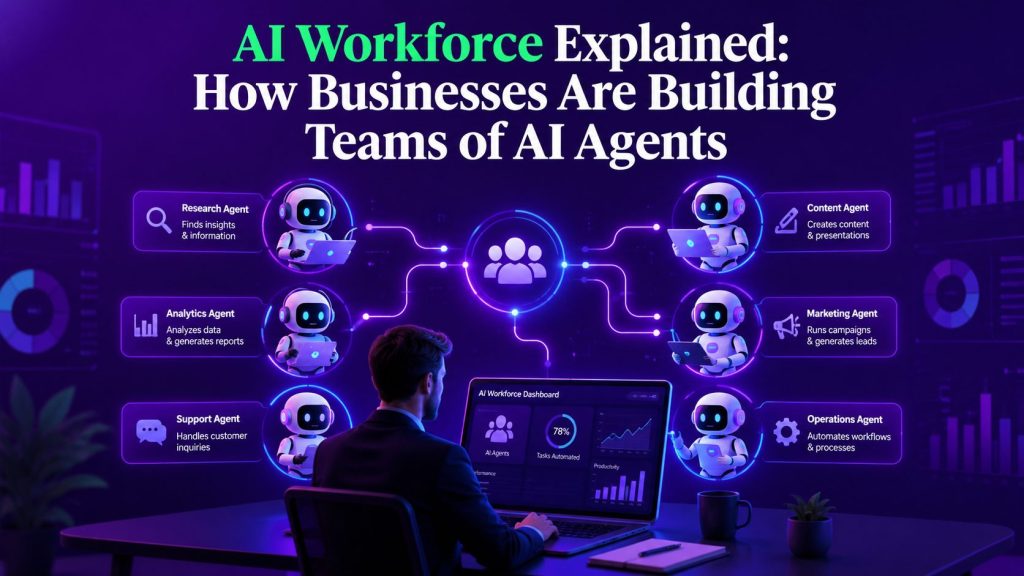
If someone told you five years ago that companies would be hiring digital employees that never sleep, ask for a raise, or take a sick day, you would have laughed. Today, that is exactly what is happening. An AI workforce is no longer a futuristic concept. It is a practical, operational reality for thousands of businesses around the world.
The shift is subtle but significant. Companies are not just automating individual tasks anymore. They are building entire teams of autonomous AI agents that work alongside human employees, handling everything from customer support to lead qualification, data entry to content generation. These digital workers handle the repetitive, predictable work so your human team can focus on strategy, creativity, and relationships.
The question is no longer whether AI agents can do the job. It is how to build, manage, and scale an intelligent workforce that actually delivers results without creating chaos.
This article walks through what an AI workforce actually looks like in practice, how businesses are building one today, and what you need to know before you start.
Key Takeaways
- An AI workforce consists of multiple autonomous AI agents working together to handle business tasks, not just a single chatbot or automation tool.
- Companies are using AI employees to fill gaps in customer support, sales outreach, data processing, content creation, and internal operations.
- AI workforce management requires the same discipline as managing human teams: clear goals, defined roles, performance tracking, and regular optimization.
- The most successful deployments start small, prove value on one use case, and expand from there.
- Digital workers are not replacing human employees. They are taking over the work humans should not be doing in the first place.
- Choosing the right AI Agent Platform is more important than the individual agents themselves. The platform determines how well your workforce scales, adapts, and integrates.
- Governance, memory, and orchestration are the three pillars that separate a functional AI workforce from a chaotic one.
Portable AI Agents In Seconds, Use Everywhere
Prompt, Test, and Deploy AI Agents Across Social Platforms and LLMs. Automate Everything.
What Is an AI Workforce?
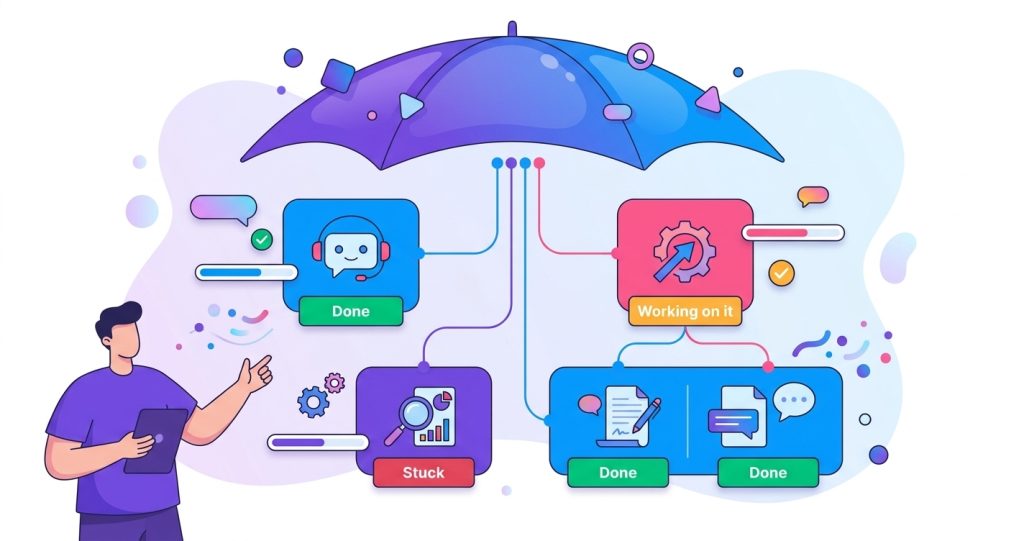

An AI workforce is a collection of digital workers that perform specific business functions, often autonomously, with minimal human oversight. Think of it as a department of virtual employees, each with a defined role, set of skills, and expected outputs.
Unlike traditional automation, which follows rigid if-then rules, an AI workforce relies on autonomous AI agents that can reason, adapt, and make decisions within their defined scope. A customer support agent can handle a refund request without being told every possible refund scenario. A sales agent can qualify a lead, book a meeting, and follow up without a human scripting every step.
This is what makes the concept different from the chatbots of the past. Those were static. They could only handle what you explicitly programmed. An AI workforce is dynamic. It learns, adjusts, and improves over time.
The key distinction is that an AI workforce is a system, not a tool. You are not adding one piece of software. You are building a team. And like any team, it needs structure, leadership, and coordination. This shift toward coordinated digital workers reflects the broader evolution of Agentic AI, where autonomous systems work toward goals instead of simply responding to individual prompts.
Why Businesses Are Building an AI Workforce Right Now
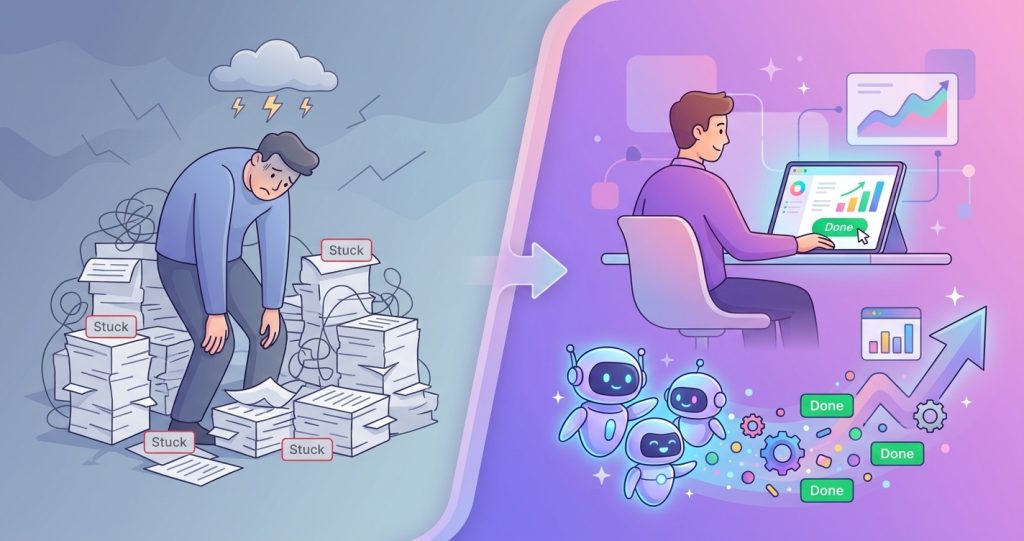
The reasons companies are moving toward an AI workforce go beyond cost savings. Yes, digital workers reduce operational costs. But the real drivers are speed, consistency, and scalability.
A human sales development representative can send maybe 50 personalized emails a day if they are fast. A digital worker can send 500, each one personalized, with follow-ups timed perfectly, and never forget to follow through. A human customer support agent can handle 20 to 30 conversations per shift. An AI employee can handle hundreds simultaneously, with the same tone and accuracy every time.
These are not theoretical gains. Businesses using AI agent automation report meaningful improvements in response times, lead conversion rates, and operational throughput. The numbers are real because the use cases are real.
Consider a mid-sized e-commerce company. They get 200 support tickets a day. Half of those are simple questions: where is my order, how do I return this, do you have this in stock. With an AI workforce handling those, the human support team goes from drowning in tickets to focusing on the complex, high-value conversations that actually need human judgment.
The same logic applies to sales, marketing, HR, and operations. Every department has work that is repetitive, predictable, and high-volume. That is exactly the work an AI workforce is built for.
The Core Components of an AI Workforce
Building an AI workforce is not something you do with a single tool. It requires a few key components to work together smoothly.
1. Autonomous AI Agents
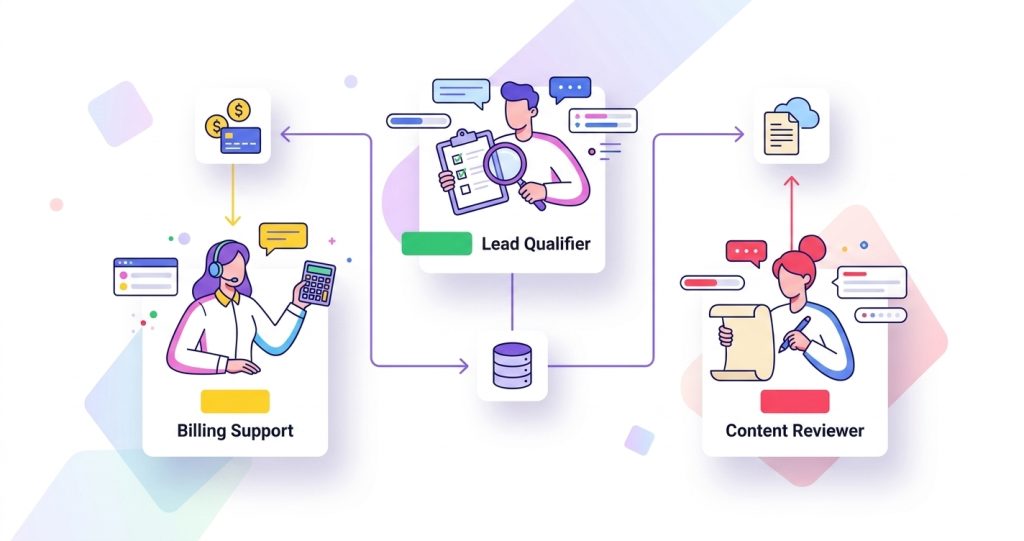
Each agent is a digital worker with a specific role. A lead qualification agent, a billing support agent, a content review agent. These are not general-purpose bots. They are purpose-built for a specific function, trained on the data and workflows that matter for that job.
The effectiveness of your AI workforce depends on how well you design these agents. Giving an agent too broad a scope leads to confusion and poor results. Giving it a clear, narrow job with well-defined boundaries leads to reliability.
2. Agent Memory
Memory is what separates a useful agent from a forgetful one. AI Agent Memory allows your digital workers to remember past interactions, customer preferences, and ongoing context. Without memory, every conversation starts from scratch. With memory, an AI employee can pick up exactly where it left off, even across different channels and time zones.
3. Orchestration
When you have multiple agents working on related tasks, they need to coordinate. AI Agent Orchestration is the layer that decides which agent handles what, in what order, and how they pass information between each other. It is the project manager for your AI workforce.
For example, a lead comes in. The qualification agent processes it. If qualified, it passes to the scheduling agent. After the meeting, the follow-up agent takes over. Orchestration makes sure this handoff happens without dropping context or duplicating work.
4. Governance
AI Agent Governance is the set of rules, permissions, and guardrails that keep your workforce operating within acceptable boundaries. Who can an agent contact? What data can it access? When should it escalate to a human? Governance answers these questions.
Without governance, your AI workforce is a liability. With it, you can scale confidently, knowing your digital workers are operating within the rules you set.
How to Build Your First AI Workforce
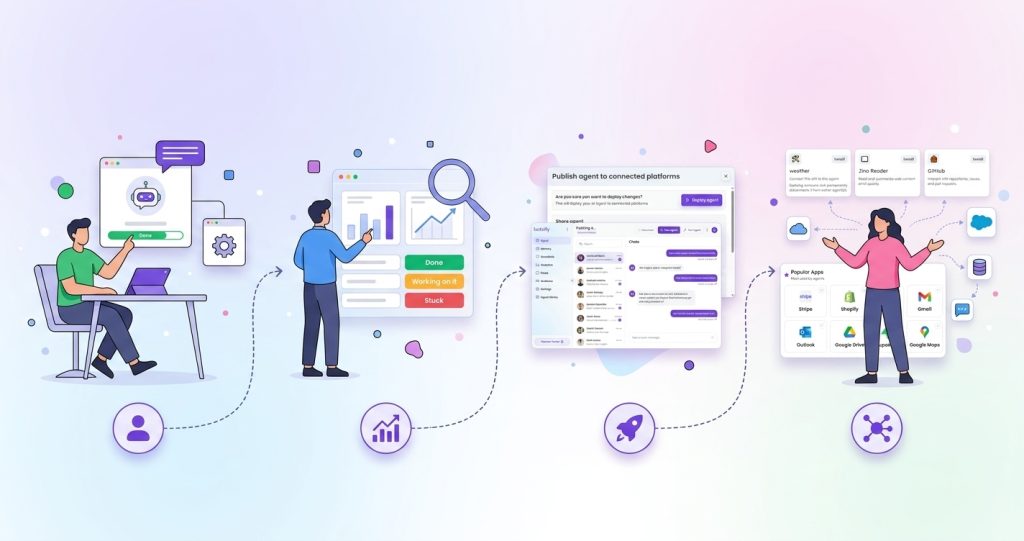
Building an AI workforce does not require a massive upfront investment or a team of engineers. The approach that works best is practical and iterative. Choosing the right AI Agent Platform early makes it easier to manage agents, connect business tools, and scale your workforce over time.
Start with One Role
Pick the most painful, repetitive, high-volume task in your business. This approach works especially well for AI agents for small businesses, where solving one operational problem first often delivers the fastest return on investment. That is your first candidate. It could be answering common support questions, qualifying inbound leads, or processing invoice data. Choose one role, build one agent, and prove it works.
This is where you decide whether to use an AI agent builder or build from scratch. For most businesses, an AI agent builder is the faster path. It gives you the structure to define the agent’s role, connect it to your data sources, and deploy it without writing complex code.
Define Success Metrics
Before you launch, decide what success looks like. Is it response time under 30 seconds? Resolution rate above 80 percent? Lead qualification accuracy above 90 percent? Set clear metrics so you know whether your digital worker is actually performing.
Deploy and Monitor
Launch your first agent in a controlled environment. Give it real work but keep a human in the loop. Review its outputs, catch mistakes, and refine the instructions. This is the most important phase. The quality of your first agent determines how much confidence your team will have in the next one.
Expand Gradually
Once the first agent is performing well, add another. Then another. Over time, your AI workforce grows. Each new agent should complement the existing ones, not overlap with them. This is where Custom AI agents become valuable. Off-the-shelf agents work for common tasks, but the best results come from agents built specifically for your workflows.
Real Use Cases of AI Employees in Business
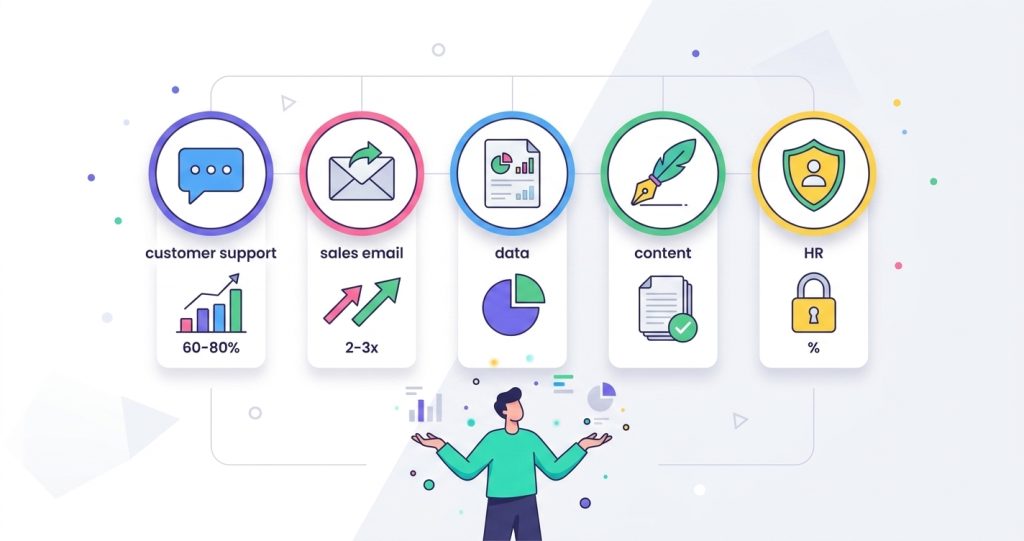
The most honest way to understand an AI workforce is to look at where it is actually working today.
Customer support. This is the most common entry point. AI employees handle tier-one support questions, process returns, and escalate complex issues. Companies report handling 60 to 80 percent of support volume without human involvement.
Sales outreach. Digital workers research prospects, send personalized emails, handle follow-ups, and book meetings. They work around the clock and never let a lead go cold. Sales teams using AI agent automation often see 2x to 3x more qualified meetings per month.
Data processing. AI agents extract information from documents, invoices, emails, and forms. They populate databases, update CRM records, and flag exceptions. The accuracy is high, and the speed is unmatched.
Content operations. Digital workers draft social media posts, summarize reports, generate product descriptions, and review content against brand guidelines. Human editors review and approve, but the heavy lifting is done by the workforce.
Internal operations. HR support, IT ticketing, expense reporting, onboarding workflows. These are all areas where AI employees reduce the burden on internal teams.
The common thread across all these use cases is that the work is structured, repetitive, and rule-guided. That is the sweet spot for digital workers.
AI Workforce Management: What Changes When You Have Digital Workers
Managing an AI workforce is different from managing a software stack. It is closer to managing a team.
You need to define roles clearly. You need to monitor performance and intervene when things go wrong. You need to update training materials as your business changes. You need to decide when to let an agent operate independently and when to pull a human in.
This is what AI workforce management looks like in practice. It is not a set-it-and-forget-it arrangement. It requires ongoing attention, just like managing human employees. Treating the AI agent lifecycle as an ongoing process, rather than something that ends after deployment, helps ensure your digital workers continue improving as your business evolves.
The good news is that the same instincts that make you a good manager of people apply here. Clear expectations, regular feedback, and a willingness to step in when something is off. The difference is that digital workers are faster to train, easier to scale, and they never complain about Monday mornings.
Tools like White label AI platforms are making it easier for agencies and businesses to manage AI workforces for multiple clients. Instead of building from scratch every time, you can deploy a proven workforce structure with custom agents for each client’s needs.
Common Mistakes When Building an AI Workforce
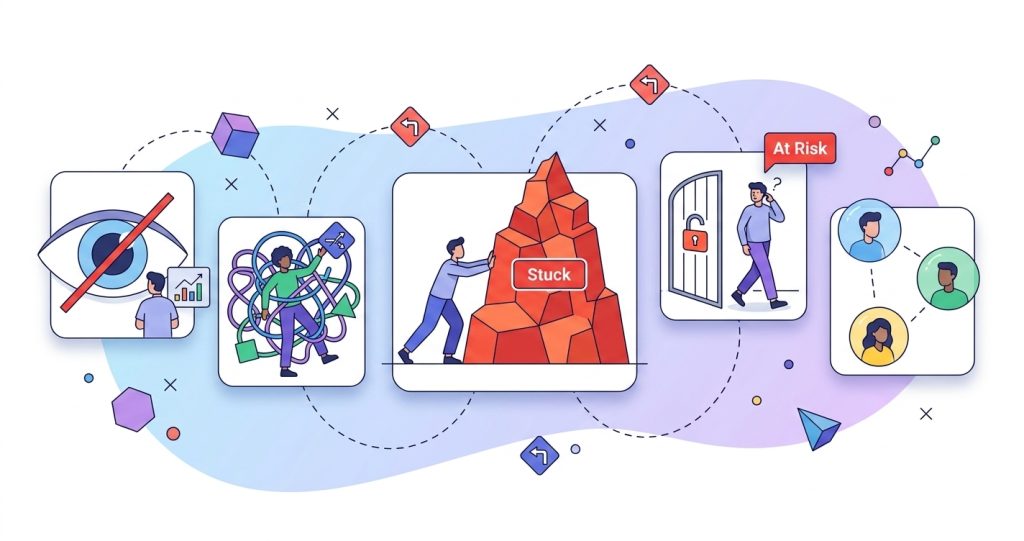
Honesty matters here. A lot of companies get this wrong before they get it right.
Starting too big. The most common mistake is trying to build a full AI workforce in one go. Pick one role, prove it, then expand.
Overcomplicating the agent design. Give your agents clear, narrow roles. A lead qualification agent should qualify leads, not also handle billing.
Skipping the monitoring phase. Letting AI employees run unsupervised from day one is a recipe for bad customer experiences. Keep a human in the loop until you trust the output.
Ignoring governance. Without proper AI Agent Governance, you risk exposing sensitive data, sending inappropriate messages, or making decisions outside your business rules.
Not involving the human team. Your employees will be skeptical of digital workers. Involve them in the process. Show them how the AI workforce handles the work they hate, so they can focus on work they actually enjoy.
The Future of the AI Workforce Is Already Here
The term AI workforce may sound like something from a tech conference keynote. But the reality is that businesses of all sizes are already using digital workers to handle real work, serve real customers, and generate real revenue.
The companies that figure this out early will have a structural advantage. They will operate faster, serve better, and scale further than their competitors. The barrier to entry is lower than most people think. You do not need a huge budget or a team of engineers. You need a clear problem, a willingness to iterate, and the right platform to build on.
The AI workforce is not coming. It is here. And it is hiring.
AI Agentic Platform For Building Portable AI Agents
Say Hello To Agentic AI That Connects With Your CRM And Even Other Agents
Frequently Asked Questions
How is an AI workforce different from regular automation?
Regular automation follows fixed rules and can only do what it is explicitly programmed to do. An AI workforce uses autonomous AI agents that can reason, adapt, and make decisions within their scope. The difference is flexibility. Digital workers handle edge cases and unexpected inputs far better than traditional automation.
Do I need technical skills to build an AI workforce?
Not necessarily. Many AI agent builders and platforms are designed for non-technical users. You define the role, set the rules, and connect your data. The platform handles the technical complexity. Deeper customization may require some technical support, but the first agent can be built by anyone.
How many digital workers does a small business need?
Most small businesses start with one or two AI employees handling a single high-volume task. As the team sees results, they expand. There is no minimum or maximum. Start with the task that costs you the most time and money.
Can AI agents work with my existing tools?
Yes. Most modern AI Agent Platforms integrate with CRMs, help desks, email, Slack, and other common business tools. Integration is a key consideration when choosing a platform. If an agent cannot access the data it needs, it cannot do its job.
What happens when an AI agent makes a mistake?
You catch it during the monitoring phase and refine the agent’s instructions. Over time, mistakes become rare. The key is having governance in place so that mistakes are caught early and do not cause serious damage. No digital worker is perfect on day one, and that is fine.
Is an AI workforce expensive to maintain?
The cost is usually lower than hiring additional human employees for the same work volume. Maintenance involves monitoring performance, updating instructions, and occasionally retraining agents on new data. Most platforms handle the infrastructure, so you are paying for results, not upkeep.
Will AI employees replace human jobs?
In most cases, no. AI employees replace tasks, not jobs. The repetitive, high-volume work gets handled by digital workers. Human employees shift to higher-value work that requires judgment, creativity, and relationship building. Companies that deploy AI workforces effectively usually end up growing their human teams, not shrinking them.