
Picking an AI avatar tool used to mean choosing between realism and workflow fit. In 2026, that gap has narrowed enough that the real question is which tradeoffs match how your team actually ships video.
These AI avatar generators stood out in hands-on testing for customer support and marketing video. I judged them on realism, lip-sync, interactivity, language coverage, real-time support, workflow fit, and cost at scale.
Key Takeaways
The best pick depends on whether you need training video, live support, multilingual campaigns, or fast low-cost production.
- Synthesia is the best overall for enterprise support and product education. It pairs realistic avatars with branching, quizzes, 160+ languages, and SCORM export for learning systems.
- D-ID is best for real-time avatar agents. It is built for conversational, knowledge-connected avatars that can answer questions and hand off to a human.
- Colossyan is a strong runner-up for interactive training. It makes branching lessons, quizzes, assessments, analytics, and SCORM export easy to publish.
- HeyGen excels at multilingual marketing. Its translation workflow keeps voice tone and lip-sync strong across 175+ languages and dialects.
- Elai, AI Studios, Vidyard, VEED, and Fliki cover narrower needs. They help with live chat, wide language coverage, personalized outreach, quick edits, and high-volume production.
- Most vendors meter by credits or minutes. Studio avatars, live agents, and higher-end models usually cost extra, so test your expected monthly volume first.
How I Tested These AI Avatar Generators
Production fit matters more than novelty, so I tested each tool against real support and marketing tasks.
Real-Time Agent Capability. I checked response speed, reliability, knowledge-base connection, and how cleanly the tool handed a session to a human.
Interactivity. I looked for clickable menus, branching, quizzes, and SCORM export, a file standard used by learning management systems.
Localization. I compared language coverage, lip-sync quality, voice preservation, and subtitle accuracy across common markets.
Brand and Compliance. I reviewed custom avatar licensing, single sign-on, role controls, and whether teams could audit prompts and renders.
Workflow Fit. I assessed application programming interface access, website embeds, bulk personalization, and analytics with call-to-action capture.
Cost at Scale. I ran the minute and credit math for realistic monthly volume, including custom avatars, live features, and seat limits.
Portable AI Agents In Seconds, Use Everywhere
Prompt, Test, and Deploy AI Agents Across Social Platforms and LLMs. Automate Everything.
What Is an AI Avatar?
An AI avatar is a digital presenter that lets teams make video or live interactions without filming every version.

In practice, there are three common forms. Video avatars turn a script into a talking presenter for explainers and tutorials. Image avatars create consistent profile art or thumbnails. AI agent avatars speak in real time and connect to a knowledge base or support flow.
Most teams do not need the most human-looking face. They need clear speech, fast editing, and a clean path to the next action.
Types of AI Avatar Generators
The right avatar type depends on whether you need pre-recorded education, branded images, or live support.
Video Avatars
These work best for help center videos, onboarding, tutorials, and campaign assets. Quality is predictable, localization is easier, and output is simpler to review. The tradeoff is limited interaction unless the platform adds quizzes or branching.
Image Avatars
These are useful for profile images, thumbnails, and brand consistency across channels. They are fast to make and easier to govern, but they do not replace speaking video for support or product marketing. Many teams also combine avatar tools with AI Image Generation platforms to create custom thumbnails, campaign visuals, and branded support assets at scale.
AI Agent Avatars
These fit tier-1 support, lead capture, and guided product help. The best ones connect to your knowledge base, log sessions, and escalate cleanly. Many teams also keep a text-based chatbot platform for customer support in the same stack to cover WhatsApp, web chat, and email, channels where a video avatar does not make sense, so the same flows and knowledge base feed both modalities. The risk with avatar-only setups is latency, higher infrastructure cost, and more setup work than a pure chatbot deployment.
How to Choose the Right Tool
Choose for the job you run every week, not the demo that looks best in a sales call.
If support is the main goal, start with answer quality, human handoff, session logging, and embed options. A perfect face matters less than correct answers. As more companies adopt Agentic AI workflows, support avatars are increasingly expected to reason through tasks instead of simply responding with scripted answers
If marketing is the main goal, focus on translation quality, brand templates, scene control, and calls to action. Teams usually regret buying on avatar novelty alone.
Before you commit, run one real workflow at your expected monthly volume. That exposes credit caps, approval steps, and seat rules before they slow your team.
Synthesia
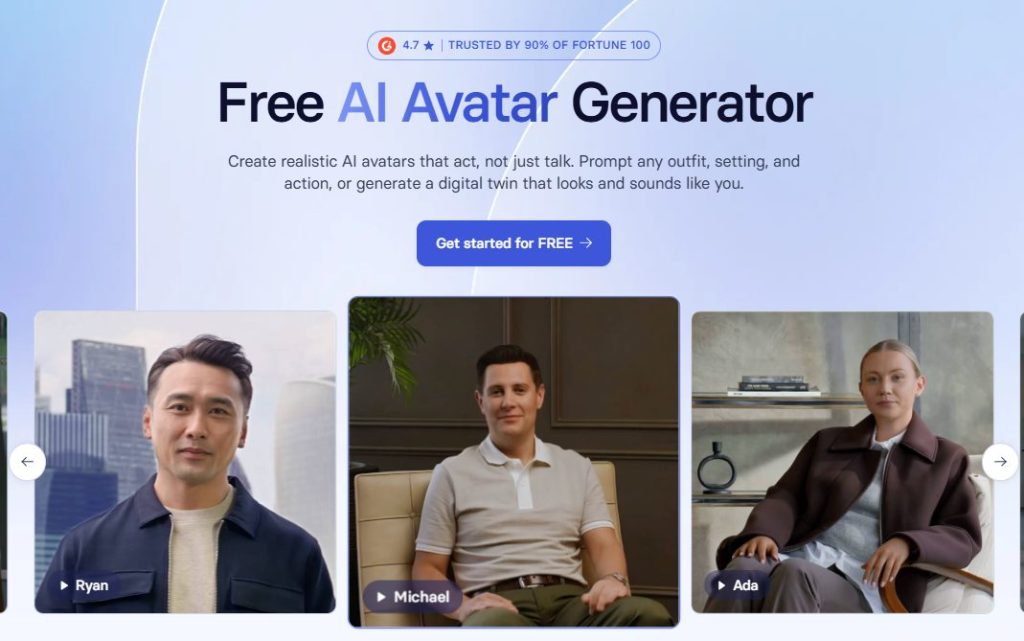
Synthesia is the safest choice for large teams that need polished training, support, and product education video.
Synthesia Pros
- 240+ stock AI avatars, plus personal and custom options for brand consistency
- Built-in interactivity with buttons, branching, quizzes, and knowledge checks
- 160+ languages, template-based authoring, and SCORM export for learning systems
Synthesia Cons
- No real-time two-way avatar agent, because the product is built for pre-rendered video
- Credit-based usage means teams need to forecast minutes and premium features carefully
My Experience with Synthesia
I turned top help articles into short avatar videos with clickable menus and quiz checks. The editor was fast, and the finished videos looked consistent across languages.
For marketing, I built product tours with segment-specific voices and simple calls to action. Brand kits, approval controls, and export options made it easier to manage a larger team.
Synthesia is the safest fit when you need polished multilingual output, solid controls, and interactivity in the same workflow.
For teams producing onboarding lessons, support tutorials, release walkthroughs, and product demos across multiple regions, the real advantage is having one workflow that keeps brand voice, review controls, localization, quizzes, and publishing consistent without slowing every update. Synthesia’s AI avatar generator is built around that exact requirement; enterprise-grade quality, multilingual output, branched interactivity, and SCORM export in one editor which is why it tends to be the safest pick when several teams need to ship video on the same brand standards.
Synthesia Price
Free and paid tiers are available. Self-serve plans cover many small and mid-sized teams. Enterprise plans add unlimited minutes, SCORM, single sign-on, and deeper collaboration controls.
D-ID
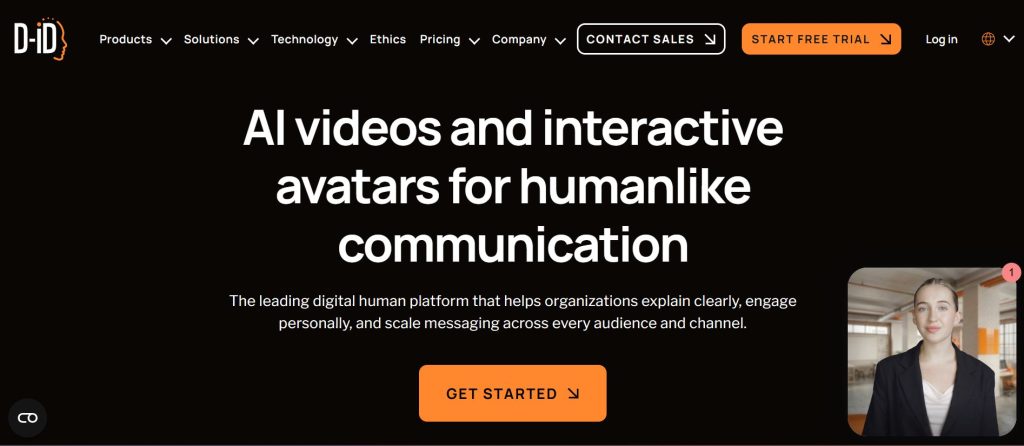
D-ID stands out when you want a live, knowledge-connected avatar inside support flows.
D-ID Pros
- Real-time conversational avatars through browser-based streaming and developer tools
- Connections to large language models, custom knowledge bases, and async video generation
D-ID Cons
- Visual realism and lip-sync trail the best pre-rendered tools
- No native interactive video authoring for quizzes or branching paths
My Experience with D-ID
I started with billing, order tracking, and account questions. The avatar handled simple requests and routed edge cases to a human agent. The flow felt useful, even if the mouth movement looked less natural than the Synthesia avatars I tested earlier.
Guardrails and session logs were essential. I reviewed missed intents each week and tightened prompts before widening the support scope.
D-ID Price
Free trials are common. Paid plans use minutes or credits, and studio features can price differently from the application programming interface.
Colossyan
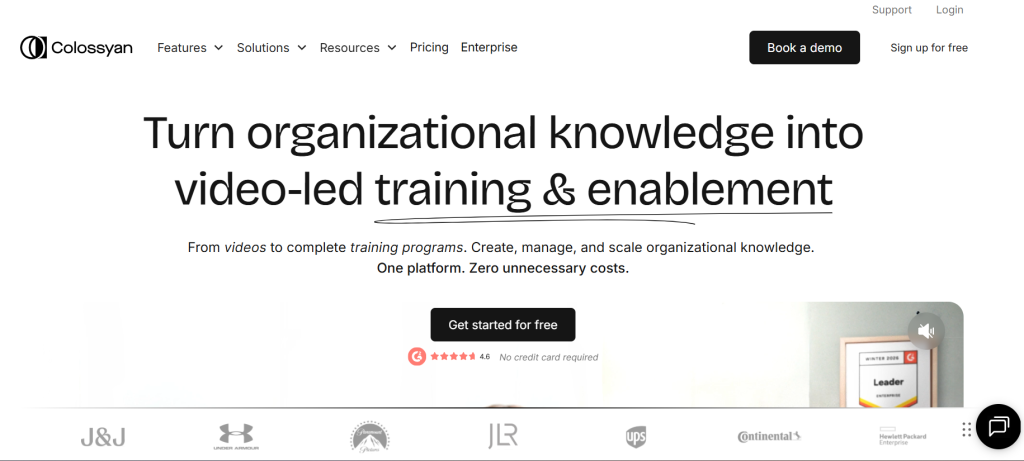
Colossyan is a strong fit for interactive training, onboarding, and product walkthroughs.
Colossyan Pros
- Branching scenarios, multiple-choice quizzes, analytics, and SCORM export
- 200+ AI actors and automated translation in 100+ languages
Colossyan Cons
- Realism and lip-sync are a step behind Synthesia
- Live agent use cases are not the core focus
My Experience with Colossyan
I turned onboarding into decision trees with quiz gates and buttons that pushed users to docs, trials, or booking pages. That made it easier to see where viewers stalled.
The analytics were useful because they measured comprehension, not just play rate. If training outcomes matter more than avatar polish, Colossyan is easy to justify.
Colossyan Price
Pricing is usually clear, with low-cost entry tiers and higher plans for more minutes and interactivity. Confirm current language, actor, and translation limits before you buy.
HeyGen
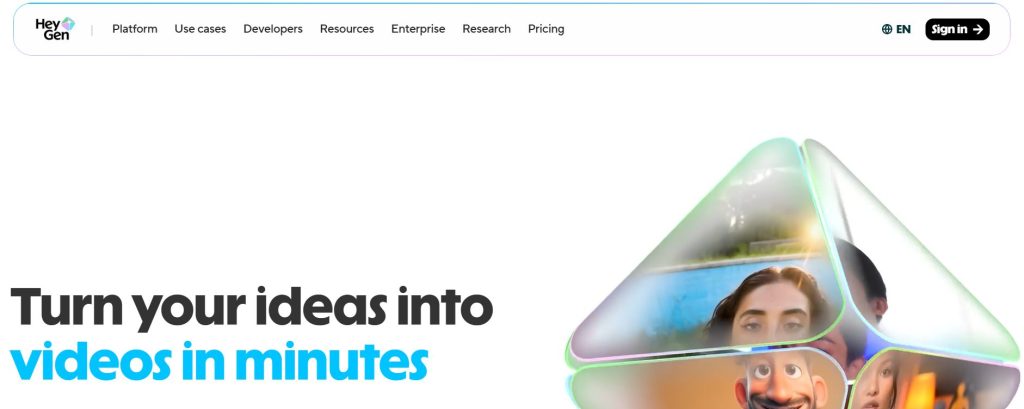
HeyGen is the best fit when translation quality is the main driver.
HeyGen Pros
- Video translation in 175+ languages and dialects with strong voice preservation and lip-sync
- LiveAvatar streaming application programming interface for low-latency interactive experiences
HeyGen Cons
- Premium models, translation, and live features consume separate credits
- Native interactive authoring (quizzes, branching) is lighter than dedicated training tools
My Experience with HeyGen
I repurposed one flagship product video into several languages while keeping the on-screen look consistent. Subtitle accuracy and voice matching were better than the rest of the field.
For outreach, I made short personalized intros with a name, company, and clear value statement. That saved time, but the credit math mattered once volume increased.
HeyGen Price
Free tiers and trials exist. Paid plans meter avatars, translation, and live streaming separately, so review monthly usage before you scale.
Elai
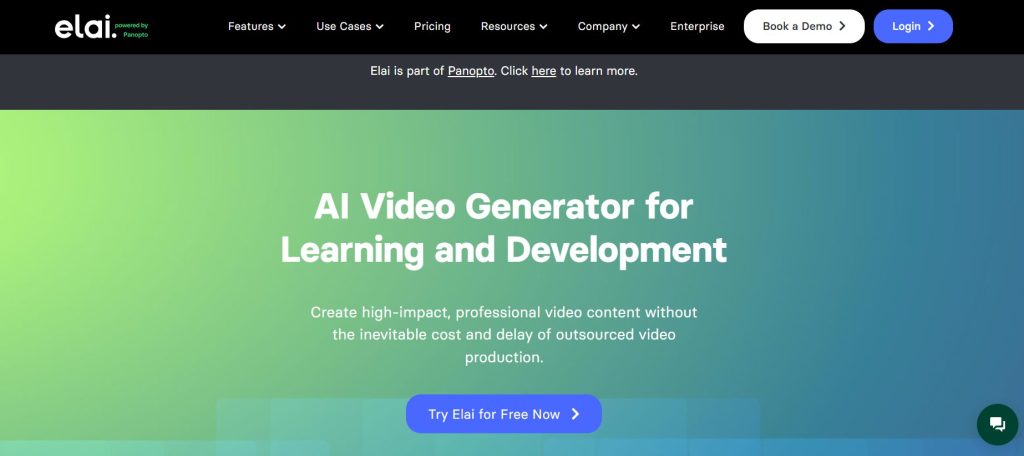
Elai is a practical option for teams that want both live chat and standard avatar video in one tool.
Elai Pros
- Real-time AI video chat with 75+ languages, 400+ voice options, and 3 to 5 second response targets
- Standard text-to-video, templates, and custom avatar support
Elai Cons
- Pre-render quality trails the leaders, so B-roll helps reduce uncanny moments
- Smaller ecosystem of integrations and templates compared with the top platforms
My Experience with Elai
I added a guided concierge avatar to product pages for common questions and simple troubleshooting. Response speed held up well under moderate traffic.
I also used avatar dialogs for first-run setup tasks. That mix of live help and simple explainer video made Elai easy to pilot.
Elai Price
Pricing is tiered, with live chat and custom avatars on higher plans. Validate language support, voice options, and latency at your expected traffic level.
AI Studios by DeepBrain AI
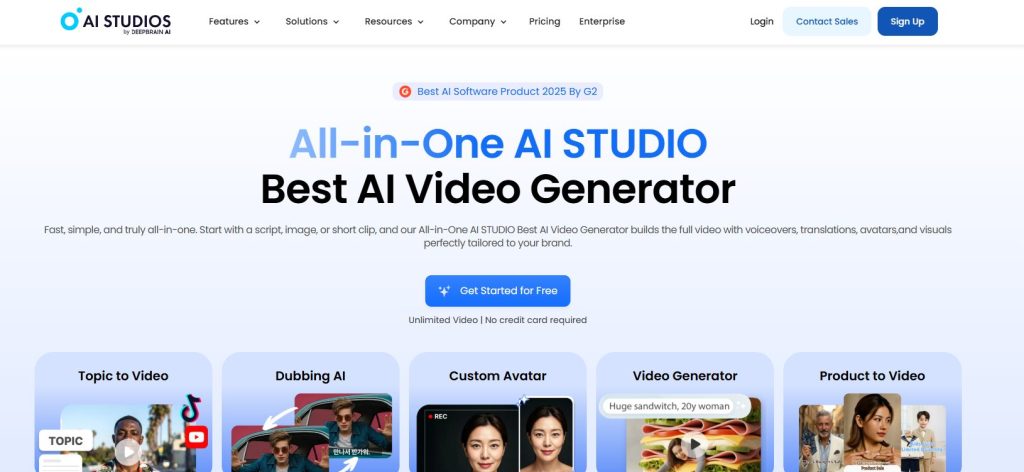
AI Studios is a broad, budget-conscious option when language coverage matters more than advanced interactivity.
AI Studios Pros
- Text-to-speech in 110+ languages, plus photo avatars and multiple creation modes
- Conversational avatar options and multi-avatar scenes
AI Studios Cons
- Voice and lip-sync quality vary by model, and native interactivity is limited
My Experience with AI Studios
I produced FAQ videos for many languages quickly by reusing templates and scene layouts. That kept output consistent without much overhead.
For marketing, I made explainer variants by persona and tested different hooks and calls to action. Results depended heavily on the chosen voice model.
AI Studios Price
Plans range from free to enterprise. Credits and minutes drive the final cost, especially if you add custom or studio avatars.
Vidyard
Vidyard works best for personalized avatar outreach in sales and customer marketing.
Vidyard Pros
- Custom AI avatars that look and sound like you
- Bulk personalization from customer relationship management lists, plus calls to action and viewer analytics
Vidyard Cons
- It is not built for deep learning flows or top-tier avatar realism
- Limited multilingual depth compared with platforms purpose-built for translation
My Experience with Vidyard
I used Vidyard for post-demo follow-ups, renewal nudges, and onboarding check-ins. Template scripts and merge fields made volume easy. Viewer-level analytics also helped with human follow-up. If a contact watched most of the video, the next step was clear.
Vidyard Price
There is a free plan with limits. Paid tiers expand branding, collaboration, and usage caps, so check both per-seat cost and avatar limits.
VEED
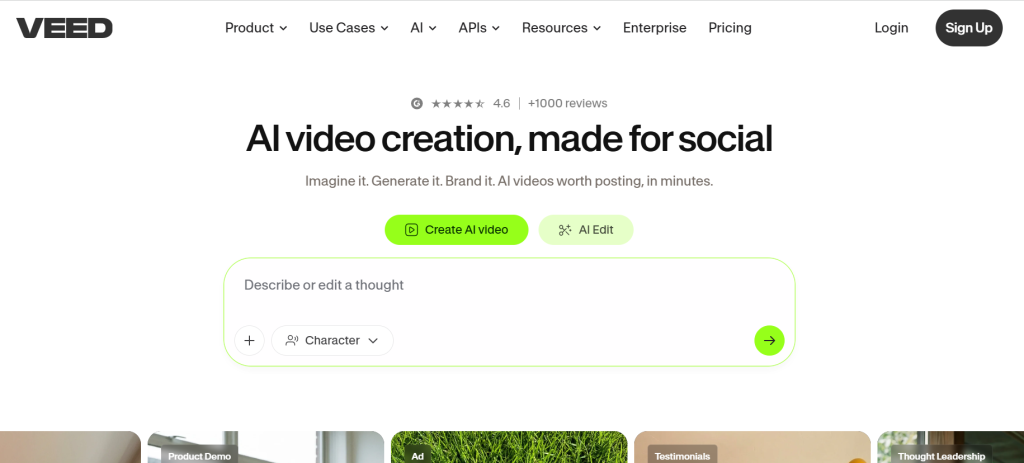
VEED is the easiest on-ramp for quick social clips and short support videos when edit speed matters most.
VEED Pros
- Simple avatar generation inside a fast editor with strong captioning and social layouts
- Personal and custom avatars on qualifying paid plans
VEED Cons
- Avatar realism trails specialist tools, and native branching is absent
- Multilingual translation depth is narrower than dedicated tools like HeyGen, so global rollouts may need a second platform
My Experience with VEED
I made short product snippets with captions and on-screen calls to action for social feeds. The editing flow was faster than more advanced platforms.
For support, I cut 30 to 60 second fix videos and embedded them beside help articles. That was enough for simple issues.
VEED Price
Free plans help you start, but avatar features unlock on higher tiers. Confirm generation limits and custom avatar access before rollout.
Fliki
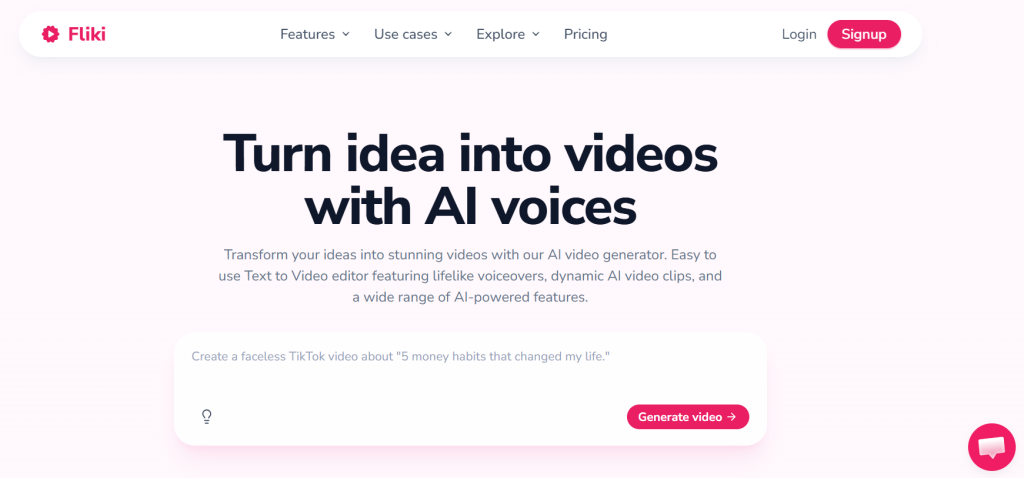
Fliki is the fastest script-to-avatar option when you need useful volume more than precise scene control.
Fliki Pros
- Idea or script to avatar video in minutes, with a large voice catalog
- AI script generation, stock media, and template-based scenes for high-volume content workflows
Fliki Cons
- Less control over motion and staging, and no live agent capability
My Experience with Fliki
I used Fliki to batch FAQ clips and short feature teasers with the same intro, outro, and caption style. It worked well as a backfill tool when premium credits were tight elsewhere.
For social and blog repurposing, the speed advantage was clear; turning written posts into 60-second avatar summaries took minutes, not hours. The output was rarely my finished asset, but it was a strong first cut for review and a useful way to test which scripts deserved a higher-budget render later.
Fliki Price
Fliki offers a free plan and paid tiers. Check avatar counts, render limits, and voice allowances before you commit.
Frequently Asked Questions
These are the questions most teams ask before they buy.
What is the best avatar generator for support and marketing videos?
For most teams, Synthesia is the safest overall choice for pre-rendered support, education, and product tours. D-ID is stronger when you need a live, knowledge-connected avatar. HeyGen leads if translation quality is the deciding factor.
Are there any free AI avatar generators?
Yes. Several tools on this list offer free plans or trials, including Synthesia, Colossyan, VEED, Vidyard, and Fliki. Expect limits on minutes, watermarks, and avatar access.
How much do AI avatar generators cost?
Entry plans usually look like standard software subscriptions, but the real cost comes from credits and minutes. Premium models, custom avatars, and live agents usually add another layer of spend.
Which tools support real-time avatar agents for support?
D-ID and HeyGen support live streaming avatars through application programming interfaces and related tools. Elai is another practical option if you want a simpler live video chat setup.
How do I integrate avatars into my help center or product?
Most teams start with an embed or player for pre-rendered video. For live agents, use the vendor tools or application programming interface to connect the knowledge base. Add a clear path to a human agent when confidence drops.
AI Agentic Platform For Building Portable AI Agents
Say Hello To Agentic AI That Connects With Your CRM And Even Other Agents