


Six weeks. Ten tools. Roughly 40 hours of finished video.
Short version. Need a training video with quizzes? Use Synthesia. Need a live avatar that answers customer questions? Use D-ID.
Need to translate one video into 40 markets? Use HeyGen. Everything else covers narrower use cases.
Key Takeaways
- Synthesia wins for enterprise support and product education with realistic avatars, branching quizzes, 160+ languages and SCORM export.
- D-ID leads for real-time avatar agents that answer questions and hand off cleanly to a human.
- Colossyan is the runner-up for interactive training with branching lessons, quizzes and analytics.
- HeyGen dominates multilingual marketing with 175+ language translation and voice preservation.
- Elai, AI Studios, Vidyard, VEED, Hour One and Fliki cover narrower needs like live chat, budget language coverage, sales outreach, quick edits, enterprise training and high-volume production.
Quick Comparison Table
| Tool | Best For | Key Strength | Starting Price |
| Synthesia | Enterprise training | 160+ languages, SCORM export | $22/month |
| D-ID | Live conversational avatars | Real-time knowledge base connection | Custom |
| Colossyan | Interactive training | Branching quizzes and analytics | $27/month |
| Zeely | Performance marketing | AI avatar ads + Meta campaign launch | $29.95/month |
| HeyGen | Multilingual marketing | 175+ languages, voice preservation | $24/month |
| Elai | Live chat and video | Real-time chat, 75+ languages | Custom |
| AI Studios | Budget multilingual | 110+ languages, low cost | Custom |
| Vidyard | Sales outreach | CRM integration, viewer analytics | $59/user/month |
| VEED | Quick social clips | Fast editor with captions | $18/month |
| Fliki | High-volume production | Script-to-avatar in minutes | $28/month |
| Hour One | Enterprise training | Corporate avatars with SSO | Custom |
Portable AI Agents In Seconds, Use Everywhere
Prompt, Test, and Deploy AI Agents Across Social Platforms and LLMs. Automate Everything.
How I Tested
Same three workflows in every tool: a five-minute support explainer, a translated marketing clip in three languages and where supported, a real-time avatar answering product questions from a knowledge base. As agentic AI capabilities continue to evolve, these real-time interactions are becoming an important benchmark for evaluating enterprise-ready avatar platforms
I measured response latency during a two-hour stress test, lip-sync accuracy checked with native speakers in Spanish and Japanese, credit math for 20 hours of monthly finished video and how cleanly each tool escalated to a human.
One caveat. I tried building a 12-language marketing video in Fliki and the output quality varied enough that I rebuilt it in HeyGen.
Synthesia
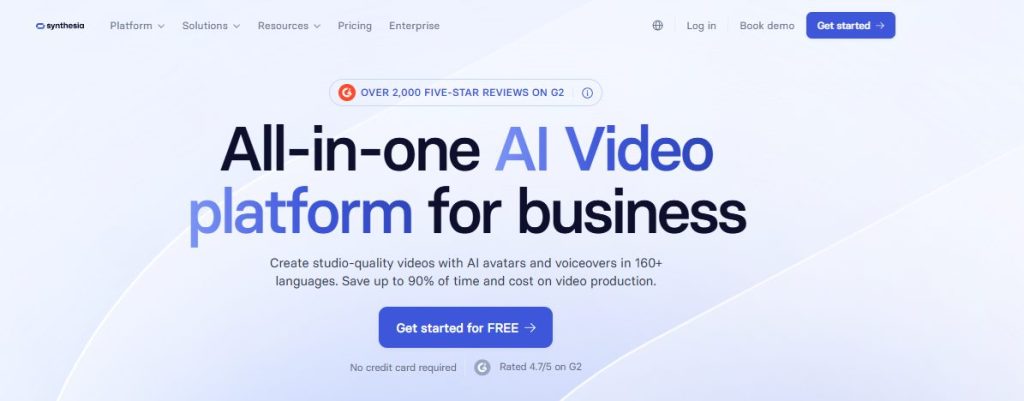

For enterprise teams shipping training and product education video at scale, Synthesia is difficult to beat.
Pros: 240+ stock avatars plus custom options, built-in branching and quizzes, 160+ languages with SCORM export, enterprise SSO and audit logging, brand kits that enforce logo and font rules.
Cons: No real-time two-way avatar agent, credit-based usage means careful forecasting and custom avatar creation requires a studio session.
I turned 12 top help articles into short avatar videos with clickable menus and quiz checks over one afternoon. My second video took less than 20 minutes from script to publish. Finished videos looked consistent across all three test languages, which is not something I could say for most other tools I tested.
Honestly, this is the tool I would recommend to most enterprise teams even if the avatars looked slightly less polished than they do. The workflow discipline matters more than the visual sizzle. Synthesia’s AI avatar generator is built around exactly that principle, with enterprise-grade quality, multilingual output and SCORM export in a single editor.
Price: Starter around $22/month. Enterprise plans add unlimited minutes, SCORM and SSO with custom pricing.
D-ID
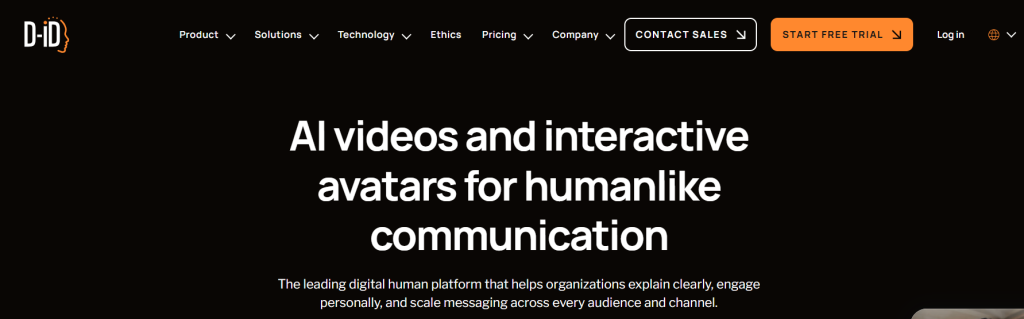

Where Synthesia dominates pre-rendered video, D-ID stakes out different territory. Live, knowledge-connected avatars embedded in support flows or product pages.
Pros: Real-time conversational avatars through browser streaming, LLM integration with custom knowledge bases, async video generation and developer-friendly API.
Cons: Visual realism trails Synthesia, no native quiz or branching authoring and studio features price differently from the API.
Live AI agent testing started with billing questions, order tracking and account management. The avatar handled simple requests reliably and routed edge cases through the escalation flow. Mouth movement looked less natural than Synthesia. Guardrails and session logs turned out essential. Without a review loop, the avatar would confidently answer questions it should have escalated.
Price: Free trials available. Paid plans use minutes or credits with studio and API features priced separately.
Colossyan
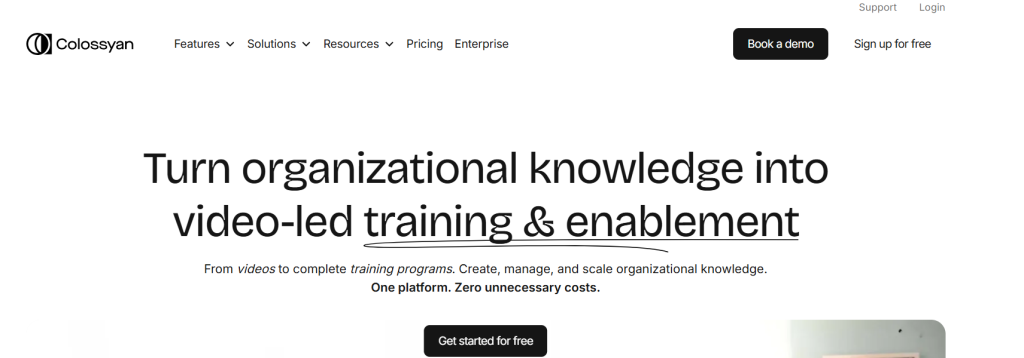

Colossyan is what you pick if you need Synthesia-style training video but with more emphasis on measuring whether learners understood the content.
Pros: Branching scenarios with multiple-choice quizzes, SCORM export, 200+ AI actors, automated translation in 100+ languages and clear pricing tiers.
Cons: Realism sits a step behind Synthesia. Live agent use cases are not the focus. Custom avatar options are more limited.
Onboarding videos became decision trees with quiz gates pushing users to docs, trials or booking pages. Analytics measured comprehension, not just play rate.
Price: Entry tiers around $27/month.
Zeely
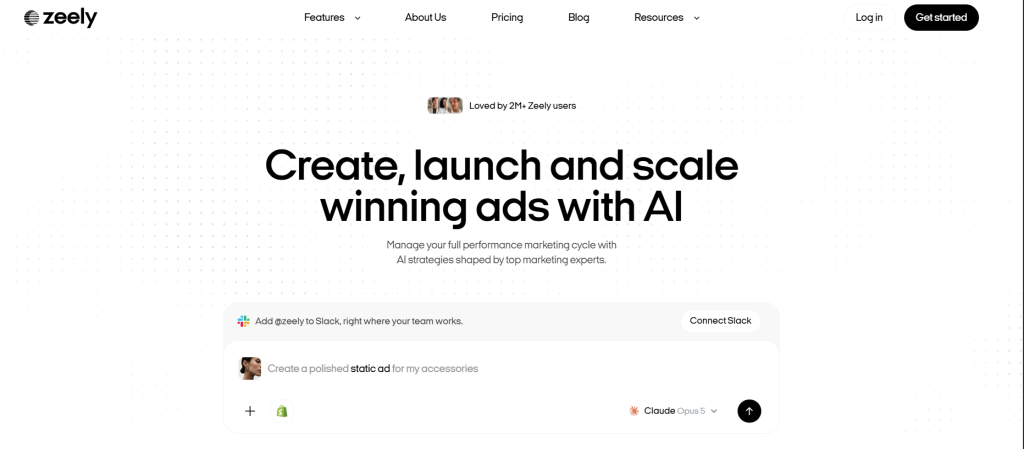

For ecommerce and performance marketing teams, Zeely takes a different approach to avatar video. Instead of focusing on training or live support, it connects AI-generated video directly to the paid advertising workflow.
Pros: AI video and UGC-style ad creation from product information, static and video creatives in one platform, built-in Meta campaign launch, performance tracking and multiple creative variations for testing.
Cons: Not designed for SCORM training, interactive learning or real-time support agents. Creative generation uses credits, and campaigns run through Zeely’s Meta partner account can include an additional service fee.
A product or offer can be turned into multiple short-form creatives with scripts, visuals, voiceovers and avatar-led formats, then moved directly into a Meta campaign without rebuilding the campaign in another tool. That makes Zeely particularly useful for smaller ecommerce and marketing teams where the same person is responsible for producing the creative, launching ads and checking which version performs.
Price: Starter at $29.95/month, Plus at $49.95/month and Growth at $79.95/month.
HeyGen


Translation quality decides everything for HeyGen. If localizing one video into 40 markets is your main workflow, test this first.
Pros: 175+ languages with voice preservation and lip-sync, LiveAvatar streaming API, Instant Avatar creation from webcam recording and strong template library.
Cons: Premium models, translation and live features consume separate credits. Native quiz authoring is lighter than dedicated training tools.
One flagship product video went into six languages while keeping the on-screen look consistent. Subtitle accuracy and voice matching were noticeably better than the rest of the field. For outreach, personalized intros saved time on the first 50 sends, but credit math mattered once volume climbed past a few hundred videos per month.
Price: Creator plans start around $24/month. Enterprise plans price on volume.
Elai
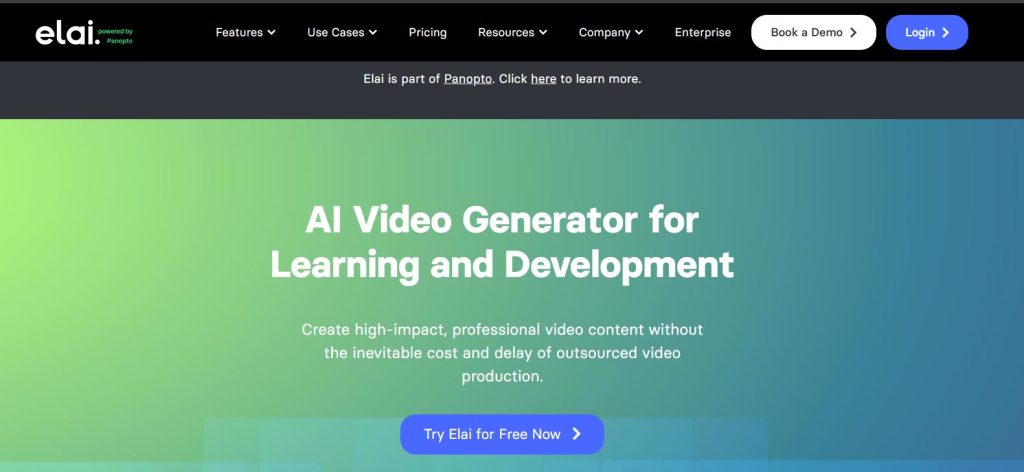

Elai sits in a useful middle space. Teams that want both live chat and standard avatar video in one tool without paying enterprise prices.
Pros: Real-time video chat with 75+ languages and 400+ voices, 3 to 5 second response targets and template-based text-to-video.
Cons: Pre-render quality trails leaders, smaller integration ecosystem and custom avatar quality varies by input recording.
A guided concierge avatar went onto product pages for common questions. Response speed held up under moderate traffic during my two-hour stress test.
Price: Tiered pricing with live chat and custom avatars on higher plans.
AI Studios by DeepBrain AI
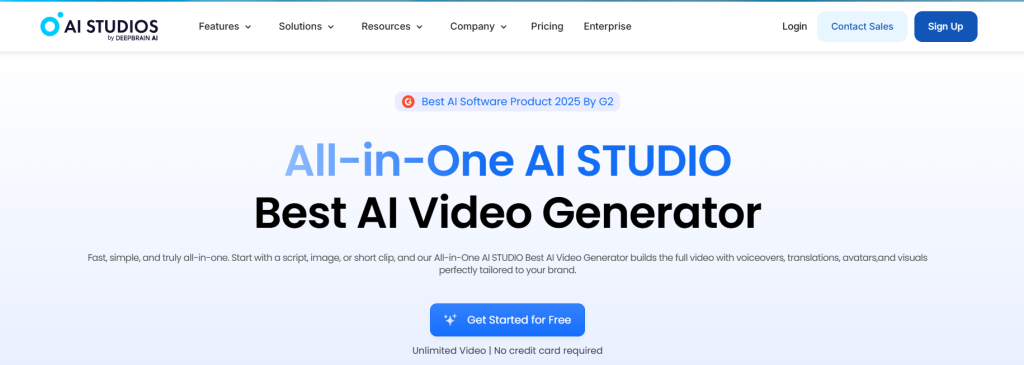

Language coverage is the deciding factor. When you need 100+ markets on a budget, this platform makes sense.
Pros: 110+ languages for text-to-speech, photo avatars, multi-avatar scenes and free tier.
Cons: Voice and lip-sync quality vary by model. Native interactivity is limited.
FAQ videos for 10 languages came together quickly by reusing templates. Results depended heavily on the chosen voice model.
Price: Free to enterprise. Credits and minutes drive final cost.
Vidyard
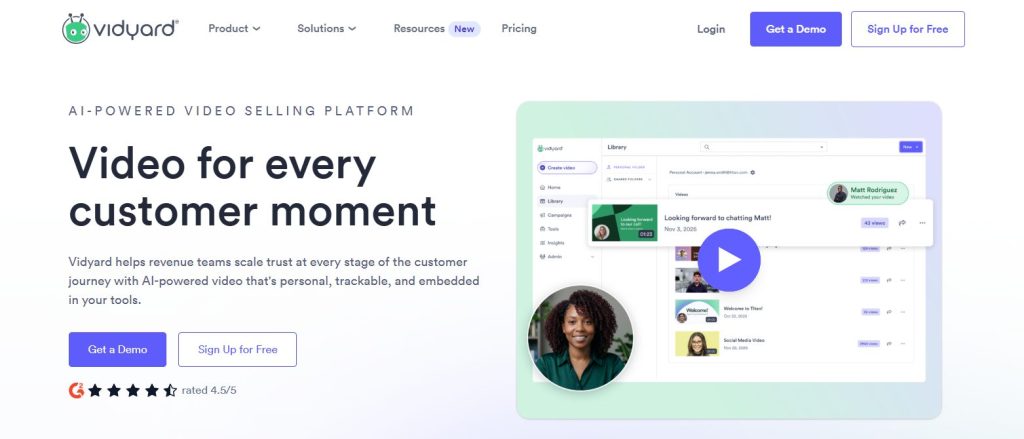

Sales workflows are where Vidyard earns its place. Custom AI avatars blended with bulk personalization from CRM lists and viewer-level analytics.
Pros: Custom avatars that look and sound like you, bulk personalization from CRM, viewer analytics with CTA tracking and native Salesforce and HubSpot integrations.
Cons: Not built for deep learning flows, limited multilingual depth and best value is sales workflows specifically.
Post-demo follow-ups, renewal nudges and onboarding check-ins across a test list of 40 contacts. Within an afternoon it was obvious this is a sales tool first and a video tool second. If a contact watched most of a video, the next step was clear. If they stopped at 15 seconds, that was a signal too.
Price: Free plan with limits. Team plans typically start around $59/user/month.
VEED
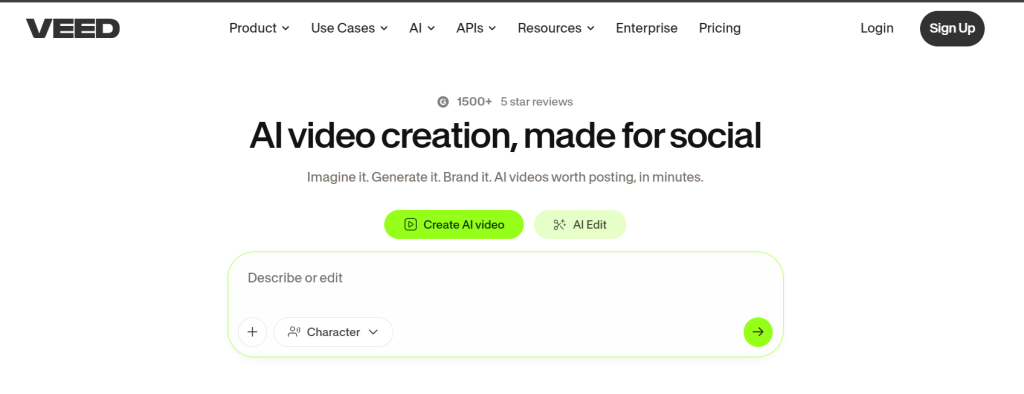

Speed matters more than realism for VEED’s target use case. Quick 30-second product clips for social or short support videos.
Pros: Fast editor inside a browser, strong captioning and social layouts, personal and custom avatars on paid plans.
Cons: Avatar realism trails specialist tools, native branching absent and multilingual depth narrower than HeyGen.
Short product snippets with captions and CTAs came together fast for social feeds. The editing flow beat more advanced platforms by avoiding timeline complexity. For teams looking beyond avatar-based content, comparing the latest AI video generators can also help narrow down which tools offer the right balance of quality, speed and creative control.
Price: Free plan available. Pro plans start around $18/month.
Fliki
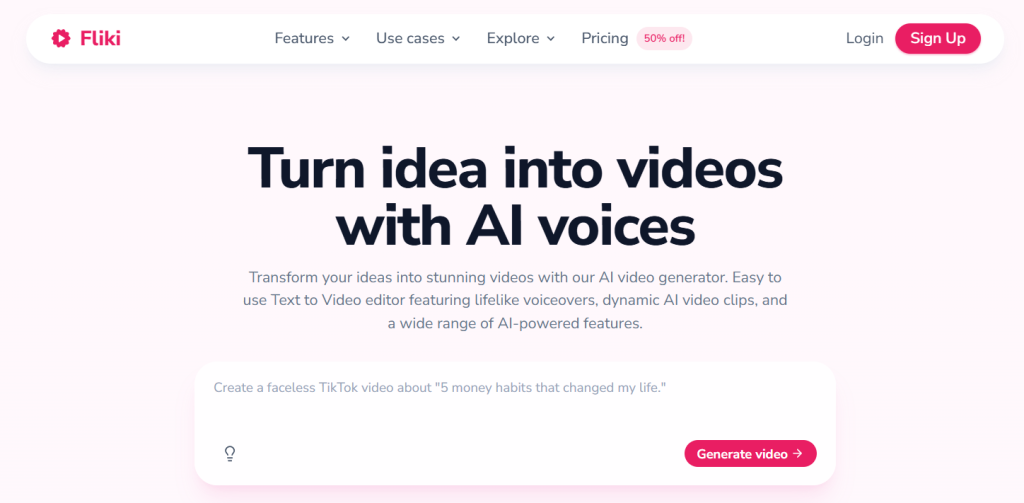

Volume over polish is the trade Fliki asks you to make. When you need useful volume more than precise scene control.
Pros: Idea or script to avatar video in minutes, large voice catalog across 80+ languages, AI script generation and template-based scenes.
Cons: Less control over motion and staging, no live agent capability and output quality varies by input script.
Batch runs worked well. I produced 25 FAQ clips and short feature teasers with the same intro, outro and caption style. Fliki gets criticized for output quality, and honestly, at this price point I think that criticism is unfair. You are not buying prestige video. You are buying volume.
Price: Free plan available. Standard plans start around $28/month.
Hour One
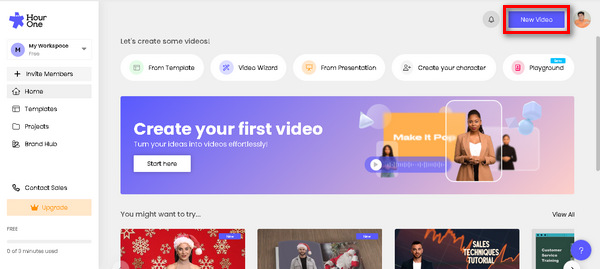

Enterprise teams needing professional AI presenters for training and support content should test Hour One. Realistic corporate avatars and scalable production.
Pros: Business-oriented avatars for corporate video, template-based production with brand kits, enterprise SSO and role-based permissions.
Cons: Interactivity lighter than Colossyan or Synthesia. Custom avatar creation is enterprise-only. Pricing is less transparent.
A batch of 15 sales enablement videos with consistent brand styling came together over two days. Template controls made it easy to hand the workflow to a marketing colleague.
Price: Custom enterprise pricing. Free trials available.
Which AI Avatar Generator Should You Pick?
For most teams shipping support and marketing video in 2026, Synthesia is the safest overall choice.
Choose D-ID if you need a live, knowledge-connected avatar, especially if your goal is to build AI agent experiences for customer support or product guidance. Choose HeyGen if translation quality is your deciding factor. Choose Colossyan if training outcomes matter more than avatar polish. Choose Vidyard for sales outreach, VEED for quick social clips, Hour One for enterprise training and Fliki for high-volume backfill content. Whichever tool you land on, the raw avatar clips still need topping and tailing, I ran mine through a simple editor like the one by Movavi to generate captions and add an intro and a product shot before publishing
Synthesia vs HeyGen
Synthesia leads for structured training with SCORM export, quizzes and workflow controls. HeyGen leads for translation-first workflows where localization decides everything. Teams needing both find Synthesia has broader coverage, though HeyGen’s translation quality remains best in class.
D-ID vs Elai
D-ID is stronger for developer-first API integration and knowledge-base agents. Elai is easier for teams that want a live chat setup without engineering support.
Colossyan vs Synthesia
Colossyan wins on quiz-based learning analytics and comprehension tracking. Synthesia wins on avatar realism, language coverage and enterprise controls.
Frequently Asked Questions
What is the most realistic AI avatar generator in 2026?
Synthesia and HeyGen produce the most realistic AI avatars today. Both use advanced lip-sync and voice modeling that pass casual viewing but not extended close-up scrutiny. Synthesia’s studio-recorded custom avatars typically lead for photorealism.
Which AI avatar generator has the best language support?
HeyGen leads with 175+ languages and dialects with strong voice preservation. Synthesia covers 160+ languages with quality controls. AI Studios offers 110+ languages at a lower price point.
Are AI avatars good enough for professional videos?
For internal training, sales outreach, product tours and support content, yes. Tools like Synthesia, HeyGen and Hour One produce professional-grade output. For high-production brand campaigns requiring emotional performance, AI avatars still trail traditional video.
How much does an AI avatar generator cost per month?
Entry plans start around $18 to $28/month for VEED, Synthesia Starter, Colossyan and Fliki. Mid-tier team plans fall in the $49 to $99/user/month range. Enterprise plans price on volume, usually starting in the low thousands.
Can AI avatars replace human customer service agents?
For tier-1 support with clear knowledge base coverage, yes. D-ID and HeyGen handle common product questions, billing inquiries and simple troubleshooting. For complex issues, AI avatars should hand off to human agents.
Which tools support real-time avatar agents for support?
D-ID and HeyGen support live streaming avatars through APIs. Elai is a simpler option for teams that want live chat without full API integration work.
Are there free AI avatar generators available?
Yes. Free plans exist for Synthesia, Colossyan, VEED, Vidyard, HeyGen, AI Studios and Fliki. D-ID, Elai and Hour One offer free trials rather than permanent free tiers.
AI Agentic Platform For Building Portable AI Agents
Say Hello To Agentic AI That Connects With Your CRM And Even Other Agents