
You know that weird half-hour after you hit Send, when you’re refreshing dashboards like it’s a stock ticker? The campaign looks fine, the list is opted-in, the creative is clean… and yet opens are sluggish.
Then someone forwards you your own email from their Junk folder. Brutal. And yes, it happens to the best-managed programs at least once too.
Spam placement is rarely one “bad word” or one toggle in your ESP. It’s usually a stack of signals, reputation, authentication, engagement history, sending pace, and even how your HTML is put together. That’s also why many teams now rely on an email validation AI agent to continuously verify and clean their contact lists, reducing bounce rates and protecting sender reputation before campaigns even go out.
And because filters have tightened lately (hello, higher volumes and more junk everywhere), small changes can have outsized effects.
So instead of guessing, you need visibility. Below are nine tools that help you answer the only question that matters in that moment: where is this email actually landing?
1. InboxAlly
If you’re launching a new domain or coming back after a quiet stretch, email warmup is often the least dramatic way to rebuild trust while you ramp.
InboxAlly uses seed inboxes and engagement signals to help reinforce “wanted mail” behavior, which can support inbox placement over time.
The upside is you’re not just scoring an email, you’re shaping the pattern inbox providers see. The trade-off is it’s a process, not a one-off test.
2. GlockApps Inbox Insight

GlockApps is classic seed testing: send your email to their seed list, then get a provider-by-provider report showing Inbox, Spam, and sometimes tabs or subfolders.
What’s interesting is how quickly it surfaces “only Outlook hates us” problems. Run it before a big blast, after a template overhaul, or anytime you change sending infrastructure.
3. Litmus Spam Testing
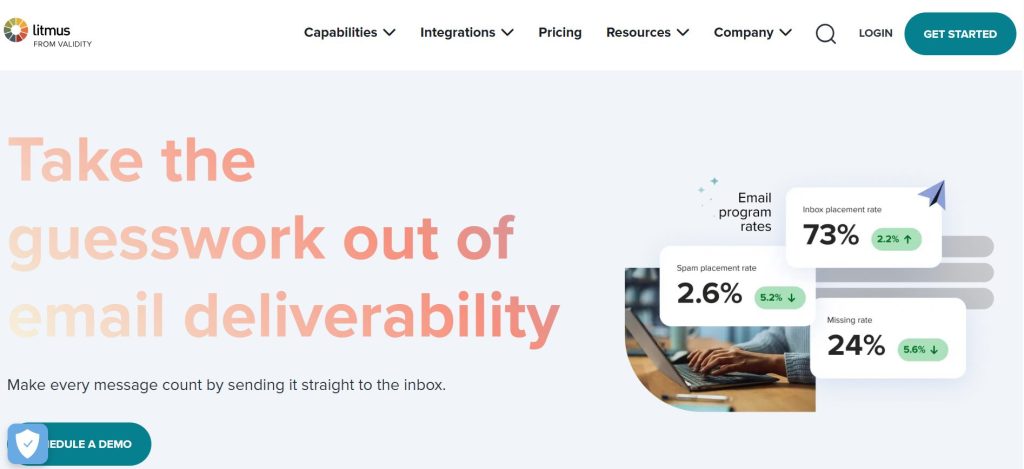
Litmus is known for previews, but its spam testing checks placement filters across major mailbox providers.
That matters because deliverability isn’t just copy; it’s also formatting, authentication, and reputation signals working together.
If your email looks broken or weird in certain clients, that can create engagement drag, and engagement drag becomes deliverability drag.
4. Everest by Validity
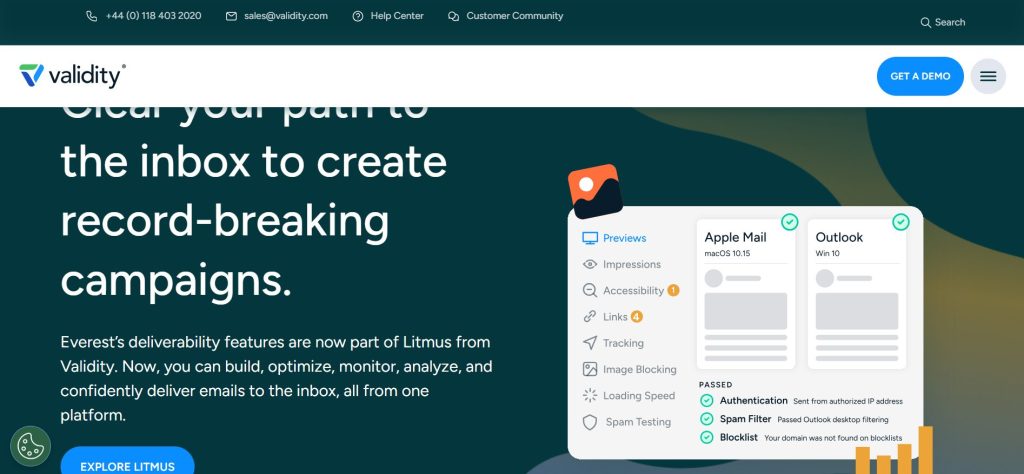
Everest is built for ongoing inbox placement monitoring, not just “test once and hope.” It uses seed addresses to show where messages land and helps you track trends by provider over time.
The benefit is pattern spotting: a one-day blip is noise, but a two-week slide is a warning. The trade-off is cost and setup effort.
5. Email on Acid
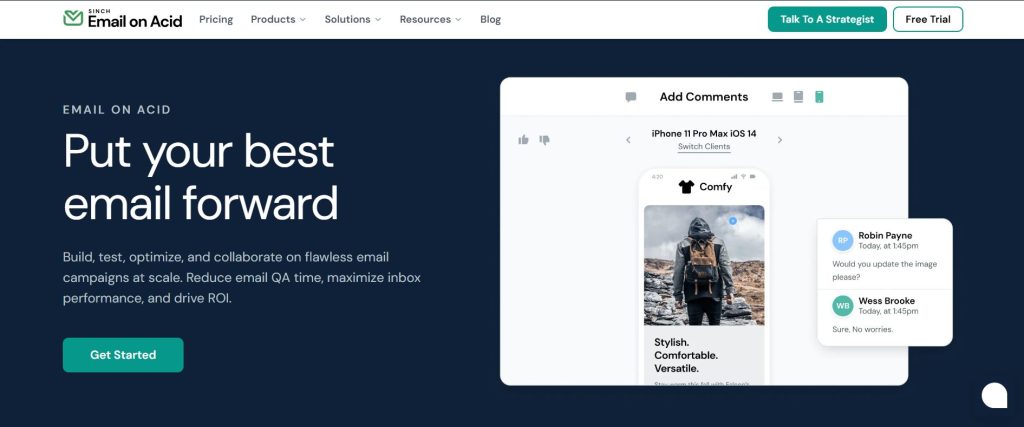
Email on Acid pairs inbox placement-style reporting with checks that tend to be actionable: authentication alignment, common filtering risk factors, and pre-send quality issues.
It’s a solid middle ground when you want one workflow that covers “Will this break?” and “Will this get filtered?” without adding five separate tools.
6. Mail-Tester
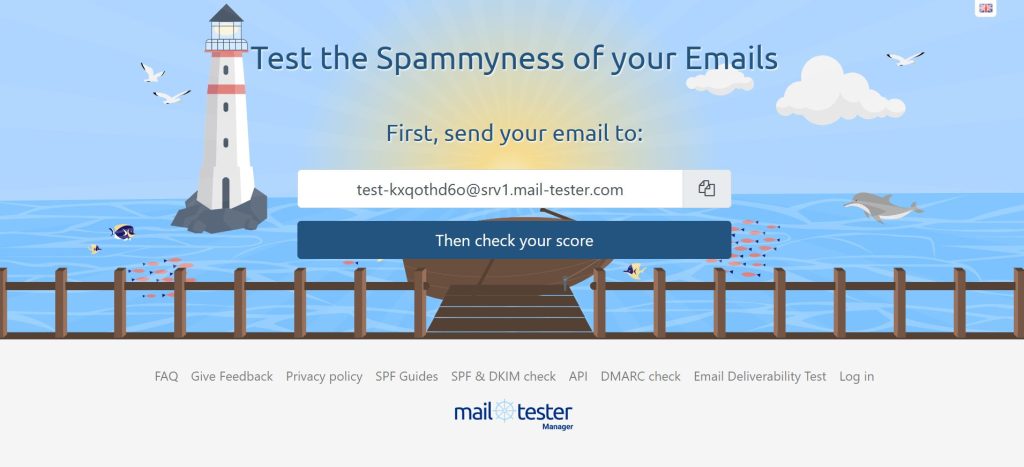
Mail-Tester is simple and fast: send to a unique address, get a report with a spam score and notes on server/config issues.
It’s especially useful when you’re troubleshooting your own sending setup (domains, DNS, headers) and want a clear checklist. Just don’t treat the score as a promise—treat it as a warning system.
7. MailGenius
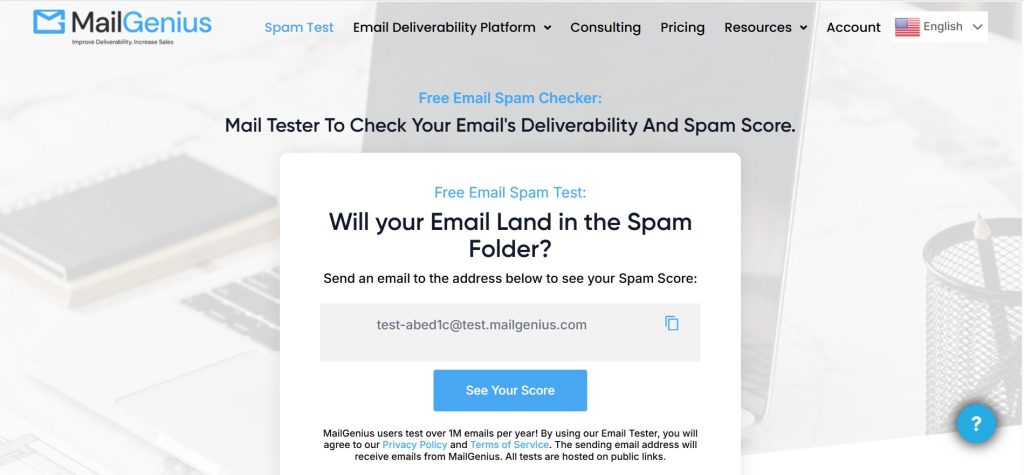
MailGenius works similarly: you send a test message, and it flags common issues that can push mail toward Spam or Promotions.
Tools like this shine when you’re iterating quickly—new template, new offer, new footer links—and you want to catch preventable mistakes before they hit your full list.
8. Google Postmaster Tools
If a big chunk of your audience is on Gmail, Postmaster Tools is a must. It reports things like spam rate and reputation indicators from Gmail’s perspective.
The nuance: it won’t say “this exact email landed in spam,” but it will tell you when Gmail’s trust is rising or dropping. Watch trends weekly, then tie shifts back to volume changes, list quality, or content changes.
9. Microsoft SNDS
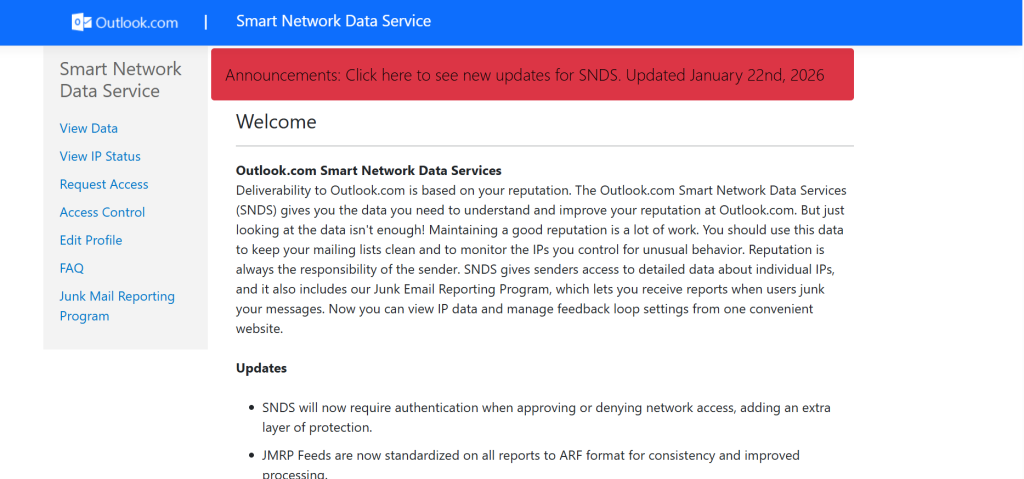
When Outlook deliverability is the issue, Microsoft SNDS can be the quickest reality check. It gives visibility into IP activity and signals tied to filtering, including spam complaints and spam trap indicators.
It’s not a pretty dashboard, but it can confirm whether you’re dealing with a Microsoft-side trust problem versus a creative or list problem.
How to Use These Tools Without Spiraling?
Let’s be real: none of these tools is “the truth” by itself. Seed tests show what happens in controlled inboxes; real subscribers add history, personal rules, and wildly different engagement behavior. So the goal is triangulation. Increasingly, teams are using agentic AI systems to monitor deliverability signals across tools, identify patterns, and recommend corrective actions automatically instead of relying solely on manual checks.
Take a hypothetical example: you switch from one CTA link to three, add a new tracking domain, and increase volume from 30k to 80k in a week. If Gmail opens dip, is it the links, the tracking, the ramp, or list fatigue?
For teams managing multiple brands or client accounts, this is where a white label AI agent platform can help standardize monitoring, automate testing workflows, and keep deliverability performance consistent across campaigns.
A seed test (GlockApps/Litmus/Everest) can show placement shifts by provider, while Postmaster/SNDS can show whether reputation is actually sliding. That combination narrows the “why” fast.
A few practical guardrails help, too:
- Test the same “control” email regularly (same structure, same sender, similar links) so you can compare apples to apples.
- Change one major variable at a time when you’re debugging.
- Segment your send: highly engaged first, then expand. Engagement is the most underrated deliverability lever.
For teams building internal automation workflows, using an AI agent builder can help connect spam testing tools, engagement metrics, and authentication monitoring into one streamlined system.
Right before the send, one last pass with an email spam checker is worth it, not because it predicts everything, but because it catches dumb, avoidable issues when you’re moving quickly.
Winding Up
If you’re checking spam placement, you’re not being paranoid, you’re being responsible. Filters react to patterns, and patterns are made of small decisions: how fast you ramp, how clean your list is, how consistent your sending is, and whether your emails earn opens and replies.
Use these tools to see what’s happening, then make calmer changes with real evidence. That’s how you stay out of spam long-term.
AI Agentic Platform For Building Portable AI Agents
Say Hello To Agentic AI That Connects With Your CRM And Even Other Agents