


AI chatbots are everywhere now. On websites. Inside apps. In support tools and internal systems. But most people still don’t enjoy using them.
They feel stiff. They misunderstand intent. They talk too much or too little.
This is where UX and UI really matter. And this is exactly the kind of problem teams like Fuselab creative work on, not making chatbots smarter on paper, but making them easier and more natural to use in real conversations.
Early chatbots focused on logic, not people
The first chatbots were built around rules. If this, then that. From a technical point of view, it made sense. From a user point of view, it didn’t.
Users had to adapt to the bot. Use the right words. Follow rigid paths. When they didn’t, the experience broke. And trust dropped fast.
Modern chatbots shift the focus to intent
Today’s AI chatbots are different. They don’t just look for keywords. They try to understand intent and context.
But understanding intent alone is not enough. If the interface is confusing, users still struggle. Even with agentic AI systems capable of autonomous decision-making, a confusing interface still causes users to struggle.
This is where UX/UI design steps in. Not to control the AI, but to guide the conversation.
Portable AI Agents In Seconds, Use Everywhere
Prompt, Test, and Deploy AI Agents Across Social Platforms and LLMs. Automate Everything.
Good chatbot UX feels like guidance, not control
Users don’t want to be led through a maze. They want help. Modern chatbot UX focuses on clarity. Clear prompts. Clear responses. Clear next steps.
A comprehensive guide on chatbot design explains that modern conversational UX combines classic design principles with AI’s growing ability to understand user intent and context, emphasizing that effective chatbot UX/UI is ultimately about clarity, smooth conversational transitions, and meeting users exactly where they are in the dialogue, rather than overwhelming them with complex flows or rigid scripts. This perspective is outlined in Chatbot.com’s 2024 article, which highlights how thoughtful UX/UI decisions directly influence user trust, engagement, and overall satisfaction with AI-powered conversational interfaces.
That’s the key shift. Less control. More alignment.

Conversation is the interface
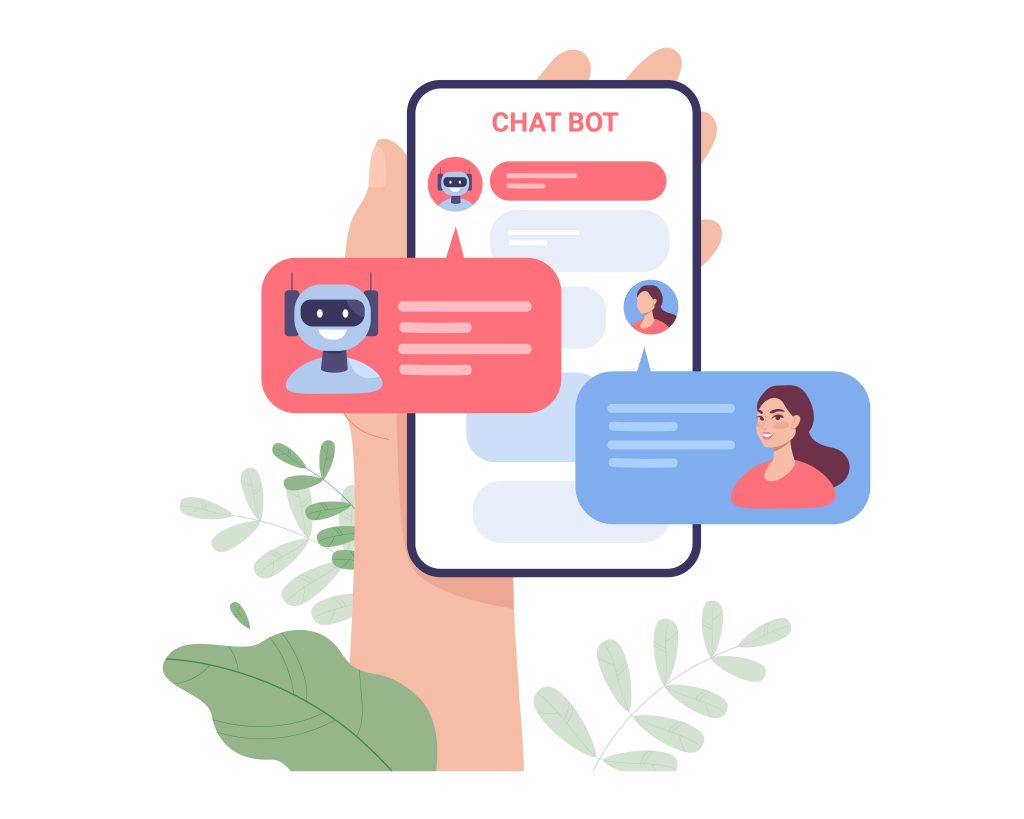
With chatbots, the interface isn’t just visual. It’s conversational. Tone matters. Timing matters. Length matters.
If responses are too long, users skim or leave. If they’re too short, users feel lost.
UX designers work on this balance. How much to say. When to ask a question. When to pause. This is design work, not copywriting. Modern chatbots are also expanding into areas like ai photo editing, offering users more interactive and visually driven experiences beyond simple text conversations.
Smooth transitions keep users engaged
One of the biggest chatbot UX failures is abrupt transitions. A user asks a question.
The bot changes topic suddenly. Or jumps into a long explanation.
Good chatbot UX avoids that. It acknowledges the user’s input. Then moves forward step by step.
These small transitions build confidence. Users feel heard. They feel guided, not pushed.
UI supports the conversation
Even in chat-based systems, UI still matters. Buttons reduce typing. Quick replies reduce effort. Visual cues reduce uncertainty.
A well-designed chatbot UI supports the conversation without interrupting it. It helps users move faster when they want to. And slow down when they need clarity.
This balance is hard to get right without UX thinking.
Trust grows from predictability
Users trust chatbots when they know what to expect. If the bot suddenly changes tone or behavior, trust breaks. If it gives inconsistent answers, users stop relying on it.
UX/UI design helps define guardrails, especially when using branded agent builders where tone, visual identity, and conversational behavior must stay consistent across experiences. How the bot speaks. How it handles errors. How it admits uncertainty. These details matter more than raw intelligence.


Enjoyment comes from effort reduction
Users don’t enjoy chatbots because they’re clever. They enjoy them when they save time, whether that’s answering questions instantly or running background tasks like an email validation agent without manual effort. When questions are answered quickly. When steps are skipped. When effort goes down.
UX/UI design focuses on this outcome. Less friction. Less repetition. More relevance. Thoughtful and strategic marketing design assets play a crucial role in shaping interfaces that feel intuitive and helpful, making the chatbot experience enjoyable instead of annoying.
Why design agencies matter here
AI models improve constantly. UX doesn’t fix itself. Without design guidance, chatbots become powerful but awkward. They can do a lot, but feel hard to use.
Teams like Fuselab Creative bring structure to this space, especially for businesses building a whitelabel AI agency that needs scalable, well-designed conversational experiences for multiple clients. They align AI capability with human behavior. They shape conversations that feel natural, not forced.
The takeaway
AI chatbots are no longer just technical tools. They are user experiences.
Their success depends less on what they can do and more on how they feel to use. Good UX/UI design turns chatbots into guides, not obstacles. It respects user intent. It keeps conversations clear. It builds trust over time.
That’s how AI chatbots evolve from something users tolerate into something they actually enjoy using.
AI Agentic Platform For Building Portable AI Agents
Say Hello To Agentic AI That Connects With Your CRM And Even Other Agents