


You are familiar with such a situation. You’ve just secured the perfect table at a lively coffee shop or finally reached your gate at the airport. You open your laptop, connect to the free Wi-Fi, and take a deep breath. It seems like the right moment to clean your inbox, check your bank balance, or complete that presentation.
Nevertheless, while enjoying your drink and feeling productive, you may unknowingly be walking into a digital minefield. That free connection brings convenience, but more often than not, it will cost you a lot: your privacy. Public networks are less secure than most, thus making them good places for cybercriminals to hunt for easy victims.
It doesn’t imply a complete disconnect from the world. It only means a smarter way of connecting. This guide is going to be your Wi-Fi safety bible to get total account protection online. We will alert you to the hidden dangers of open networks and equip you with the necessary tools and habits to safeguard your personal information.
What Kinds of Dangers Are There on Free Wi-Fi?
First of all, to save yourself you need to know what you are facing. Public network hackers don’t have to master new tricks; they can simply use publicly available software to take advantage of poorly secured networks.
The Man-in-the-Middle
Remember the times when you were in elementary school. Your friend was to receive a secret note from you. Then the class bully, who hates you, intercepts, reads, and maybe even changes the note before passing it to your friend. This is the Man-in-the-Middle attack, which got you, to some extent.
Whilst surfing the net on public Wi-Fi, data travels back and forth between your device and the router. If this connection is not secured, a hacker can put himself in the middle and thus intercept the transfer. They can get your email, credit card number and login details without you ever realizing it.
“Evil Twin” Networks
Have you noticed “Free_Airport_WiFi” or “CoffeeShop_Guest” as the network names? It looks like a real network and thus you connect without even thinking. But the truth is that hackers often set up fake hotspots with network names identical to those of the trusted ones.
They are called “Evil Twin” attacks. Once you connect to their rogue hotspot, every step you take is routed through the hacker’s device. In fact, you are giving your browsing history and data directly to a criminal while thinking that you are surfing the net safely.
Packet Sniffing Explained
Data on a wireless network is transmitted in small chunks called packets. Without encryption, these packets spread through the air as if they were radio signals and can thus be intercepted by anyone. The attacker can collect these packets by running packet-sniffer software, which is a risk not only for consumers but also for ecommerce sites using tools like a shopify chatbot on public Wi-Fi. If the attacker cannot see the data because it is encrypted, he can grab cookies or passwords entered on an insecure site.


The First-Line Defenses You Must Use on Your Device
Before we get into what you can do, you already understand the risks. To protect your devices the following steps, you do not have to be a computer expert, are enough.
The Foremost: Virtual Private Networks (VPNs)
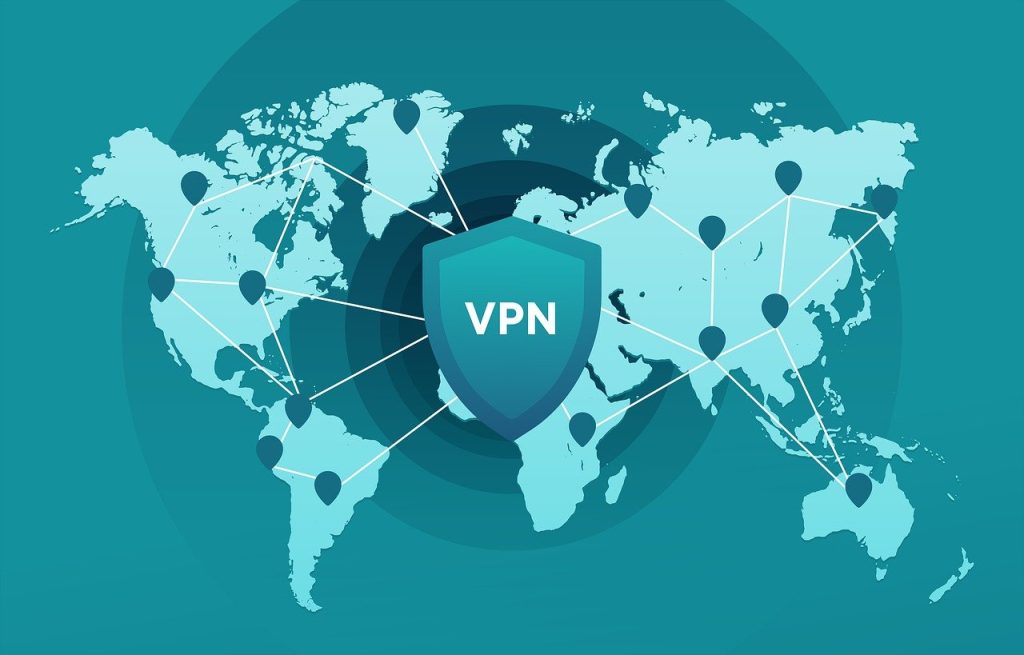
The most important single tool when it comes to securing public Wi-Fi is Virtual Private Network or VPN, especially when you interact with an ai agent that sends and receives data over open networks. With a VPN enabled, all your internet traffic goes through an encrypted tunnel. Your data is scrambled so that even if it gets intercepted, a hacker would not be able to make any sense of it.
With the great number of Virtual Private Network services available on the market, it can be hard to find the best one. To really keep your data safe, you have to pick the service which has high levels of encryption and doesn’t keep any logs of your activity. According to VPNpro, a quality VPN service provider is the best method to secure a connection against common threats of public networks.
Two-Factor Authentication (2FA)
Have you ever wondered how Two-Factor Authentication (2FA) guards you? Well, suppose a hacker obtained your password by using public Wi-Fi; then 2FA acts as a barrier to stop them from getting into your account.
Two-Factor Authentication requires two elements before allowing users to log in, a key recommendation in any cybersecurity for marketing teams strategy to protect accounts.: something you know (your password) and something you have (a code issued to your phone or generated by an app). Without the second code, the hacker cannot get in even if they came into possession of your password.
Disable the Auto-Connect Feature
It is a great time saver when phones and laptops can instantly connect to an available Wi-Fi network that is not secured with a password without the need to ask a user for permission.
In case your device is able to automatically connect to any open network that it comes across, it is possible that you will unknowingly connect to a malicious hotspot while your phone is still in your pocket. So, just open up your Wi-Fi settings and turn off the option “automatically connect to available networks.” This will be a force for you to deliberately choose which networks are trustworthy.
Portable AI Agents In Seconds, Use Everywhere
Prompt, Test, and Deploy AI Agents Across Social Platforms and LLMs. Automate Everything.
Guidelines for Safe Online Browsing
Although necessary and valuable, software tools function at their maximum only when they are backed by good habits. The way you browse makes a huge difference in how exposed to risk you are.
Check for the Lock (HTTPS)
You should always check out the URL bar first, before typing in any password or credit card number to a website, this practice matters no less for ecommerce platforms where users need to secure woocommerce stores against attacks. You want the first two things you see to be a padlock icon and “HTTPS.” The letter “S” denotes Secure.
HTTP websites communicate with browsers in an unencrypted fashion thus, it is very easy for packet sniffers to intercept the information. HTTPS encrypts the communication channel between the browser and the website. When you are on a site and there is no lock, do not put in any personally identifiable information.
“Wait Until Home” Rule
It is totally fine to use public Wi-Fi for reading news or finding a place to eat. However, it should not be used for quite risky operations. Make it a habit to always act as if you were at home when dealing with a sensitive situation.
Try not to go to your online banking account, make purchases using your credit card, or even check the health portal while using an unsecured network. However, if you really care about paying a bill or checking your balance, the best thing is to disable Wi-Fi and use cellular data instead since it is much safer than public hotspots.
Patch Your Ship
Although it is a bit irritating, you really should do updates as they are essential for your security. Operating system and application update releases frequently include security vulnerability fixes, which block hackers from exploiting these loopholes. Viruses and malware are commonly eliminated by a combination of our antivirus software and Windows Defender.

Your Security Arsenal: Must-Have Applications
You may add additional layers to your security plan by utilizing some specific apps.
Password Managers
Studies have shown that humans are wrong at one thing – remembering complicated passwords, so they probably come up with reusing the same password for multiple sites. This is so risky! When a hacker manages to crack your password on public Wi-Fi, they would not limit their attack to one site only. Rather, they will try your credentials on every major site (email, banking, social media, etc.). A password manager can automatically generate and save unique, strong passwords for various accounts in your absence.
Specialized Security Apps
Mobile gadgets can also be attacked by malicious software even if they are running on a mobile operating system. For the reasons stated above, you should set a trustworthy mobile security software on your phone or tablet. These applications can check out networks for any possible threats before you connect and notify you in case a network is suspicious.
VPN Suggestions
One ought to avoid free VPN providers when using a VPN. It’s expensive and free providers don’t have a source of revenue other than selling user-data to advertisers—thus, privacy is violated. Get a paid VPN that allows you to turn on the “kill switch” feature. This functionality will immediately terminate your internet connection once the VPN gets disconnected.
Start Securing Your Digital World Now
Public Wi-Fi keeps us connected and productive on the go, especially when teams build and manage solutions using a whitelabel ai agent builder that needs secure connections at all times. However, treating every open network as a potential threat is the only way to ensure total online account protection.
A VPN along with 2FA and your being selective about what to open in public will let you have a coffee and a nice connection without worrying about security issues in the digital world.
Don’t just sit around and wait for your data to be stolen before you make a move. Either download a good VPN app right now or take a few minutes to check your 2FA settings before your next coffee run.
AI Agentic Platform For Building Portable AI Agents
Say Hello To Agentic AI That Connects With Your CRM And Even Other Agents